Loading video…
Sound

Cute
CLOUDEE
0:00–:––
- Videos using it
- 37
- Creators
- 31
- Views on those videos
- 7.8M
The video provides a practical solution to a common design problem (starting from a blank page) by showcasing a tool that offers pre-built components, saving designers time and effort. The use of popular design systems like macOS and Untitled UI also appeals to the target audience.
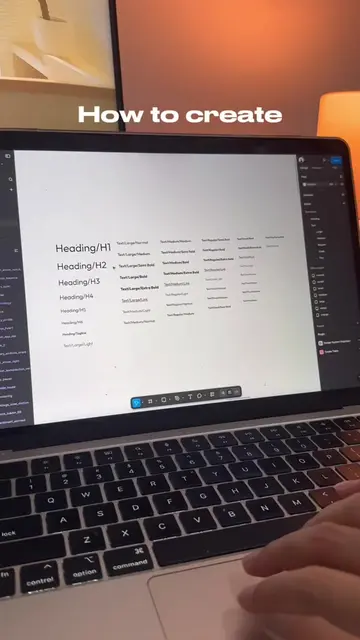
This video demonstrates how to use the "Design System Hub" Figma plugin to find and import design system resources, such as the macOS UI Kit and Untitled UI, into a Figma project. It shows how to search for components like input fields and modify their variants, offering a shortcut to UI design.
Your solution for a blank page figma file 😉 #figma #figmaplugin #uiux #designsystem #uikit
Start UI design from a blank page?
Introduce the problem of starting UI design from scratch.
Suggest using the "Design System Hub" plugin.
Showcase the macOS UI Kit as an example.
Highlight the variety of components available in design systems.
Demonstrate importing and using an input field from Untitled UI.
Explain how to publish and use libraries in Figma.
The video demonstrates the use of the "Design System Hub" Figma plugin, showcasing design systems like macOS UI Kit and Untitled UI, and how to import and use components like input fields within Figma.
Save this and follow for other tips!
Figma plugin for designers finding and importing design system components
All time.
Promotes 4 products. Create free account to see more.
Outliers and viral hits: their videos on Overshot, all time.