Loading video…
All breakouts
 Framerseen in 19 videos →
5.2App DemoHow-To hookAI Tools
Hook
Creating a
@adrien.ninet
315.3K followers · usually 8.8K views a post
Views
50.6K
Likes
2.7K
Comments
15
Shares
129
Selling · SaaS › Other SaaS
Why it worked
The video provides a clear, step-by-step demonstration of a design workflow using a specific tool (Framer), appealing to users interested in web design and UI/UX. The use of on-screen text and visual cues breaks down the process into digestible steps, making it easy to follow and understand the value proposition of the tool.
Summary
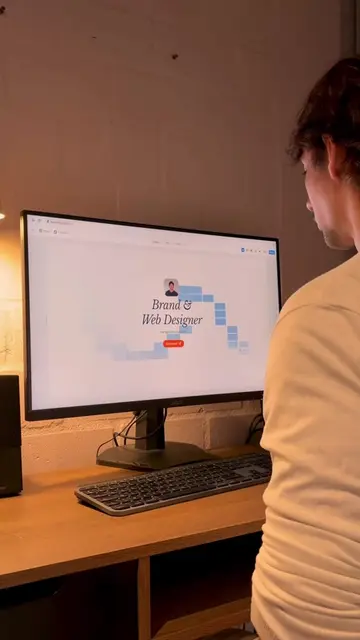
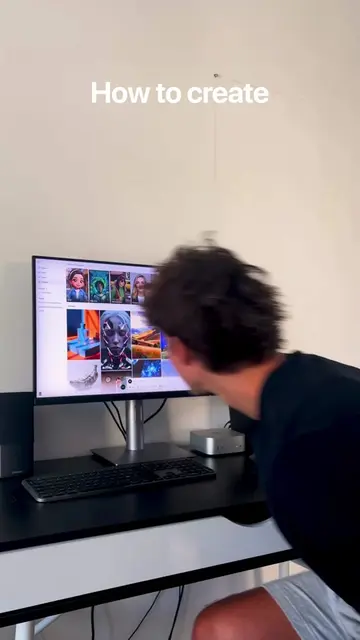
The video demonstrates the process of creating a modern website using Framer. It covers collecting visual references, building a moodboard in Figma, creating wireframes in Framer, refining design elements, adding animations, and finally publishing the website.
Structure
- 1Collecting visual references
- 2Creating wireframes in Framer
- 3Refining design elements
- 4Adding animations and micro-interactions
- 5Publishing the website
Product placement
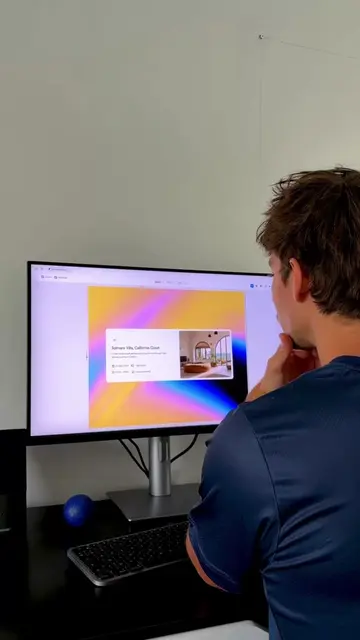
The video shows a screen recording of the Framer website builder, demonstrating its features and interface throughout the creation process.
On-screen text
Creating a
Modern Website
in Framer
01
Collecting
References
UI design
Layout
Tech
Inspiration
for Data Scientists
Web Design
Invest with Confidence
Streamline Finances
with Smart Features
Visit site
02
Creating
wireframes
03
04
Original caption
How I create a modern website in Framer 🚀 First, I collect visual references on Pinterest and build a clean moodboard in Figma to define the direction. Then I jump into @Framer to create the wireframes, refine the typography, colors, and layout until everything feels premium. Next comes the fun part, adding smooth animations and micro-interactions to bring the illustrations to life. Finally, I hit Publish… and the site is live. #framer #webdesign #uidesign #designworkflow #creativeprocess
More from @adrien.ninet
Their other posts in the index, biggest breakout first.