Loading video…
All breakouts

5.8App DemoDirect Question hookEducation
Hook
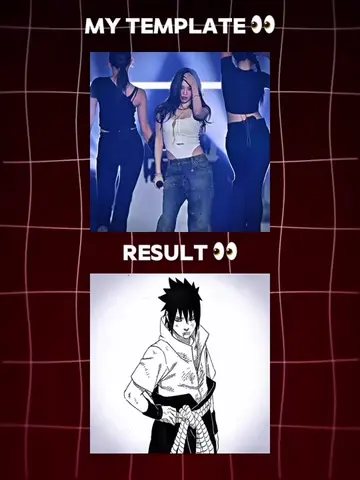
A lot of you asked how I made this part
@wanzenn
863.7K followers · usually 16.7K views a post
Views
94.8K
Likes
4.0K
Comments
92
Shares
293
Why it worked
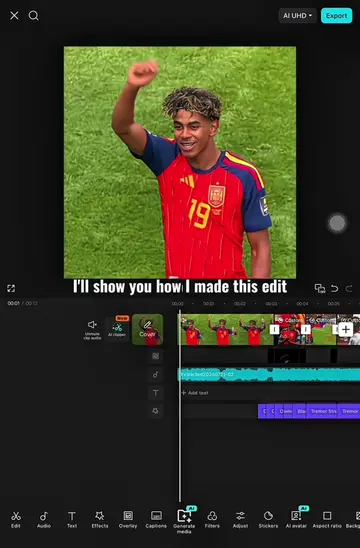
The video provides a clear, step-by-step tutorial for a popular visual effect, catering to user requests and leveraging the platform's editing capabilities to create engaging content.
Summary
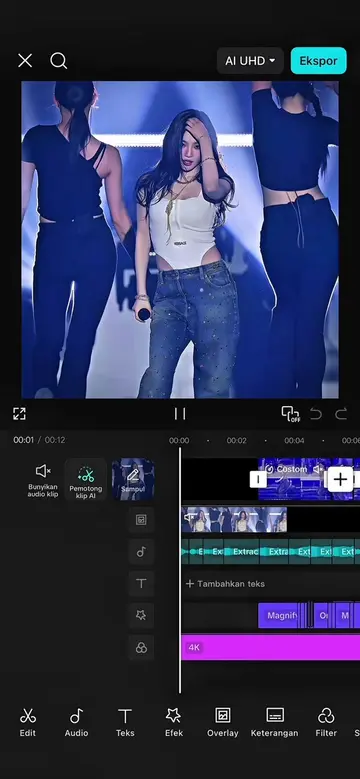
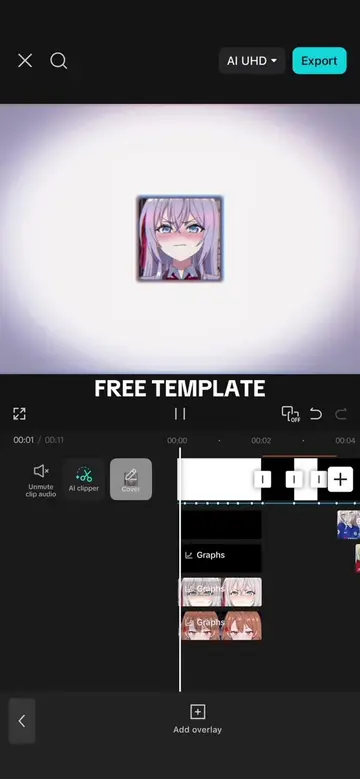
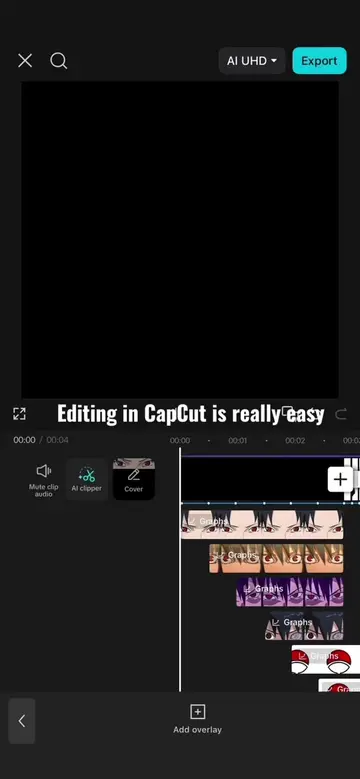
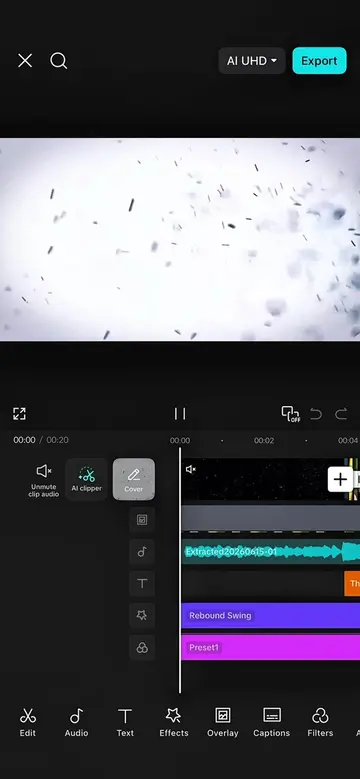
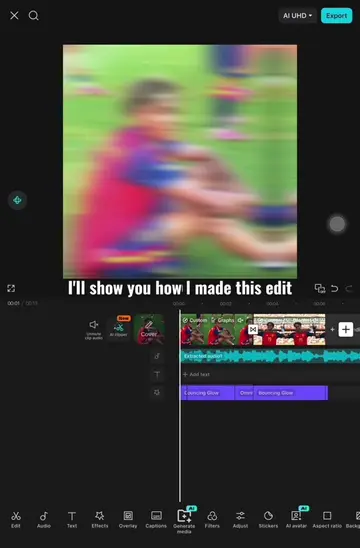
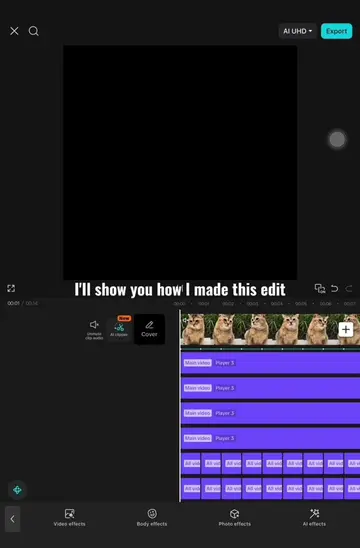
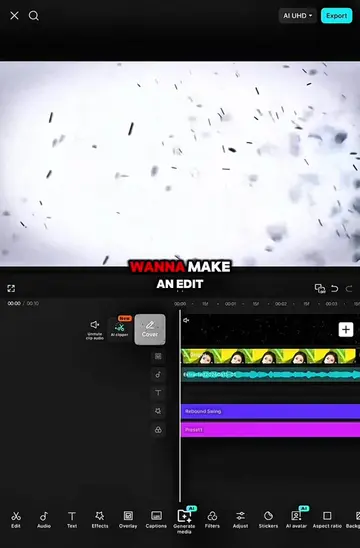
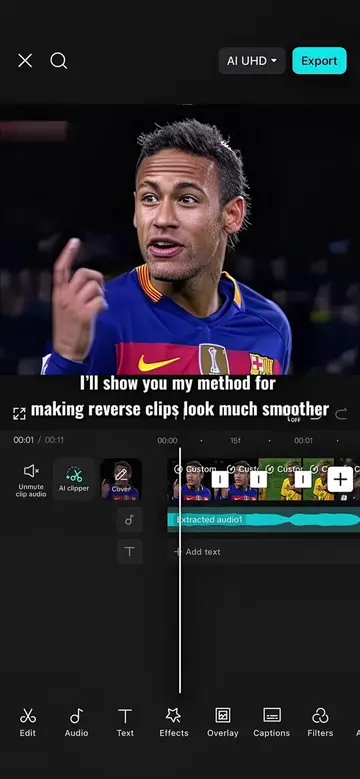
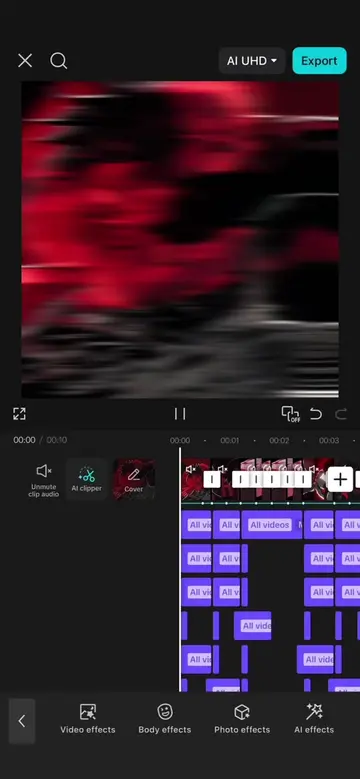
This video is a tutorial demonstrating how to create a specific visual effect using CapCut. It guides viewers through adding and adjusting various effects like omniflexion, solar quake, oblique blur, and wide angle, along with keyframes and graphs to achieve the desired animation.
Structure
- 1Add initial clips and omniflexion effect
- 2Apply solar quake and oblique blur effects
- 3Add wide angle effect and adjust keyframes
- 4Apply transform and zoom effects
- 5Finalize graphs and review result
Product placement
The video demonstrates editing techniques using the CapCut app, showing its interface and various effects like 'Omniflexion', 'Solar Quake', 'Oblique Blur', and 'Wide Angle'.
Original caption
TUTORIAL ON THIS TREND | Part 2 #CapCut #capcutpioneer #capcut_edit #capcuttutorial #wanzen
More from @wanzenn
Their other posts in the index, biggest breakout first.