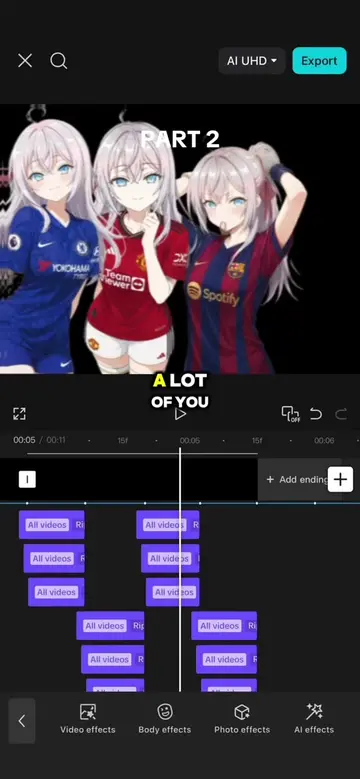
Hook

Their other posts in the index, biggest breakout first.
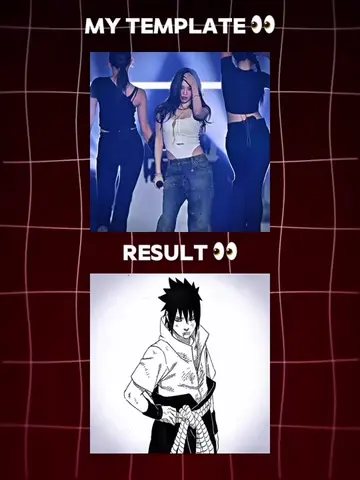
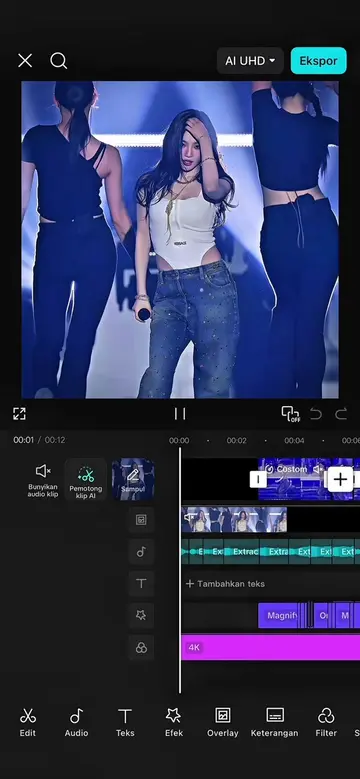
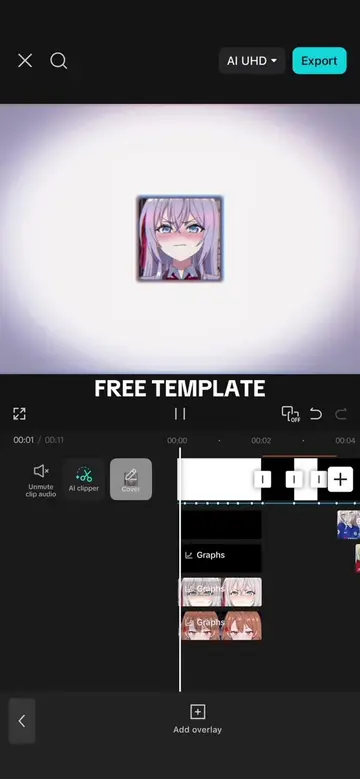
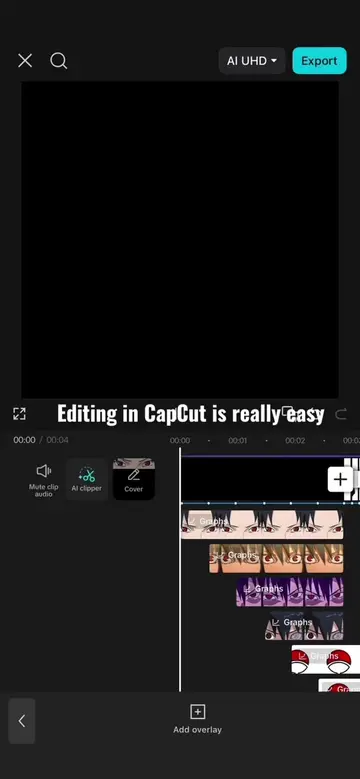
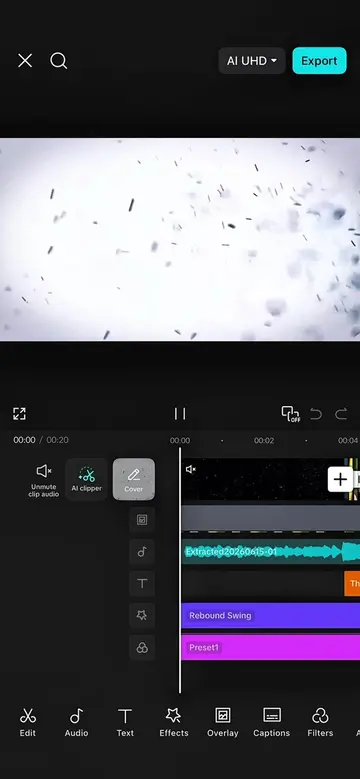
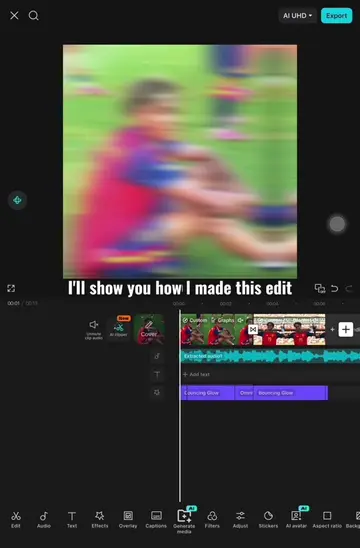
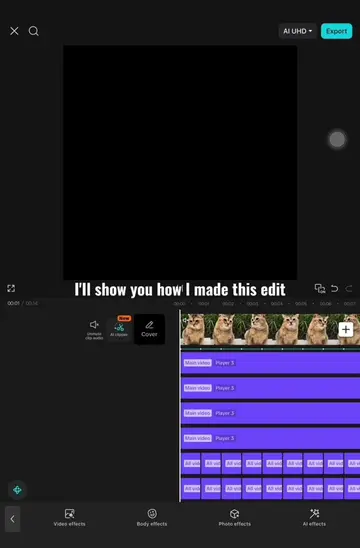
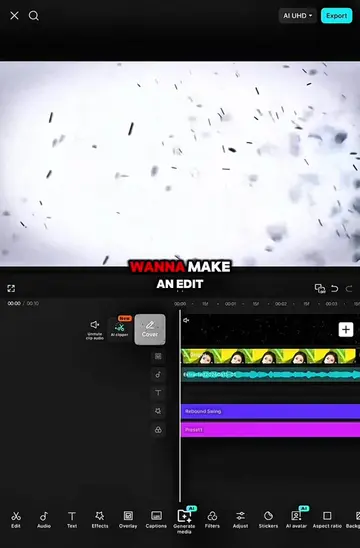
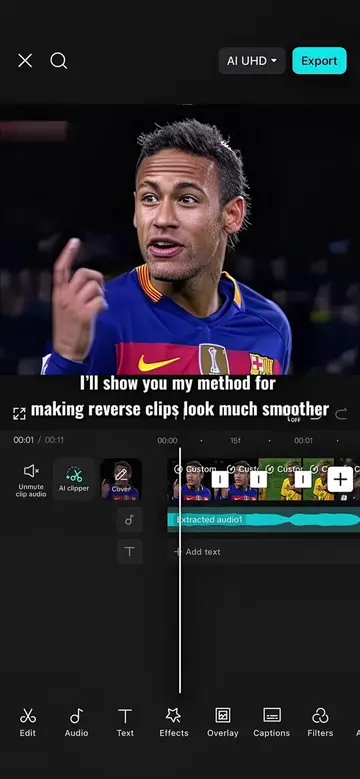
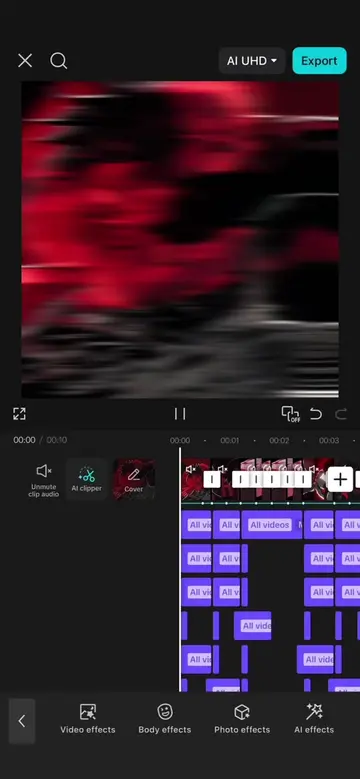
I'll show you how I made this edit Prepare your clips according to the beat using a speed graph like mine Then select the first clip in this section Go to transform tap advanced select zoom and set the zoom to 130% then go to position and set the y axis to 150 Repeat the same process for all the clips After that go back to the first clip and add a keyframe at the beginning and at the end Select the first keyframe and reset the zoom like this Move to the next clip add a keyframe at the beginning and at the end then reset the zoom on the last keyframe Move to the next clip add keyframes at the beginning and the end then select the first keyframe and reset the zoom like this Repeat the same process until the sixth clip For the seventh clip add a keyframe at the beginning and at the end then reset the zoom on the last keyframe Add keyframes at the beginning and the end then select the first keyframe and reset the zoom like this After that go back to the first clip tap graph select linear and create a graph like this Repeat the same process for all of these clips Add the wave effect and set the object to all then shorten the effect like this add a keyframe at the beginning set speed to 70 size and intensity to 50 blur to 100 and horizontal to 50 Add another keyframe at the end and set speed to 20 size and intensity zero Then apply the cubic in graph to the first keyframe duplicate this effect and move it to the next clip shorten the effect until the middle keyframe delete the last keyframe delete the middle keyframe and delete the first keyframe duplicate this effect and apply it to all the clip next Add the halo blur effect set the object to all then shorten the effect like this set speed to 100 and intensity to 30 duplicate this effect and apply it to all the remaining clips Add the tremor strobe effect and set the object to all shorten the effect like this add a keyframe at the beginning set intensity to 100 atmosphere and glow to zero and speed to 100 Add a keyframe at the end then apply the rebound in graph Add a keyframe in the middle and set the speed to zero select the first keyframe delete it and add it again do the same with the second keyframe repeat this process twice then delete the keyframe at the end and delete the middle and delete the first keyframe duplicate this effect and apply it to all the clip next Add the omniflexion effect and shorten it like this set the object to all add a keyframe at the beginning and set range to 100 then add keyframes in the middle and at the end select the middle keyframe and set vertical to 55 then select the last keyframe and set vertical to 45 After that apply the quad in and cubic in graph duplicate this effect and move it to the next clip shorten the effect until the middle keyframe delete the last keyframe select the first keyframe and set vertical to 70 then apply the cubic out graph to the first keyframe duplicate this effect three times Next add the ripple overlay tap splice then select filter After that add a black overlay to the previous clip and set its duration to 0.2 seconds add the fade in animation duplicate this overlay and place it at the end of all these clips And now let's the result