Loading video…
All breakouts

Locked — included with Pro.Open on TikTokPro
Pro links straight through to the original post.
9.6App DemoSocial Proof hook
Hook
Tumne ye wala wallpaper aaj kal bahut sasari jagah pe dekha hoga
@digitalgeniushubj
44.0K followers · usually 39.6K views a post
Views
380.2K
Likes
8.3K
Comments
29
Shares
1.8K
Why it worked
The video leverages a trending aesthetic (the flip clock screensaver) and provides a clear, step-by-step tutorial on how to achieve it, making it highly shareable and useful for viewers looking to replicate the look.
Summary
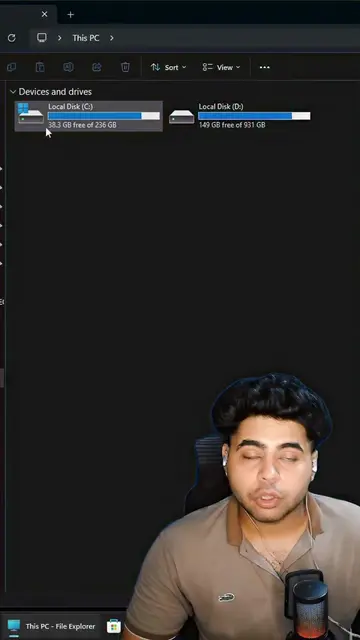
This video demonstrates how to install the popular Fliqlo flip clock screensaver on a Windows device. It guides the viewer through downloading the software from its official website, installing the screensaver file, and customizing its settings like size and brightness.
ProLocked — included with Pro
Transcript, structure and on-screen text
5 beats, a 132-word transcript and 79 lines of on-screen text — the parts you need to write your own version.
The hook, the summary, why it worked and what it sells stay open on every video, signed in or not.
Original caption
Here is how to install that Viral Screensaver in your device! #viral #trending #screensaver #wallpaper #clock #tiktokgrowthchallenge [ trending viral screensaver clock wallpaper digital windows macos laptop computer pc macbook hack feature background latest update tech install ]
More from @digitalgeniushubj
Their other posts in the index, biggest breakout first.
![3 keyboard secrets🔥 . [ android keyboard, keyboard features, keyboard tips] #ti](https://tiktokspy.sfo3.digitaloceanspaces.com/covers/7668760871174212878.jpg)

![Your phone second space⚡️ . [clone phone, all in one phone , multiple phones] #t](https://tiktokspy.sfo3.digitaloceanspaces.com/covers/7669270523548863757.jpg)