Loading video…
Sound

original sound - digitalgeniushubj
Digital Genius Hub J. · Original audio
0:00–:––
Playing this video’s own audio, so you’ll hear the creator over the sound.
We didn’t find a product being promoted in this video. Its hook, format and structure below still show why it took off.
Browse products winning on TikTokThis video likely performed well because it addresses a common pain point for computer users: the time-consuming process of opening multiple frequently used links. The solution is presented as a simple, actionable trick that saves time, making it highly shareable and valuable content.
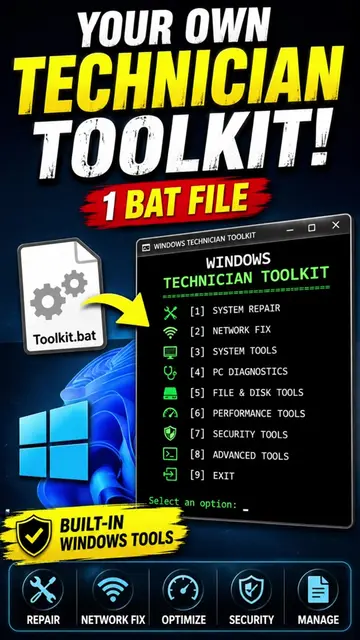
The video demonstrates a Windows trick to open multiple links simultaneously. It involves creating a batch file in Notepad that lists all desired links, prefixed with 'start', and then executing this file to open all links at once.
Bhai kya kar raha hai tu? Har baar computer ya laptop shuru karte hai, 15-20 min apne kaam ki links open krne me hi chale jaa rahe hai? Ab aisa nahi hoga! Ye text file trick tumhara sara headache dur kar degi! This simple text file tech hack will open all your links with just a click! ✅ Follow @J. Smart Skills for more! Transparency note: This video is not Sponsored. #Elementec #stayupdatec #googlechrome #TechTips #foryoupage #fyp #tiktokgrowthchallenge
Secret windows TRICK
Problem: Opening multiple links takes time.
Solution: A Windows trick using a text file.
Steps: Open Notepad, paste links, add '@echo off' and 'start' before each link.
Save as a .bat file.
Execution: Double-click the .bat file to open all links.
The video shows how to create a batch file using Notepad on Windows to open multiple links. The promoted product is the technique itself, not a specific software.
Save the video and follow for more.
Playing this video’s own audio, so you’ll hear the creator over the sound.
Promotes 25 products. Create free account to see more.
Outliers and viral hits: their videos on Overshot, all time.