Loading video…
All breakouts
 Widgetableseen in 12 videos →
3.4App Demo
Hook
Widgetable
@download_widgetable
17.7K followers · usually 26.8K views a post
Views
72.8K
Likes
533
Comments
45
Shares
139
Selling · Mobile App › Other Mobile App
Why it worked
The video effectively uses a native mention strategy by showcasing the app's features in a visually appealing and relatable way, prompting viewers to consider using the app for personal connections and self-expression.
Summary
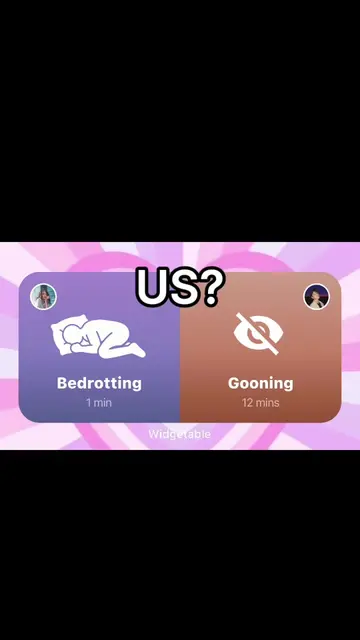
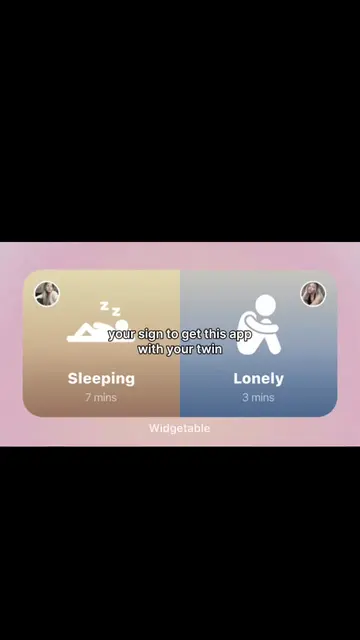
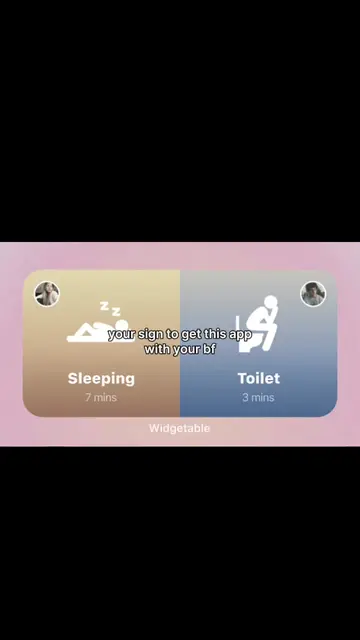
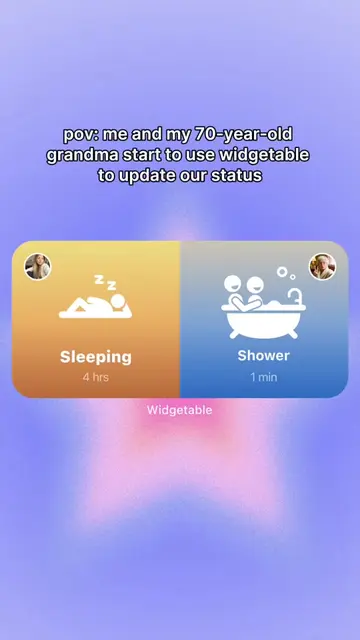
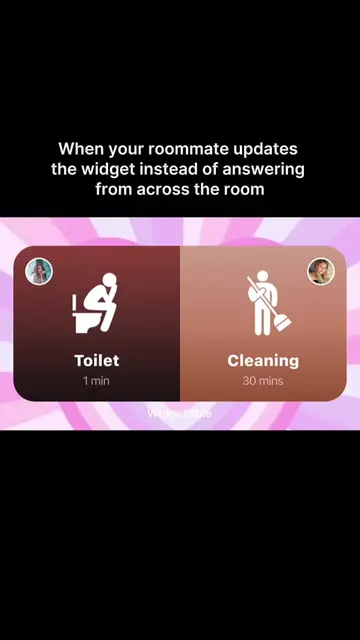
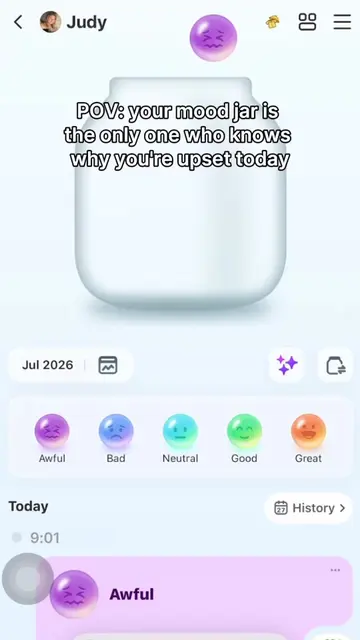
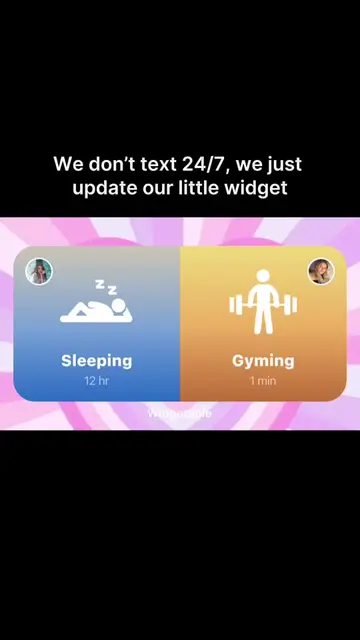
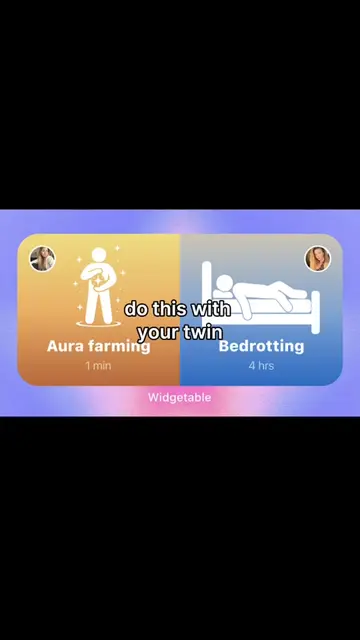
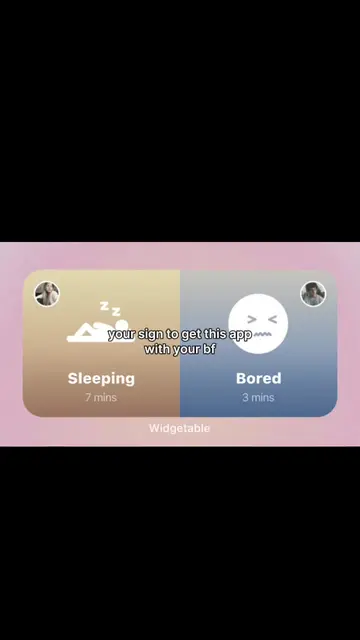
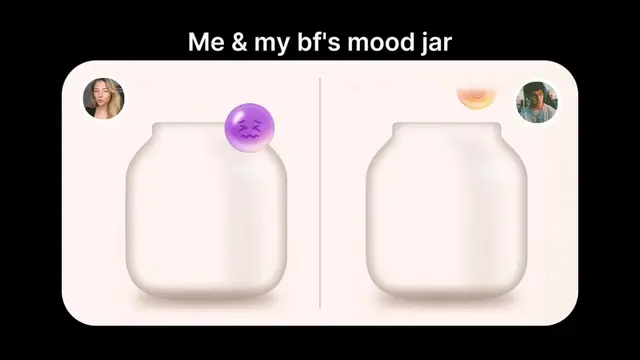
The video showcases the Widgetable app, demonstrating its features for connecting with others. It highlights functionalities such as sharing distance, tracking sleep patterns, and updating personal status and moods.
Structure
- 1Introduction of Widgetable app
- 2Demonstration of sharing distance feature
- 3Demonstration of sleep tracking feature
- 4Demonstration of sharing status and moods
Product placement
Widgetable: ACTS - it is the app being demonstrated, showing various features like sharing distance, tracking sleep, and sharing status/moods. Removing it would change the entire video as it is the subject of the demonstration. Widgetable: APPEARS - a logo appears on a widget in the bottom right of the screen in one of the app demos. Removing it would not change what happens in the video.
On-screen text
Widgetable
Are you still using this app with the same person?
Share the distance and stay connected
Track and share your sleep
Get some sleep, babe
Are you still using this app with the same person?
Share your status
Are you still using this app with the same person?
Share your moods and feelings
Original caption
where's that one person
More from @download_widgetable
Their other posts in the index, biggest breakout first.