Loading video…
Sound

original sound - scorpiorisingmedia
Lindsay │ Scorpio Rising Media · Original audio
0:00–:––
The video provides a practical, step-by-step guide to content planning using a specific tool, making it highly relevant and actionable for creators. The clear demonstration of the tool's utility, combined with a direct call to action and a 'paid partnership' disclosure, likely drove engagement and interest.
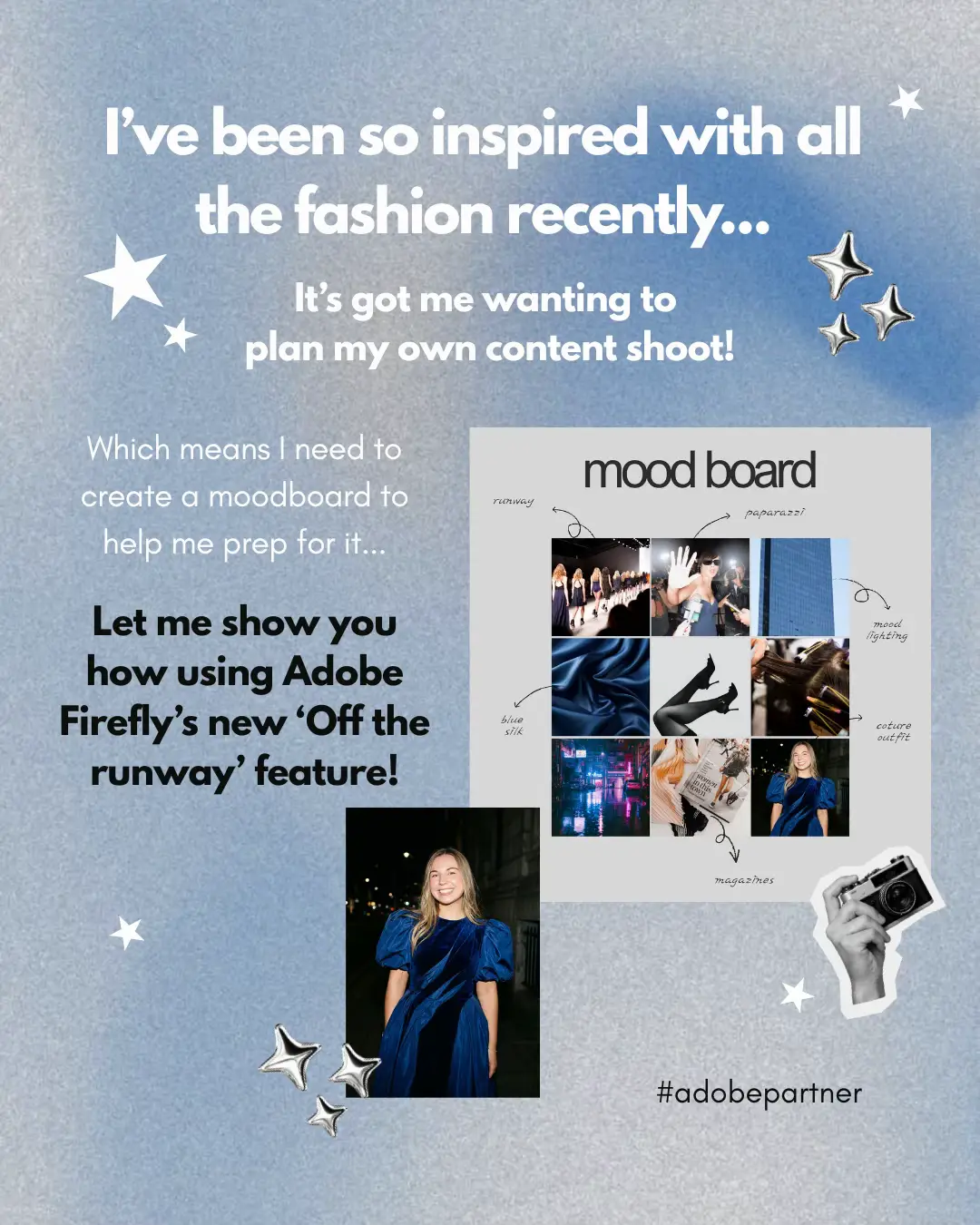
This video demonstrates how to plan a content shoot using Adobe Firefly Boards. It outlines a three-step process: gathering client notes and details, developing creative direction with inspiration and colors, and creating a detailed production plan including shot lists and gear. The creator highlights how Firefly Boards helps keep all planning elements organized in one place.
The board behind every shoot ✨ An inside look at my routine for planning a client shoot, from creative direction to shoot day logistics! Thanks to @Adobe Firefly Boards I can have everything live in one place without bouncing between multiple apps. Comment BOARDS and I'll send you the link to try the template I used! @Adobe Live #CommunityxAdobe #fireflyboards #AdobePartner #AD
Let's Plan a Content Shoot
Introduction to content shoot planning
Step 1: Client notes and details
Step 2: Creative direction development
Step 3: Production plan (shot list, gear, props)
Conclusion and call to action
Adobe Firefly Boards: ACTS - it is used to plan a content shoot, organizing creative direction, shot lists, props, and gear. Removing it would change how the planning is done. Adobe: APPEARS - it is the company behind Firefly Boards. Removing it would not change what happens in the video.
Comment BOARDS and I'll send you the link to try the template I used!
Promotes 4 products. Create free account to see more.
Outliers and viral hits: their videos on Overshot, all time.
Creative planning software for organizing content ideas and shoot plans
All time.