Loading video…
All videos
Views
2.3M
Likes
1.2K
Comments
2
Shares
41
Engagement
0.1%
of views
304xthis account’s usual viewsOutlier · Viral hit (100K+ views)
This video2.3MUsual views6.9K
The product
The creator
Why it worked
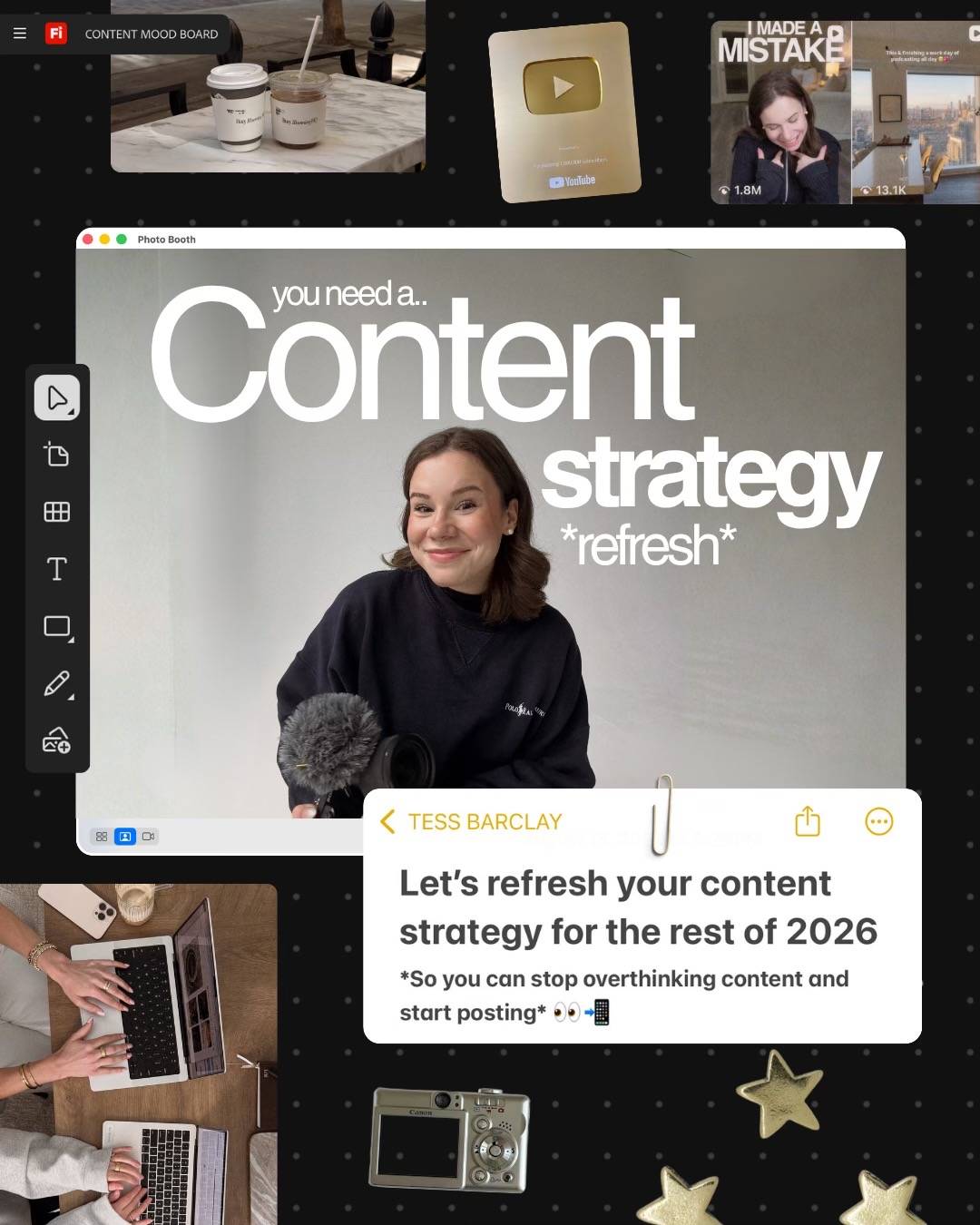
The post provides a clear, step-by-step guide on a relevant topic (content strategy) using a popular tool (Adobe Firefly Boards), making it valuable and actionable for creators.
What happens
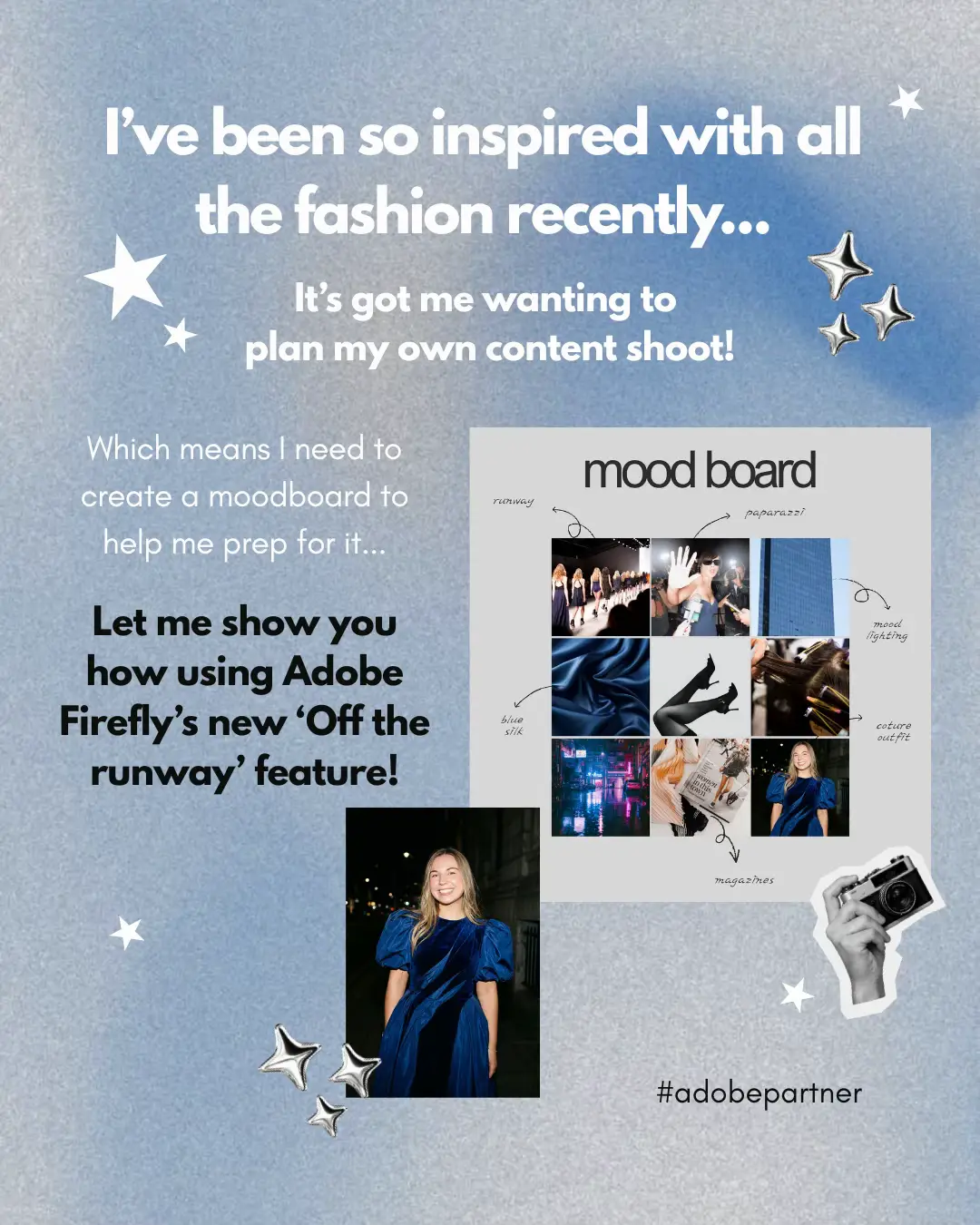
This TikTok post guides viewers on how to refresh their content strategy using Adobe Firefly Boards. It explains the process of creating mood boards and content templates to organize and plan social media content.
The breakdown
Original caption
This is your sign to refresh your content strategy for the rest of 2026!! I’m using Adobe Firefly Boards to do this to have everything in one place & I’m loving it! 💙 To get started with building your own content strategy in Adobe Firefly Boards, visit the link in my bio! #AdobePartner @Adobe Live