Loading video…
Sound

original sound - star.editor.x.official
¢=[]ꜱᴛᴀʀ.ᴇᴅɪᴛᴏʀ.x.ᴏꜰꜰɪᴄɪᴀʟ|=> · Original audio
0:00–:––
Playing this video’s own audio, so you’ll hear the creator over the sound.
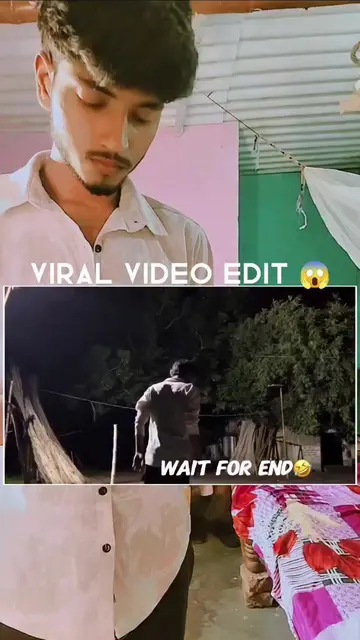
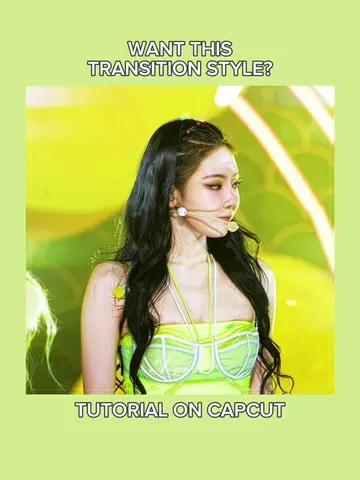
The video provides a clear, step-by-step tutorial for a popular video editing effect, making it highly shareable and useful for aspiring content creators. The use of trending effects and a clear demonstration within the CapCut app makes it easy to follow.
The video demonstrates how to create a 'cut out transition' effect using the CapCut editing app. It guides viewers through adding clips and audio, freezing a segment, removing its background, applying a 'Luminescence' effect, and then adding a 'Shake' effect and duplicating it for a professional look.
CapCut Cutout Transition 🔥 Easy Tutorial ✅cut out transition capcut cut out editing✅ cut out edit tutorial✅ cut out video✅ cut out picture edit cut out in✅ capcut cut out sound✅ cutout edit tutorial✅ cut out effect capcut✅ cut out capcut tutorial ✅#CapCut #CapCutTutorial #CutoutTransition#fyp#trendingedit
Sabse pehle
Introduction and hook
Demonstrate cut out transition
Add clips and audio in CapCut
Apply auto-generate beats
Freeze a clip segment
Add overlay and remove background
Apply 'Luminescence' and 'Vortex Dissolve' effects
Duplicate and apply 'Shake' effect
Add another overlay and duplicate
Final result showcase
CapCut: video editing software that allows users to create and edit videos. It is used here to demonstrate how to create a specific video transition effect. Removing it would change the video's content and instructions.
Follow for learning editing types and tricks
Playing this video’s own audio, so you’ll hear the creator over the sound.
Video editing app for creators making social media videos
Views and creators: posted in the last 30 days (English videos). Videos: all time.
Promotes 1 product. Create free account to see more.
Outliers and viral hits: their videos on Overshot, all time.