Loading video…
Sound

original sound - ahmad_studio_1
𝕋𝕙𝕖 𝔸𝕙𝕞𝕒𝕕 𝕊𝕥𝕦𝕕𝕚𝕠 · Original audio
0:00–:––
Playing this video’s own audio, so you’ll hear the creator over the sound.
The video provides a clear, step-by-step tutorial on creating a popular video style, making it highly valuable for aspiring content creators. The use of a trending aesthetic and a practical demonstration within a popular editing app likely contributed to its reach.
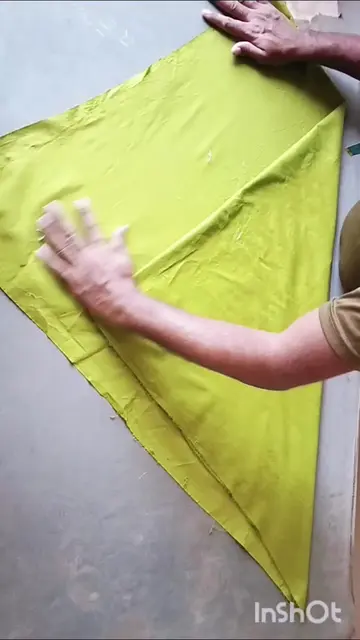
This video demonstrates how to edit aesthetic videos with text overlays and animations using the InShot app. It showcases an example of a trending video style and provides a step-by-step tutorial on achieving a similar look.
Day 1 | Viral video editing tutorial #videoediting #tutorials #viral #fyp
AJ ME AP KO
Introduction to aesthetic video editing
Showcasing a trending account
Opening InShot and importing video
Adjusting background and mask
Adding text and emojis
Adding music and animation
Final result and call to action
InShot: It is a video editing app that is used to edit the video. It ACTS. Removing it would change what happens in the video. WhatsApp: It is a messaging app that is used to communicate. It APPEARS as a link in the creator's bio. Removing it would not change what happens in the video.
Follow
Playing this video’s own audio, so you’ll hear the creator over the sound.
Mobile video editing app for people creating and editing social media videos
All time.
Promotes 2 products. Create free account to see more.
Outliers and viral hits: their videos on Overshot, all time.