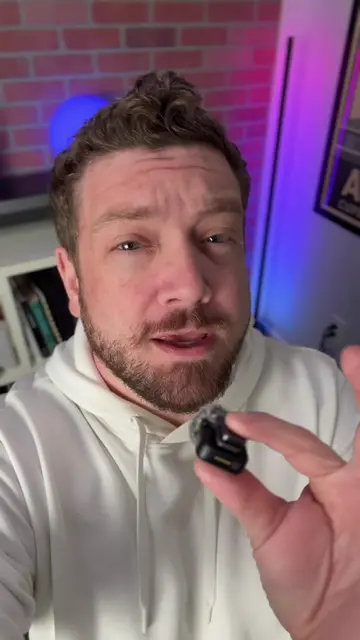
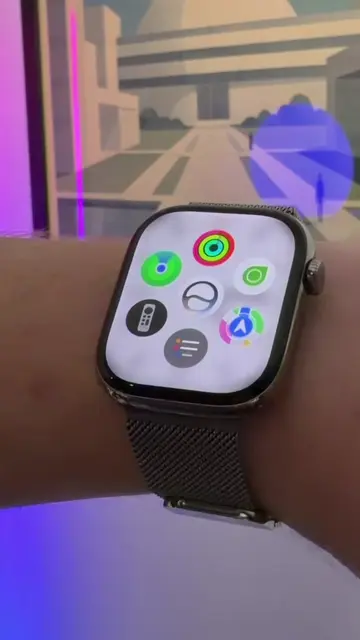
Loading video…
All breakouts
3.1Talking HeadBefore / After hookConsumer Apps
Hook
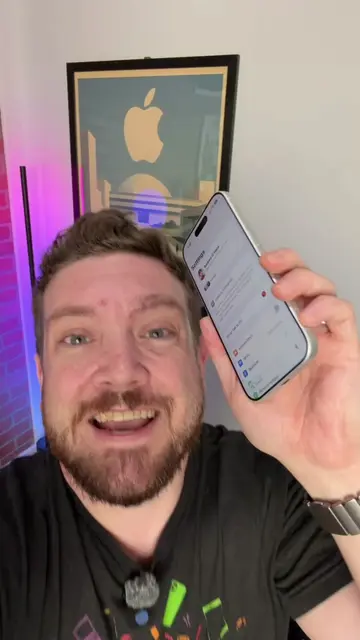
This new iPhone feature is making it even easier to ditch your wallet!
@appleinsiderofficial
39.6K followers · usually 5.4K views a post
Views
16.6K
Likes
465
Comments
20
Shares
38
View velocity
+5.0K views over 23.5d · ~214/day · 5 observations
Why it worked
The video provides a practical, step-by-step tutorial on a new, useful feature for iPhone users, addressing a common pain point (carrying multiple cards) and demonstrating a tangible benefit (convenience). The use of a popular retailer like Big Lots and the mention of Costco makes the content relatable and increases its appeal.
Summary
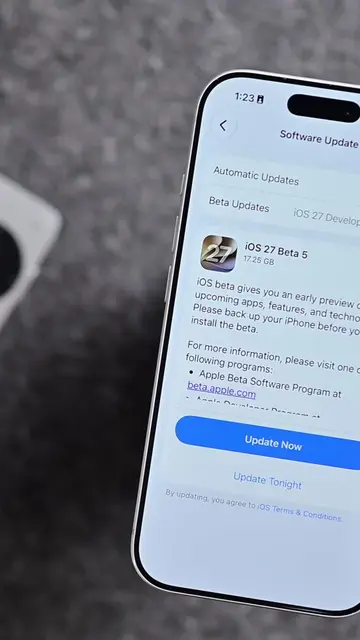
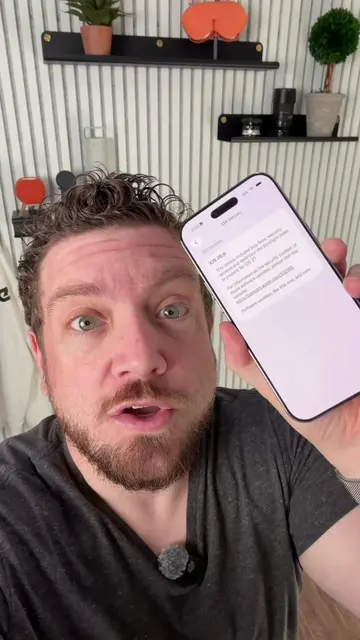
This video demonstrates how to add physical loyalty and membership cards to Apple Wallet using a new feature in iOS 27. The creator shows how to scan a Big Lots card and convert it into a digital pass within the Wallet app, highlighting the convenience of not needing to carry physical cards.
Structure
- 1Introduction to the new iPhone feature for adding passes to Apple Wallet
- 2Demonstration of scanning a Big Lots card to create a digital pass
- 3Explanation of the process and customization options within Apple Wallet
Original caption
Apple is making it easier to ditch your wallet! Here’s how to add basically any pass to Apple Wallet with iOS 27! #apple #ios #ios27 #iphone #applewallet
More from @appleinsiderofficial
More breakout videos from this creator.