Loading video…
Sound

original sound - 3dprinting.canada
3D Printing Canada · Original audio
0:00–:––
Playing this video’s own audio, so you’ll hear the creator over the sound.
The video provides a practical and easily applicable solution to a common problem faced by 3D printing enthusiasts, making it highly shareable and valuable content.
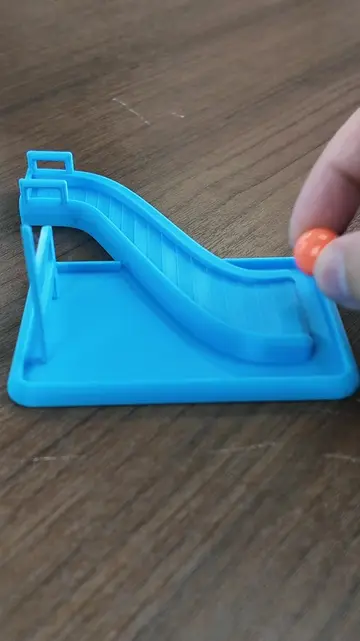
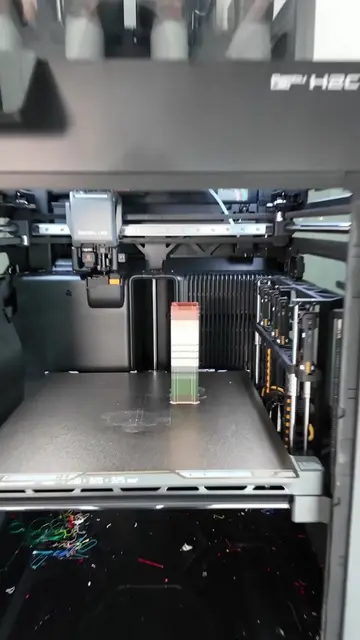
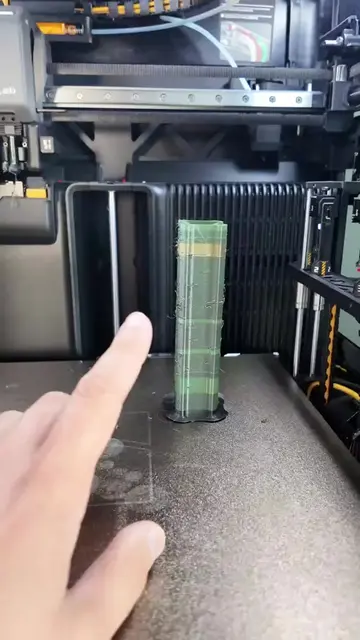
This video demonstrates a 3D printing tip for resolving collision errors when printing multiple objects with overlapping supports. The creator explains how to merge the objects into a single one within the slicer software to allow them to share support structures, thus preventing errors.
3D printing tip you might not know 👇 When support structures overlap, you don't always have enough room to move your models farther apart to prevent collisions. Instead, merge them into a single object and let them share the same supports. Simple fix. Huge time saver. #3DPrinting #3DPrintTips #OrcaSlicer #BambuStudio
I've GOT ANOTHER 3D PRINTING
Introduce the problem of overlapping supports
Show the error message in the slicer
Explain the solution: merging objects
Demonstrate merging objects in the slicer
Show the sliced file with shared supports
Call to action to follow for more tips
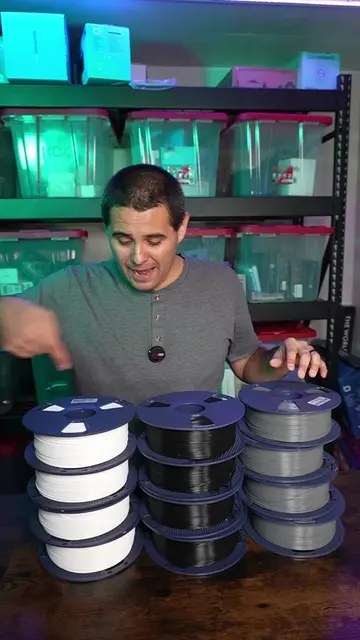
OrcaSlicer: ACTS - it is a 3D printing slicer software that generates print paths and supports for 3D models. Removing it would change what happens in the video. Bambu Studio: ACTS - it is a 3D printing slicer software that generates print paths and supports for 3D models. Removing it would change what happens in the video. 3D printers: APPEARS - visible in the background, but not directly used or demonstrated. Removing it would not change what happens in the video. Filaments: APPEARS - visible in the background, but not directly used or demonstrated. Removing it would not change what happens in the video.
If you want more 3D printing tips like this, be sure to follow.
Playing this video’s own audio, so you’ll hear the creator over the sound.
Desktop 3D-printing slicer software for preparing models and print settings
All time.
Promotes 2 products. Create free account to see more.
Outliers and viral hits: their videos on Overshot, all time.