Loading video…
Sound

original sound - kachia.vang
kachia · Original audio
0:00–:––
Playing this video’s own audio, so you’ll hear the creator over the sound.
Hook
Posted Jul 23, 2026Video · 0:45by @kachia.vang
The video effectively targets creators looking to improve their content quality by offering a free, powerful alternative to the native camera app. It showcases practical features and a unique dual-device functionality that adds significant value.
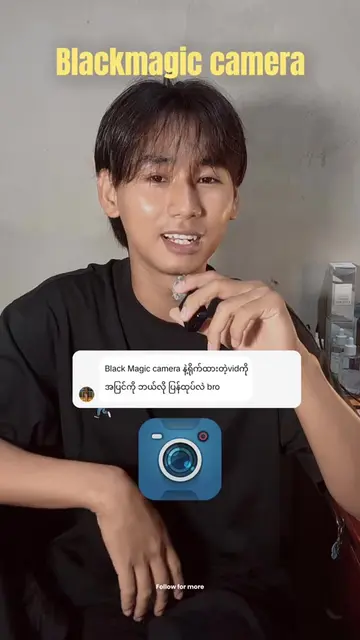
This video introduces the Blackmagic Camera app as a superior alternative to the default iPhone camera app for content creation. It highlights features like advanced camera settings, the ability to lock settings for consistency, and using a second Apple device as a monitor for framing and control.
If you’ve been here for a while, you know this app 😌 My current and favorite iPhone filming app: Blackmagic Camera. For my camera settings, I have a pinned video on my page where you can find it 🫶🏼 #iphoneapp #filming #contentcreation #iphone #creatortips
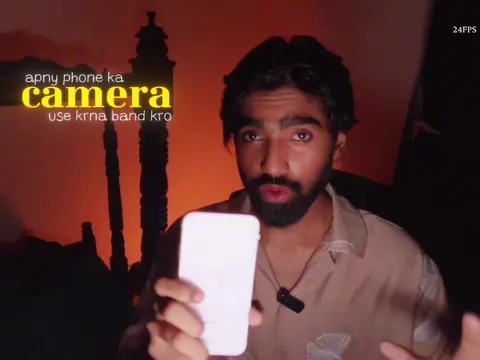
Still using default iPhone camera app will you might be missing out.
Introduction to the problem with default camera apps
Introducing Blackmagic Camera as the solution
Demonstrating key features: settings, locking parameters
Highlighting the dual-device monitoring feature
Concluding with a recommendation and call to action
Blackmagic Camera: ACTS - it is a mobile app used for filming. Removing it would change the video's topic and purpose. iPhone: APPEARS - it is the device on which the Blackmagic Camera app is used. Removing it would not change the video's core message, but the app would have no platform. Apple: APPEARS - it is the brand of the devices used. Removing it would not change the video's core message.
try it out and let me know.
Playing this video’s own audio, so you’ll hear the creator over the sound.
Phone camera app with manual filming controls for people making cinematic videos
All time.
Promotes 1 product. Create free account to see more.
Outliers and viral hits: their videos on Overshot, all time.