Loading video…
Sound

original sound - bilal_editz012
B. I. L. (A). L 🚩 · Original audio
0:00–:––
Playing this video’s own audio, so you’ll hear the creator over the sound.
The video provides high-value, actionable technical advice that solves a common pain point (poor mobile video quality) while positioning the app as the essential tool to achieve the desired result.
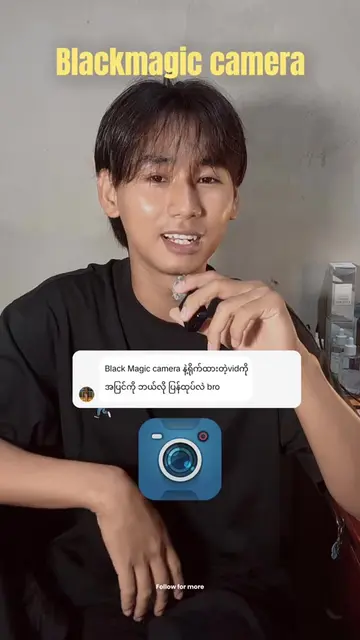
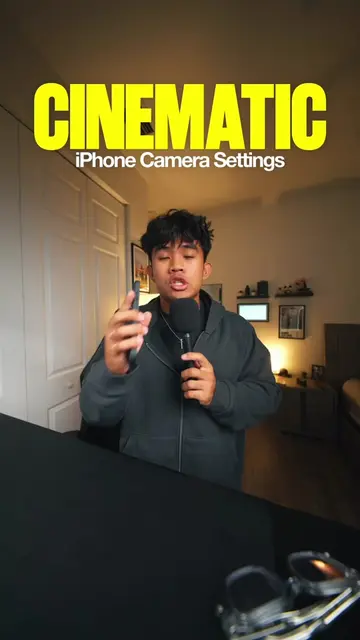
The creator demonstrates how to use the Blackmagic Camera App on an iPhone to achieve cinematic video quality by adjusting specific settings like resolution, frame rate, and shutter speed. He encourages viewers to comment 'Blackmagic' for further assistance.
Blackmagic Camera App Your phone can do more than you think. 🎬✨ . . . . . #BlackmagicCamera #CinematicVideo #MobileFilmmaking #iPhoneVideography #CinematicLook FilmmakingTips
apny phon ka camera use krna band
Hook: Stop using the default phone camera
Introduce Blackmagic Camera App as a free alternative
Walkthrough of specific app settings for cinematic results
Explanation of frame rate and shutter speed relationship
Call to action to comment for more details
(a) Blackmagic Camera App: ACTS — the creator demonstrates its interface, explains its settings, and shows how to use it to achieve cinematic video results. Removing this would remove the entire purpose of the video. (b) iPhone: APPEARS — used as the hardware device to run the app. Removing this would change the video as it is the platform for the demonstration.
comment kary blackmagic
Playing this video’s own audio, so you’ll hear the creator over the sound.
Promotes 1 product. Create free account to see more.
Outliers and viral hits: their videos on Overshot, all time.
Phone camera app with manual filming controls for people making cinematic videos
All time.