Loading video…
All breakouts
3.3App DemoOther hookCreator Economy
Hook
THE MR. MIKE SHOW
@themrmikeshow
82.7K followers · usually 566 views a post
Views
2.1K
Likes
58
Comments
37
Shares
14
Why it worked
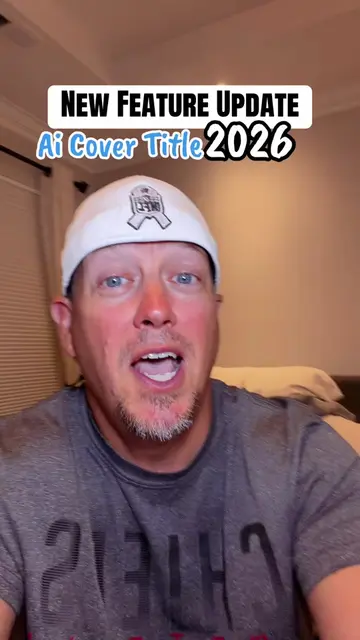
The video provides a clear, step-by-step tutorial on a new TikTok feature, directly addressing the creator's audience's desire to go viral. The 'native mention' approach, where the platform's features are demonstrated without overt selling, makes it highly engaging and shareable.
Summary
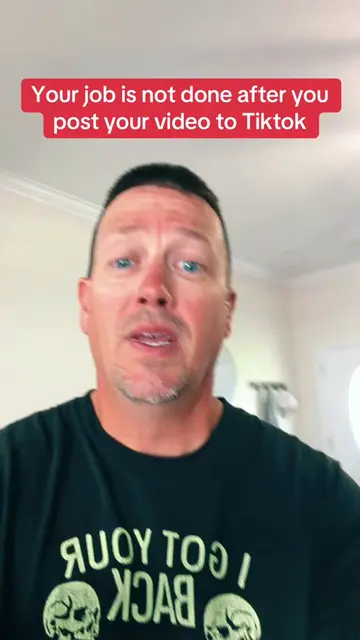
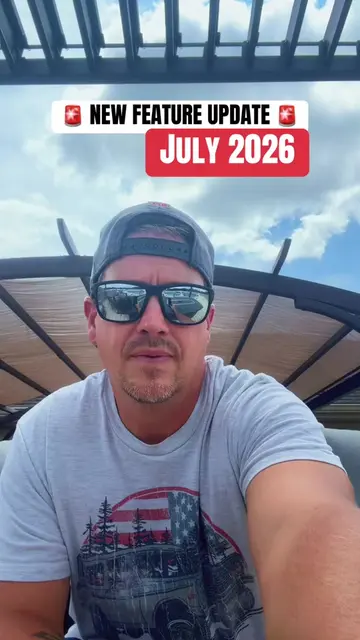
This video demonstrates how to use a new TikTok feature to go viral. It guides the viewer through steps like clicking the create button, selecting AutoCut, adding media, choosing a template, and posting to their story. The creator encourages viewers to engage and follow for more growth strategies.
Structure
- 1Introduction with feature update title
- 2Step 1: Click the '+' button
- 3Step 2: Click 'Create'
- 4Step 3: Click 'AutoCut'
- 5Step 4: Add Photos & Videos
- 6Step 5: Select Video Template
- 7Call to action to post and follow for more strategies
Product placement
TikTok: This is the platform where the video is being created and demonstrated. It acts as the substrate for the video's content, and its features are being used. Removing it would fundamentally change the video. The Mr. Mike Show: This is the creator's brand/channel name, appearing as a watermark. It merely appears and does not affect the video's content.
Original caption
New Feature Update 2026 #newfeature #update #tiktoktips #creatortips #smallcreators
More from @themrmikeshow
More breakout videos from this creator.