Loading video…
Sound

original sound - toluoflele
Tolulope Boy · Original audio
0:00–:––
Playing this video’s own audio, so you’ll hear the creator over the sound.
We didn’t find a product being promoted in this video. Its hook, format and structure below still show why it took off.
Browse products winning on TikTokThe video effectively demonstrates a useful feature within a popular platform (TikTok) that can help creators produce content quickly and potentially increase engagement. The step-by-step tutorial format, combined with a clear call to action and encouragement for audience interaction, makes it highly shareable and valuable.
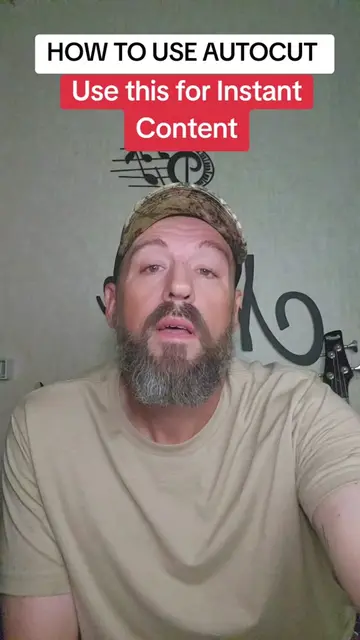
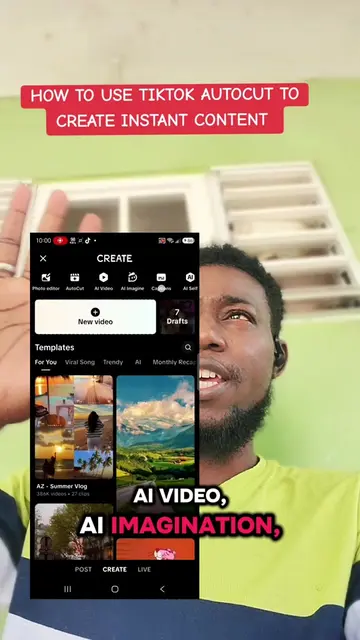
The video demonstrates how to use the AutoCut feature within TikTok to create instant content. It guides viewers through selecting photos and videos, processing them, and choosing templates to potentially go viral.
AUTOCUT TUTORIAL - How to use Autocut for instant content.
HOW TO USE AUTOCUT USE THIS FOR INSTANT CONTENT
Introduce AutoCut as a tool for instant content.
Explain the benefits of using AutoCut for virality and engagement.
Show how to access AutoCut within the TikTok app.
Demonstrate selecting media and processing it.
Explain template selection and posting to stories.
Encourage engagement through likes, shares, and comments.
AutoCut: This is an app that is used to create content. It acts by allowing users to select photos and videos to create a video. It is seen in use in the video. Removing it would change what happens in the video.
Check out the link in my bio for some updates, information as well. And anything you learn on my live, on this video, practice it. Anything you learn in this video, practice it. Without wasting your time let me show how you can go viral with this too. Let's go!
Playing this video’s own audio, so you’ll hear the creator over the sound.
Promotes 3 products. Create free account to see more.
Outliers and viral hits: their videos on Overshot, all time.