Loading video…
All breakouts

5.4App DemoHow-To hook
Hook
Make automation
@asitonph
105.9K followers · usually 4.2K views a post
Views
22.1K
Likes
830
Comments
220
Shares
109
Why it worked
The video provides a clear, concise demonstration of a powerful automation tool, appealing to users looking to streamline their workflows. The use of a soft sell approach, combined with a direct call to action for more content, encourages engagement and positions the creator as a helpful resource.
Summary
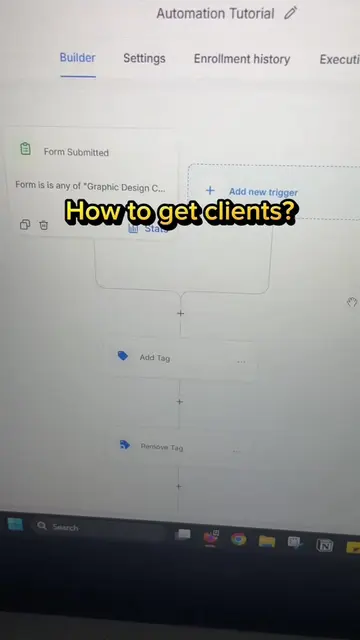
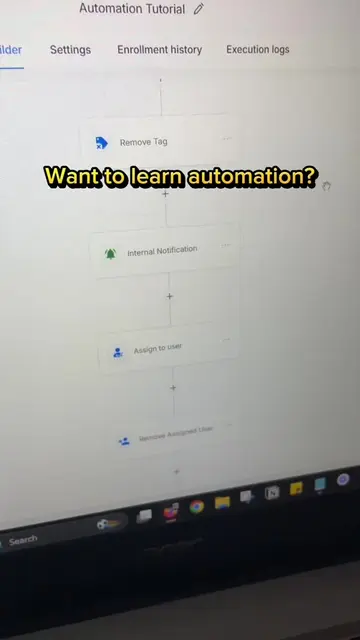
The video demonstrates how to create automations using the Make platform. It shows the process of selecting apps and modules to build a workflow, and invites viewers to comment for a tutorial.
Structure
- 1Introduce Make for automation
- 2Show how to create a scenario
- 3Demonstrate selecting apps and modules
- 4Explain how to find missing apps
- 5Call to action for a tutorial
Product placement
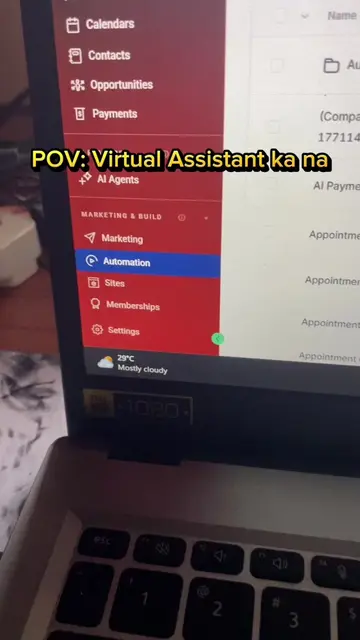
The video shows a screen recording of the Make platform, demonstrating its interface for creating automations and selecting integrated apps.
Call to action
Comment mo lang tutorial
On-screen text
Original caption
New automation tutorial series! Sa Make naman tayo lesgooo 🚀 #aiautomation #workflowautomation #aitools #asitonph
More from @asitonph
Their other posts in the index, biggest breakout first.