Loading video…
Sound

original sound - myfriendshells
Shells | Social Media bestie · Original audio
0:00–:––
Playing this video’s own audio, so you’ll hear the creator over the sound.
Hook
Posted Jul 27, 2026Video · 0:21by @myfriendshells
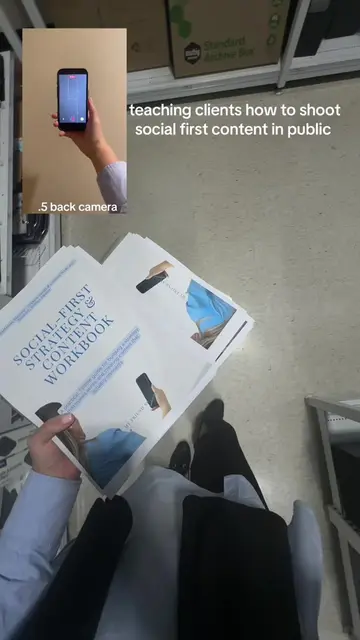
The video provides a practical and easily applicable tip for content creators, leveraging a common device (iPhone) and its native features to simplify the editing process and enhance video quality.
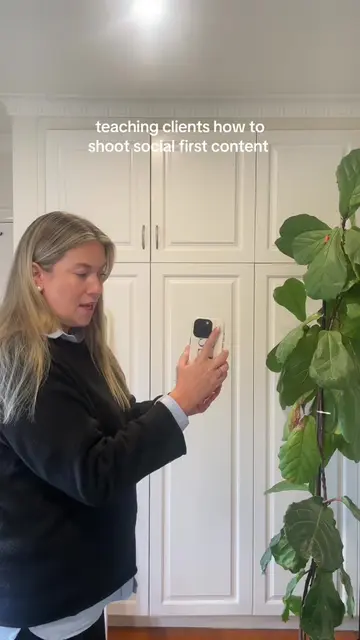
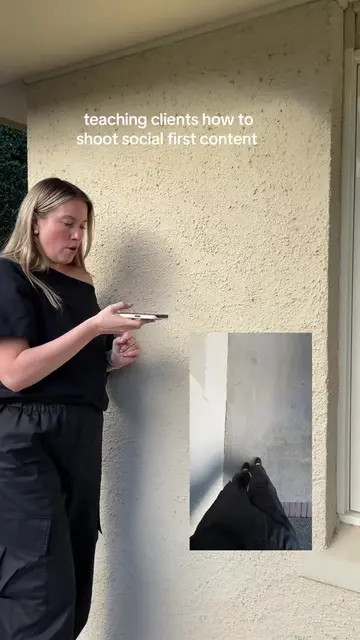
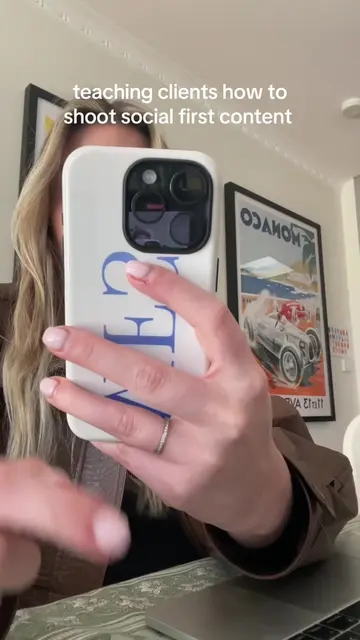
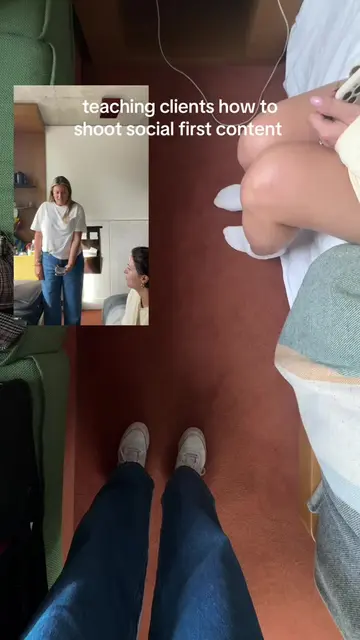
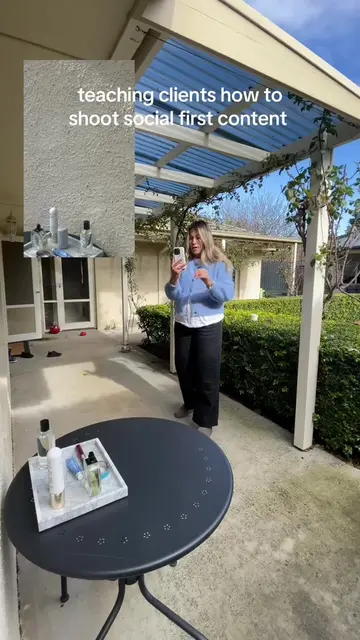
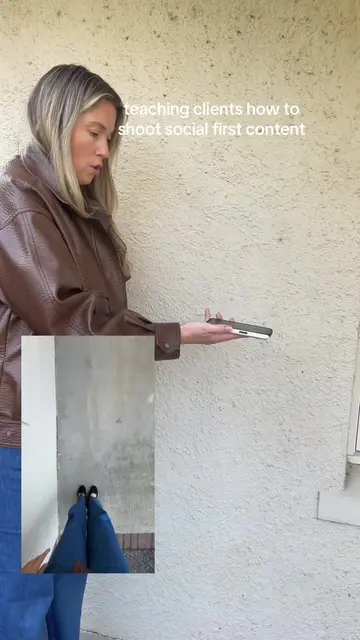
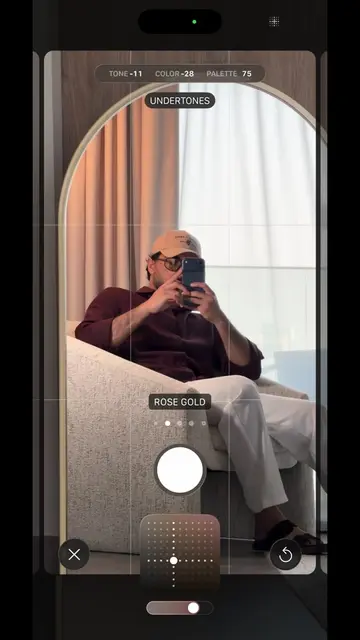
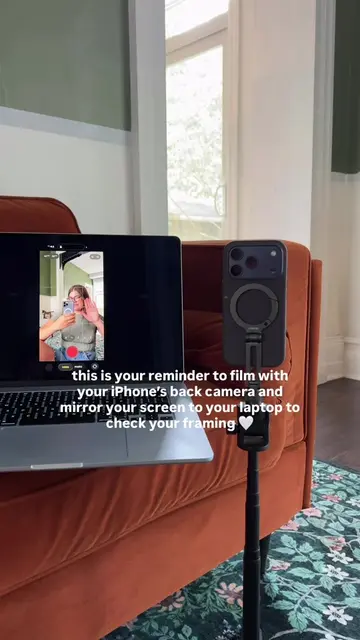
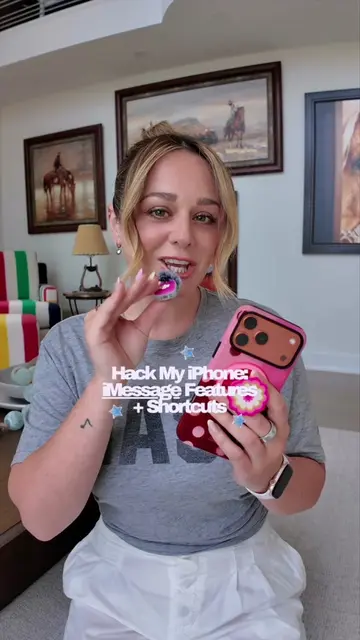
This video demonstrates an iPhone camera hack for shooting social media content. The creator shows how to pause recording, change angles, and then resume recording to create a more dynamic and edited-looking video without needing external editing software.
no gatekeeping here frens #contenttips #contentonly #contentcreation #iphonecontent
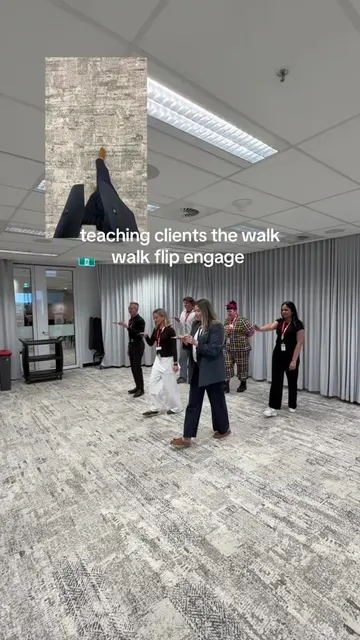
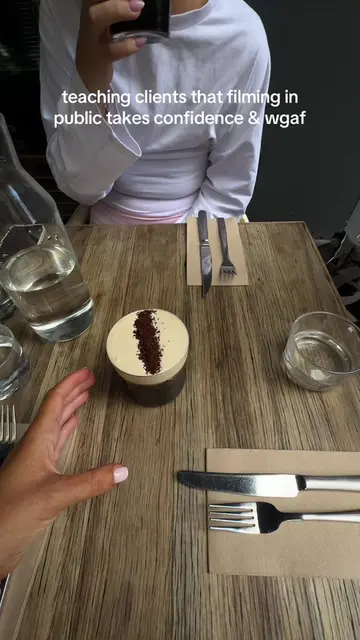
teaching clients iPhone hack that you can use whilst shooting social first content
Introduce iPhone hack for shooting social content
Demonstrate pausing video recording
Show changing camera angles while paused
Resume recording
Explain the benefit for editing
iPhone: ACTS - the device is used to record video, and its native camera app is operated to demonstrate a specific feature. Removing it would change what happens in the video.
Playing this video’s own audio, so you’ll hear the creator over the sound.
Promotes 2 products. Create free account to see more.
Outliers and viral hits: their videos on Overshot, all time.
Download Camera by Apple on the App Store. See screenshots, ratings and reviews, user tips, and more apps like Camera.
All time.