Loading video…
Sound

original sound - eae_vini058
ᴇᴀᴇ_ᴠɪɴɪ058🇧🇷 · Original audio
0:00–:––
Playing this video’s own audio, so you’ll hear the creator over the sound.
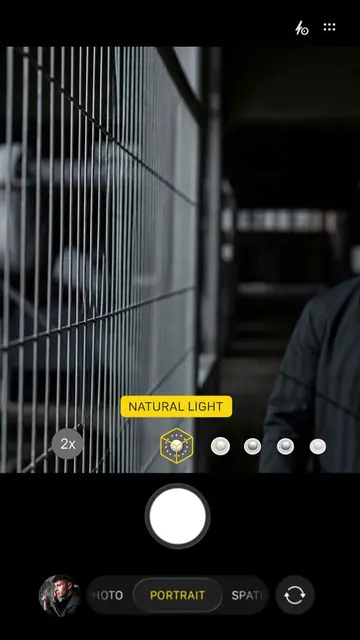
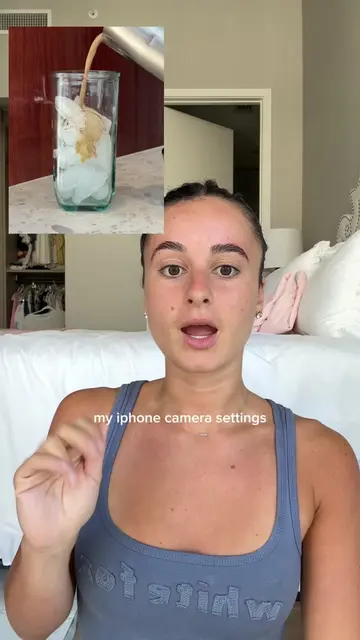
The video showcases practical, in-app editing features that are easily accessible to a wide audience of iPhone users, demonstrating how to enhance photos without external apps.
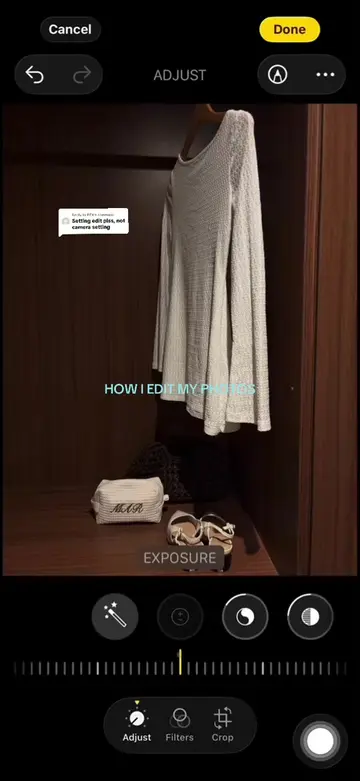
The video demonstrates the photo editing capabilities of an iPhone camera app. It shows various adjustments like tone, color, exposure, brilliance, highlights, shadows, contrast, brightness, vibrance, definition, noise reduction, and vignette being applied to a selfie.
iPhone Photography & Editing #iphonephotography #photography #photoediting #mobilephotography
TONE -08 COLOR -28 PALETTE 75
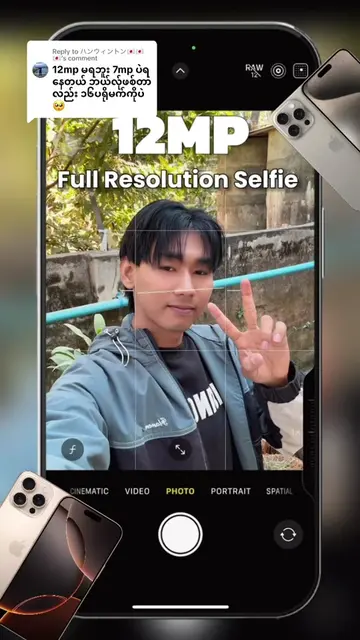
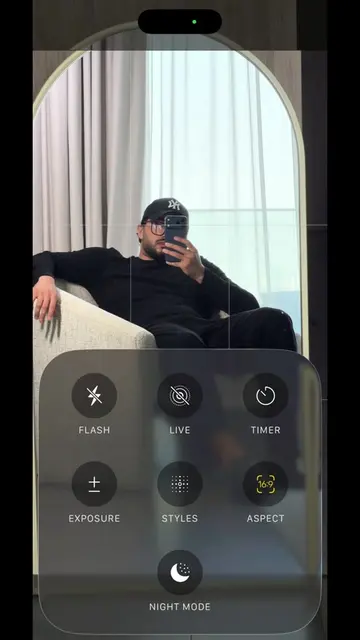
Opening shot of iPhone camera interface
Applying filters and undertones
Adjusting exposure and brilliance
Modifying highlights and shadows
Changing contrast and brightness
Adjusting vibrance, definition, noise reduction, and vignette
Final edited selfie
iPhone (camera app) (ACTS) - its interface is operated to take and edit photos. Removing it would change what happens in the video. Apple (logo) (APPEARS) - a corner watermark on the phone screen. Removing it would not change what happens in the video.
Playing this video’s own audio, so you’ll hear the creator over the sound.
Promotes 1 product. Create free account to see more.
Outliers and viral hits: their videos on Overshot, all time.
Download Camera by Apple on the App Store. See screenshots, ratings and reviews, user tips, and more apps like Camera.
All time.