Loading video…
All breakouts

72.8Talking HeadOther hookGames
Hook
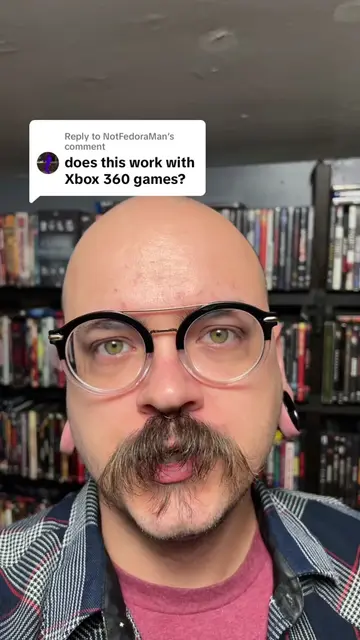
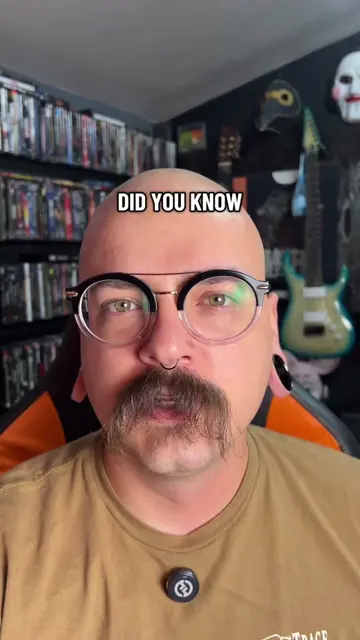
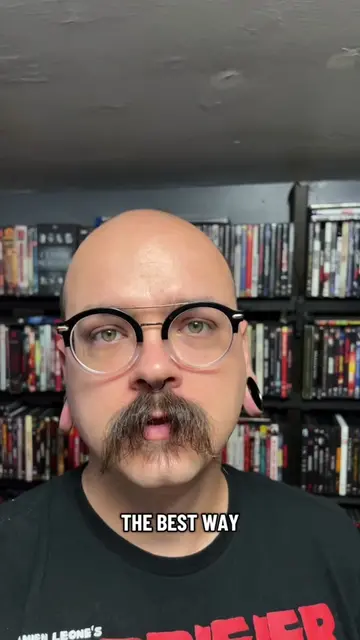
THERE'S A PROGRAM
@discount_orlok
271.2K followers · usually 47.5K views a post
Views
2.6M
Likes
235.5K
Comments
1.7K
Shares
17.9K
Promoted product
Batocera.linuxbatocera.org
Only Cores That Matter
Why it worked
The video provides a clear, step-by-step tutorial on a popular DIY project (turning a PC into a retro gaming console), leveraging a niche interest in retro gaming and emulation. The use of on-screen text and clear visual demonstrations makes the process easy to follow, appealing to a DIY audience.
Summary
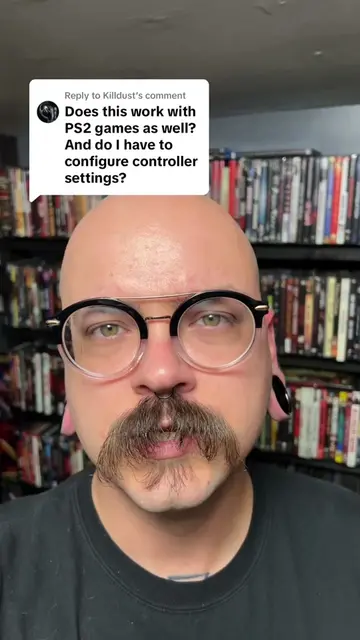
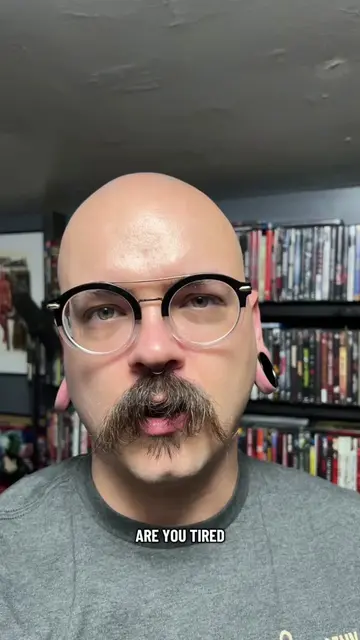
This video demonstrates how to transform a standard PC into a retro gaming console using Batocera.linux and Raspberry Pi Imager. It guides viewers through downloading the software, creating a bootable USB drive, configuring BIOS settings, and booting into the gaming system.
Structure
- 1Introduction to Batocera and its purpose
- 2Downloading Batocera and Raspberry Pi Imager
- 3Creating the bootable USB drive
- 4Configuring BIOS settings
Original caption
Make any PC a Gaming Console. #tiktoktechcontest #howto #retrogaming #emulator #gaming
More from @discount_orlok
More breakout videos from this creator.