Loading video…
All breakouts
36.6Talking HeadDirect Question hookGames
Hook
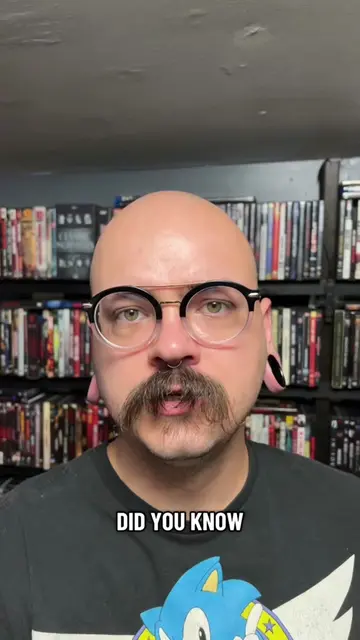
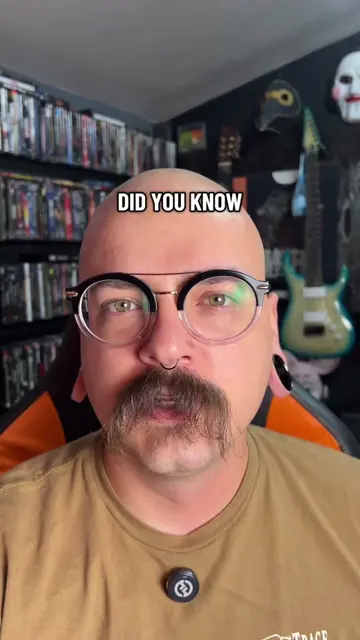
DID YOU KNOW
@discount_orlok
271.5K followers · usually 48.1K views a post
Views
2.2M
Likes
314.2K
Comments
3.0K
Shares
33.0K
Why it worked
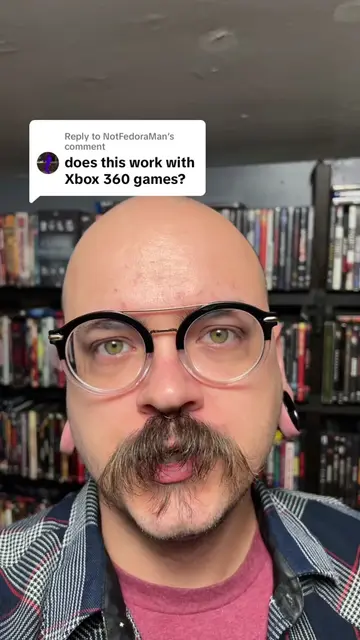
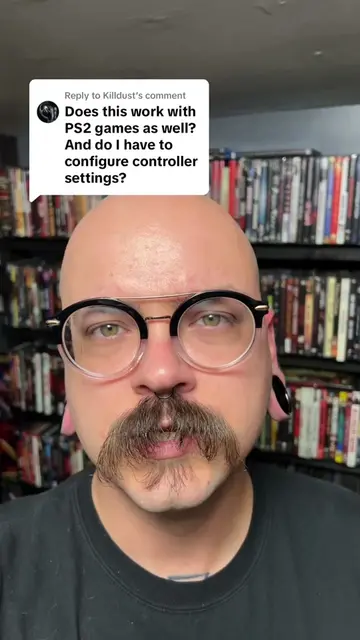
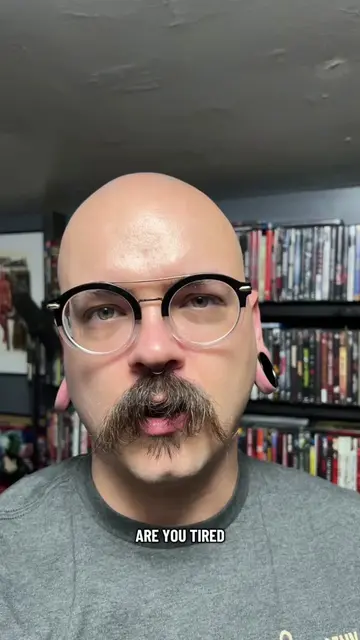
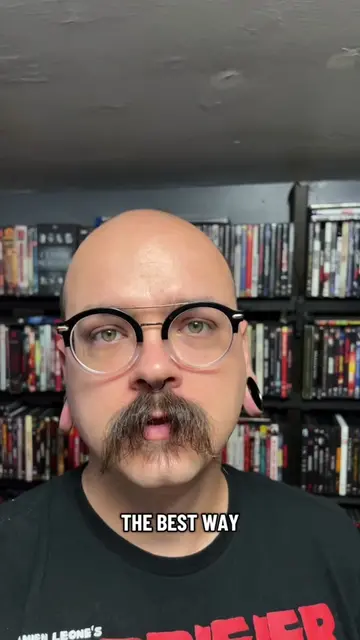
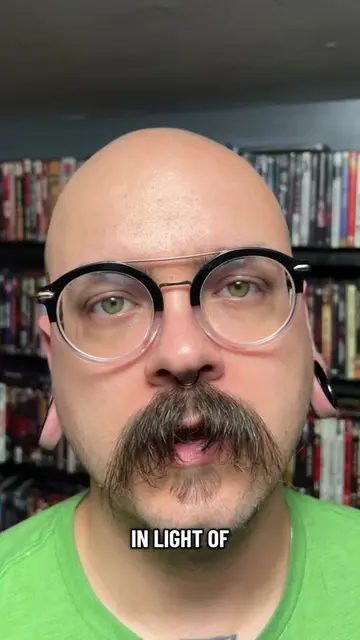
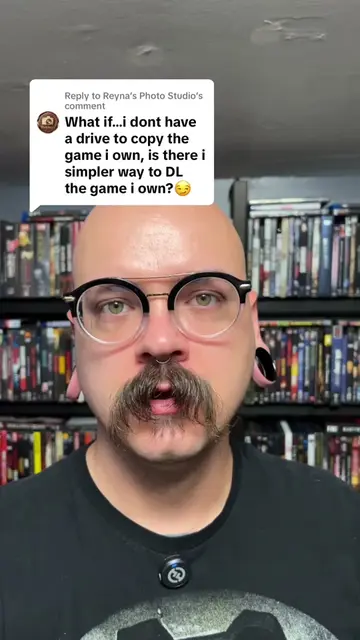
The video provides a practical, step-by-step tutorial on a topic of interest to retro gaming enthusiasts, leveraging a free and accessible tool (ImgBurn) to solve a common problem. The clear demonstration and concise instructions make it easy to follow and replicate.
Summary
This video demonstrates how to archive old video games by creating an image file from a disc using ImgBurn. The process involves downloading and installing ImgBurn, selecting "Create image file from disc," specifying a destination, and then initiating the read process. The archived game can then be played using an emulator.
Structure
- 1Introduction to archiving old video games
- 2Downloading and installing ImgBurn
- 3Creating an image file from a game disc
Original caption
Archiving PS1 Games #learnontiktokcontest #DIY #howto #retrogames #gaming
More from @discount_orlok
More breakout videos from this creator.