Loading video…
All breakouts
66.3App DemoDirect Question hookGames
Hook
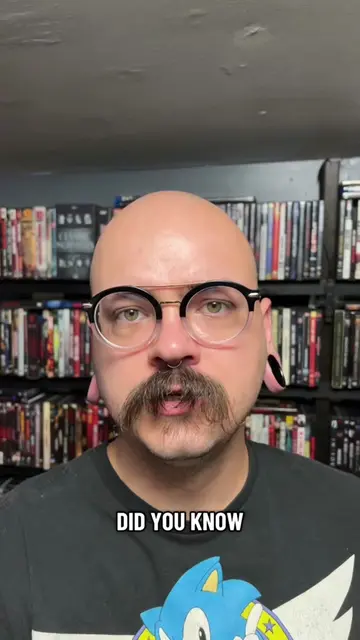
DO YOU KNOW
@discount_orlok
274.2K followers · usually 47.0K views a post
Views
4.0M
Likes
392.4K
Comments
5.4K
Shares
36.2K
Why it worked
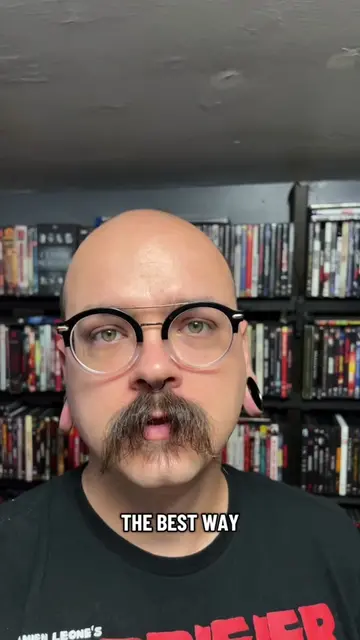
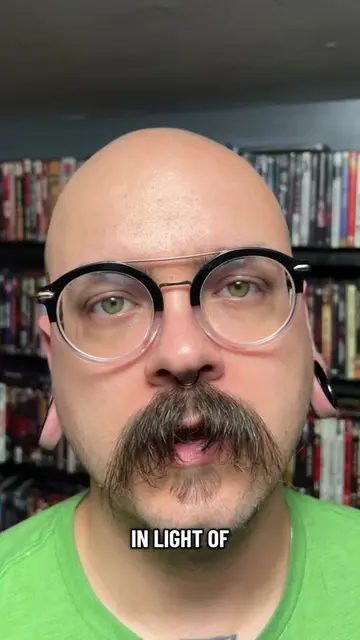
The video provides a practical, step-by-step tutorial for a common user need: consolidating physical media into a digital, streamable format. It addresses a desire for cost savings by suggesting cancellation of subscription services, tapping into a strong user motivation.
Summary
This video demonstrates how to rip DVDs using MakeMKV and then set up a personal media server using Jellyfin. The process involves ripping the DVD, organizing the files, downloading and installing Jellyfin, and configuring it to access the ripped media, ultimately allowing the viewer to create their own streaming platform at home.
Structure
- 1Rip DVD with MakeMKV
- 2Download and install Jellyfin
- 3Configure Jellyfin server
- 4
Original caption
DVDs Do This Crazy Thing. #streaming #learnontiktokcontest #physicalmedia #DIY #howto
More from @discount_orlok
More breakout videos from this creator.