Loading video…
Sound

original sound - airbazoo
Shahbaz Sheikh · Original audio
0:00–:––
The video effectively demonstrates a visually appealing and easily replicable effect using an AI tool, appealing to creators looking to enhance their content with minimal effort. The clear call to action and the 'free' aspect further incentivize engagement.
This video demonstrates how to create a dynamic hyperlapse effect transitioning from day to night using Grok Imagine. It shows the process of uploading an image and prompting the AI to generate the effect, highlighting the tool's speed and ease of use.
Level Up Your Videos with FREE Hyperlapses 👀 Dynamic Hyperlapses are one of the easiest ways to level up your videos and using @Grok is one of the easiest ways to create them. You just simply need to find an image where the sky is clearly exposed and ask Grok Imagine to create your Hyperlapse transitioning from day to night (or vice versa) It really is that easy! SO, would you use Grok Imagine to save you hours? Never Give Up Keep Creating #GrokPartner #Tech #techtok
this is called
Introduce the dynamic hyperlapse effect
Explain how to create it using Grok Imagine
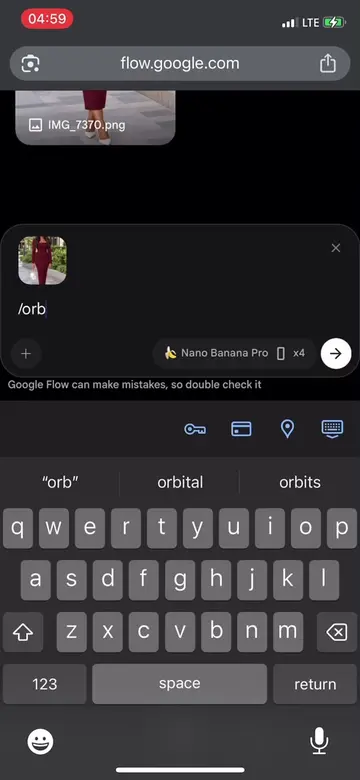
Demonstrate uploading an image and prompting the AI
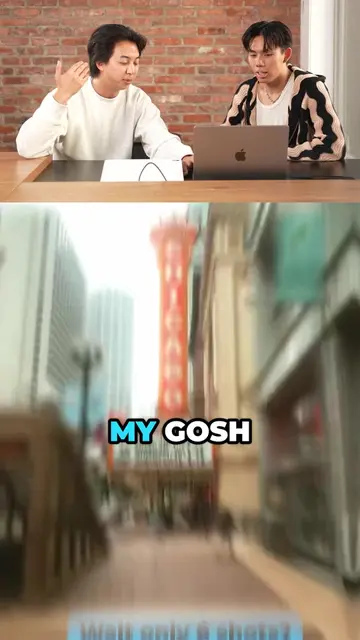
Showcase the generated hyperlapse
Highlight the speed and benefits of Grok Imagine
Call to action to use Grok Imagine via link in bio
Grok Imagine: ACTS - it generates a hyperlapse video from an image. Removing it would change what happens in the video. Lawson: APPEARS - a convenience store that is the setting for the initial demonstration. Removing it would not change what happens in the video.
check out the link in my bio to start using Grok Imagine for FREE today!
Promotes 5 products. Create free account to see more.
Outliers and viral hits: their videos on Overshot, all time.
AI image and video generator for people creating visual content
All time.