Loading video…
All breakouts
6.5Talking HeadHow-To hookAI Tools
Hook
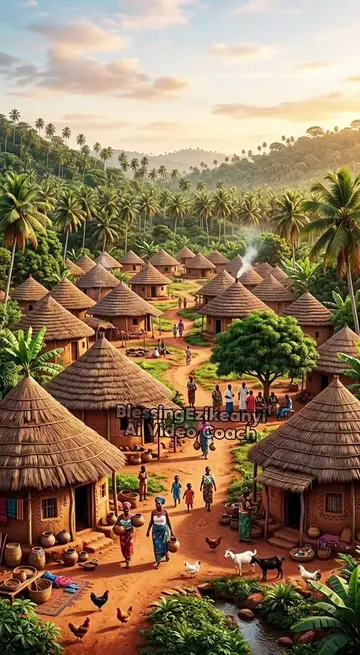
Let me show you how to generate background music for your AI movies or AI story videos.
@theblessingezikeanyi
14.6K followers · usually 345 views a post
Views
3.7K
Likes
261
Comments
29
Shares
43
Summary
The video demonstrates how to generate background music for AI-generated videos using ChatGPT for lyrics and Suno AI for music creation. It walks through the process of prompting ChatGPT for lyrics, downloading the Suno AI app, inputting the lyrics, selecting styles, and generating the music.
Transcript
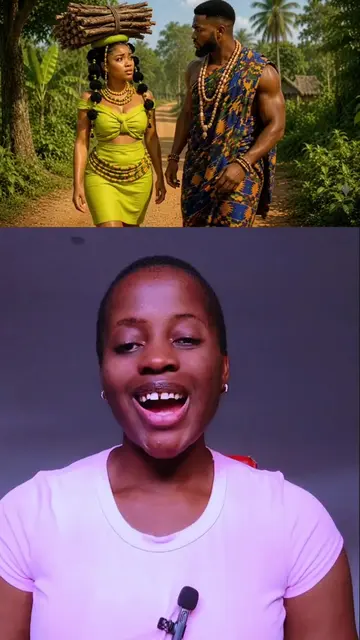
Let me show you how to generate background music for your AI movies or AI story videos. Something like this. I'm in trouble. Let's run. The morning sun will always rise. Why did you come to the dance? You want the prince to see you. We will kill you today. Please I'm sorry, please don't kill me. Fool's girl, beat her very well. Okay, continue running, but you will still come back to this house. I need to run to's house before they kill me. So you open GTA, let's say I made a video on a porn who is being molted by her aunt and her cousins and I want to create a background music for that video. I'm going to paste my prom telling GTA to give me lyrics that will match that type of story. And I'll go ahead and click on send and GTA will give me the lyrics for the background music, okay? So here is the lyrics. So what I'll do now is I'll come here to copy this . Okay, next is I'll come to my Google Play Store and I will download this app known as. and then I will go ahead and open it. If it's your first time, you have to sign in using your Google account. And once you sign in, this is what the interface should look like. So you're going to come here and click on this icon down here. Here you're going to paste your lyrics. So I'll click here, paste my lyrics and then scroll down to this place where there is tiles. So I'll come down here and I will select slow and I will look for another thing to to select I'll select female voice. And then I'll go ahead and click on create. And wait for you to generate the songs for us. It usually generates four songs at the same time. Two are totally free and you can download it, but the last to you preview it, but you won't be able to download it and Snow AI allows you to generate up to 10 songs in a day and once you exhale your credit, you have to wait for the next day to generate another song. Let me play the first one. In a quiet village with let me play the second one. In a quiet village where the red dust flies. Once your songs are ready, click on these three lines here and click on download. This usually comes out, but just go ahead and click on download anyway. And it will download to your device, okay? If you're not here following me, follow me so you don't miss out some valuable tips like this and tell me in the comment section what tutorial do you want me to make a video on next and I will make that tutorial for you, okay?
Original caption
How to create background music for your ai story videos
More from @theblessingezikeanyi
More breakout videos from this creator.