Loading video…
Sound

original sound - remy_engineering
remy_engineering · Original audio
0:00–:––
We didn’t find a product being promoted in this video. Its hook, format and structure below still show why it took off.
Browse products winning on TikTokThe video addresses a common concern about digital privacy and provides actionable steps to manage Google account settings. It also offers alternative solutions, appealing to users seeking greater control over their data.
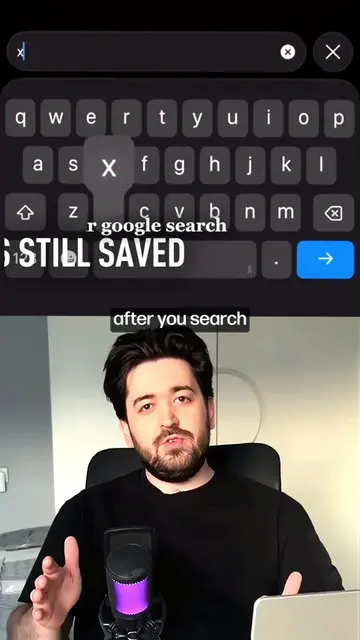
This video explains how to check and adjust Google account privacy settings, specifically focusing on 'Web & App Activity' and 'Include voice and audio activity.' It suggests alternatives like Proton Mail, Tuta, Brave Search, DuckDuckGo, and Kagi for users concerned about data privacy.
most people never check these google settings… your google account stores more information than most people realize. in this video, i’ll show you a few privacy settings worth checking and some privacy-focused alternatives if you want more control over your data. #privacy #google #cybersecurity #cyber #linux
If you're still using Gmail,
Introduction to Gmail privacy concerns
Navigating Google account settings
Disabling voice and audio activity tracking
Reviewing other privacy settings (location, YouTube, ad personalization)
Suggesting privacy-focused alternatives for email and search
Concluding with the importance of knowing alternatives
The video demonstrates how to adjust privacy settings within a Google Account, specifically mentioning 'Web & App Activity' and 'Include voice and audio activity.' It also suggests alternative services like Proton Mail, Tuta, Brave Search, DuckDuckGo, and Kagi.
If you know any other privacy tools or tips, leave them in the comments.
Promotes 5 products. Create free account to see more.
Outliers and viral hits: their videos on Overshot, all time.