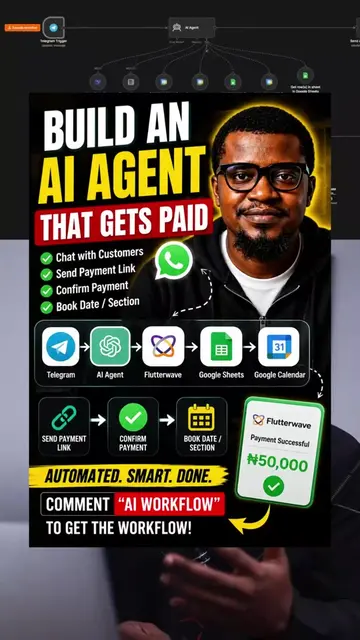
Loading video…
All breakouts
 Zo Computer
27.4Talking HeadHow-To hook
Hook
FREE AUTOMATION TOOL. Zo Computers walkthrough
@emmywhiteexprience
1.7K followers · usually 151 views a post
Views
3.9K
Likes
230
Comments
42
Shares
18
Selling · SaaS › AI Tool
Why it worked
The video effectively showcases a practical and free solution for AI automation, addressing a common pain point for creators and businesses. The clear step-by-step demonstration, combined with the offer of a free workflow via a comment-based CTA, creates strong engagement and value.
Summary
This video demonstrates how to set up free AI automations using Zo Computer and OpenRouter. The creator explains the process of downloading the Zo Computer app, connecting it to other services like Gmail and Google Sheets, and then using AI prompts to build custom automations, such as generating daily content ideas.
Structure
- 1Introduction to Zo Computer as a free automation tool
- 2Downloading and setting up Zo Computer
- 3Connecting Zo Computer to other apps and services
- 4Using AI to build automations with Zo Computer
- 5Demonstration of a daily content idea automation
- 6Connecting OpenRouter for free AI model access
- 7
Original caption
🚀 You don't need to spend hundreds of dollars to start building AI automations. In this video, I show you how I use Zo Computer together with a free AI model through OpenRouter to automate my workflow—like generating daily content ideas automatically. ⚠️ Important: Zo Computer is not completely free. It offers a very generous free plan, which is enough for many people to get started before considering a paid upgrade. Comment "ZO COMPUTER" and I'll send you the workflow I use. #AIAutomation #AITools #creatorsearchinsights #aiagent #n8n
More from @emmywhiteexprience
Their other posts in the index, biggest breakout first.