Loading video…
All breakouts
 n8nseen in 93 videos →
15.7App DemoHow-To hook
Hook
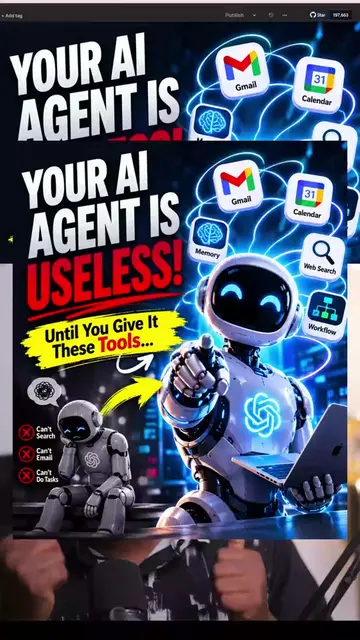
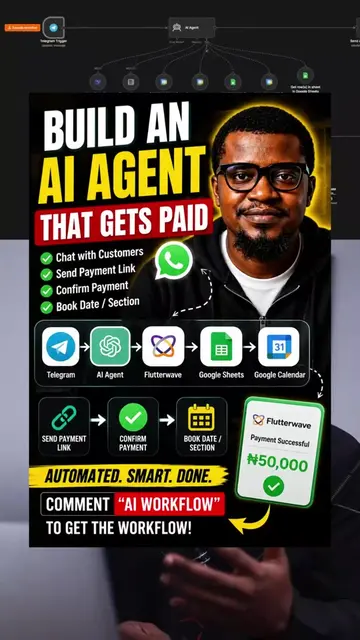
HOW TO CREATE N8N TEMPLATE WITH AI
@emmywhiteexprience
1.7K followers · usually 151 views a post
Views
2.4K
Likes
137
Comments
11
Shares
8
Selling · SaaS › Other SaaS
Why it worked
The video provides a practical solution to a common pain point for n8n users (time spent building workflows) by leveraging AI, making it highly relevant and shareable within the automation community.
Summary
The video demonstrates how to use ChatGPT to generate n8n workflow templates, saving users time compared to building them from scratch. It shows the process of importing a generated template into n8n and explains that while AI-generated templates are helpful starting points, understanding the underlying workflow mechanics is crucial for beginners.
Structure
- 1Introduction to creating n8n templates with AI
- 2Demonstration of using ChatGPT to generate a workflow prompt
- 3Importing the generated JSON template into n8n
- 4Explanation of the workflow structure and its components
- 5Advice on using templates for learning vs. building
- 6Concluding remarks and call for comments
Product placement
Original caption
Most people are still building their n8n workflows from scratch. In this video, I show you how to use AI to generate n8n workflow templates in minutes instead of spending hours figuring everything out yourself. If you’re building automations, this is a workflow you’ll want to add to your toolkit. Watch the tutorial, try it yourself, and let me know what you build. Follow for more practical AI and n8n automation tips. #n8n #AIAutomation #WorkflowAutomation #ArtificialIntelligence #NoCode
More from @emmywhiteexprience
Their other posts in the index, biggest breakout first.