Loading video…
Sound

original sound - learndesignfast
Learn Design Fast · Original audio
0:00–:––
Playing this video’s own audio, so you’ll hear the creator over the sound.
The video showcases a visually stunning transformation, appealing to users interested in digital art and creative processes. By revealing the 'hidden' steps of image manipulation, it offers a satisfying glimpse into the creation of complex fantasy scenes.
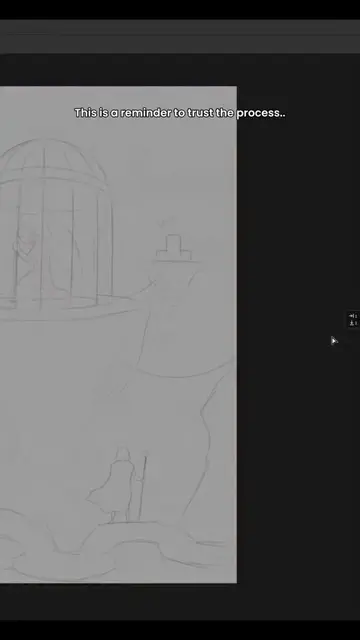
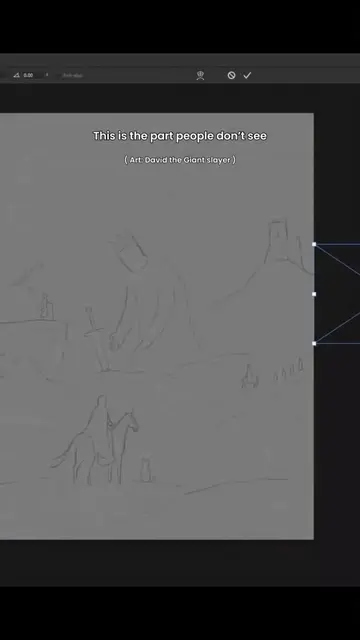
The video demonstrates the process of creating a fantasy art piece using Photoshop. It shows various elements being composited and edited to form a surreal floating island with a ship and a pirate figure, highlighting the behind-the-scenes work involved in digital art creation.
How to Design Fantasy Surreal Floating Island Art in Photoshop Combine stock images to build a floating island with hanging roots and a rustic ship structure. Layer atmospheric fog, dramatic sunset clouds, and warm accent lighting to craft an immersive fantasy concept artwork. ( Disclaimer: This video is only for Inspiration and all credits to the original creators. ) fantasy photo manipulation, surreal landscape design, floating island tutorial, photoshop compositing, fantasy concept art, atmospheric fog effect, sunset lighting, color grading tutorial, graphic design, photo editing #PhotoManipulation #FantasyArt #PhotoshopTutorial #SurrealDesign #DigitalArt #GraphicDesign #PhotoCompositing #ConceptArt #DesignTutorial #PhotoshopEdit
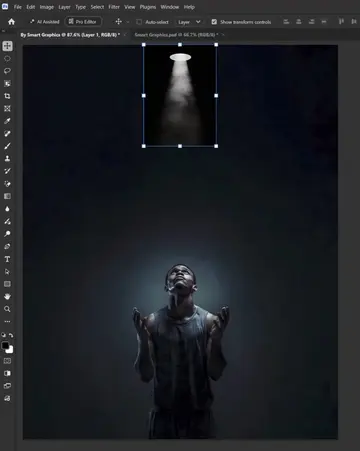
Nobody sees this part of the process...
Initial sketch and image placement
Compositing floating island elements
Adding ship and pirate character
Detailing and atmospheric effects
Color grading and final touches
Revealing the final artwork
Photoshop ACTS - it is used to edit and composite images, creating a visible result. Removing it would change what happens in the video.
Playing this video’s own audio, so you’ll hear the creator over the sound.
Promotes 3 products. Create free account to see more.
Outliers and viral hits: their videos on Overshot, all time.
Image-editing software for artists and designers creating composite images
All time.