Loading video…
Sound

original sound - learndesignfast
Learn Design Fast · Original audio
0:00–:––
Hook
Posted Aug 18, 2026Video · 1:00by @learndesignfast
The video likely performed well due to its visually striking and imaginative concept, combined with a clear demonstration of a popular and powerful software tool (Photoshop). The tutorial format appeals to a wide audience interested in digital art and creative editing.
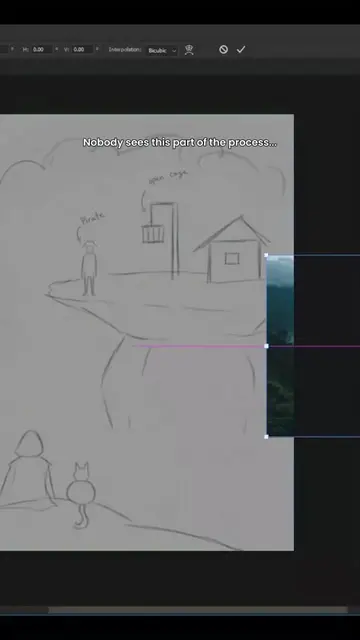
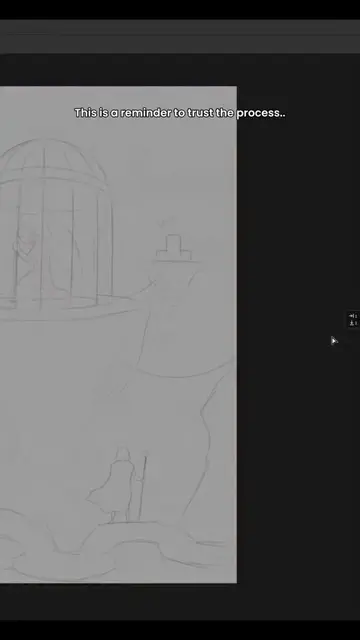
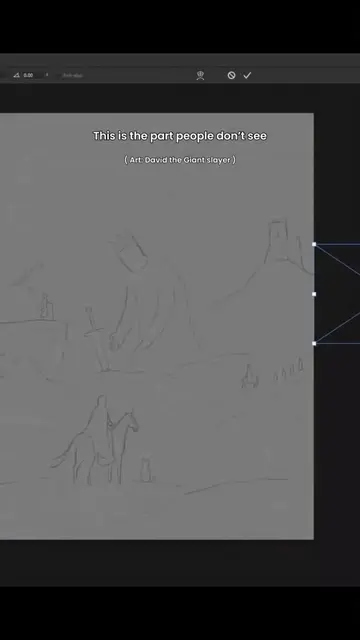
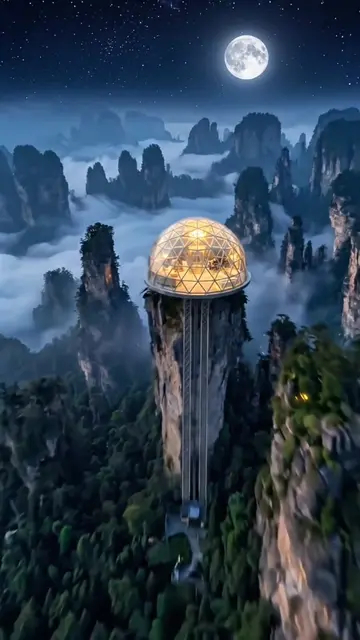
This video demonstrates how to create a surreal composite image of a giant geometric pyramid floating over a mountain landscape using Photoshop. It covers techniques for realistic shadows, atmospheric depth, lighting, and color grading to achieve a sci-fi concept art look.
How to Create a Surreal Floating Pyramid Composite in Photoshop Composite a giant geometric 3D pyramid floating over a lush forest mountain landscape. Master realistic cast shadows, atmospheric depth, lighting alignment, and color grading in Photoshop to create a sci-fi surreal concept art graphic. ( Disclaimer: This video is only for Inspiration and all credits to the original creators. ) surreal photo manipulation, photoshop tutorial, floating pyramid art, sci-fi poster design, photo compositing, landscape manipulation, shadow integration photoshop, surreal graphic design, concept art tutorial, photoshop graphic #PhotoManipulation #PhotoshopTutorial #SurrealArt #ConceptArt #GraphicDesign #Photoshop #SciFiArt #PosterDesign #VisualDesign #DesignTutorial
How to Create a Surreal Floating Pyramid Composite in Photoshop
Introduction to the concept
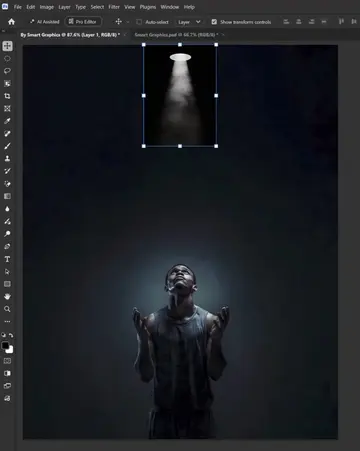
Demonstration of Photoshop tools and techniques
Compositing the pyramid into the landscape
Adding realistic shadows and lighting
Color grading for atmosphere
Final surreal image reveal
Photoshop (ACTS - image editing software, used to create the composite image; removing it would change what happens in the video)
Promotes 3 products. Create free account to see more.
Outliers and viral hits: their videos on Overshot, all time.
Image-editing software for artists and designers creating composite images
All time.