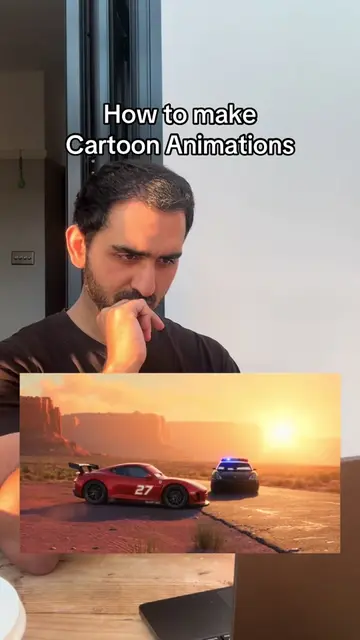
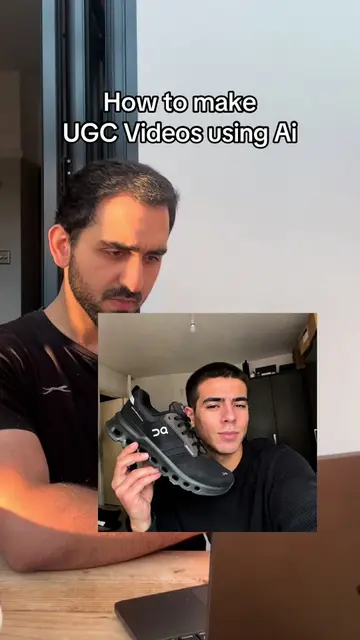
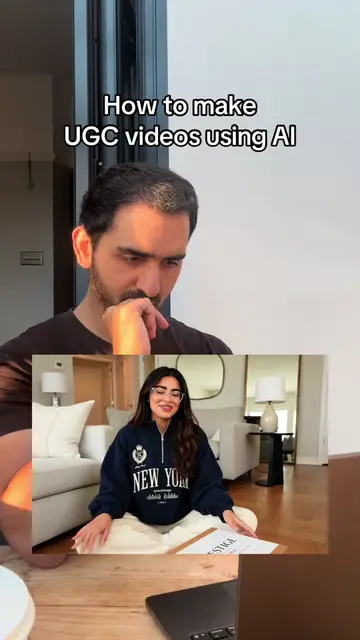
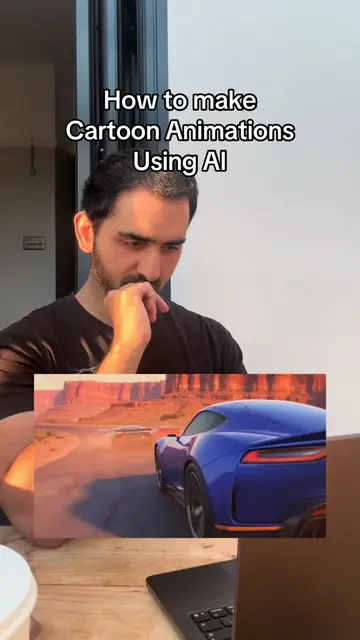
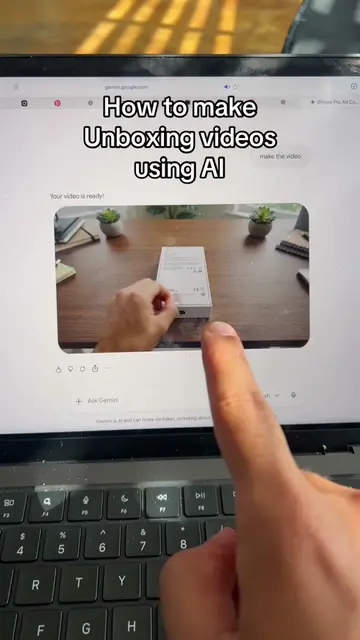
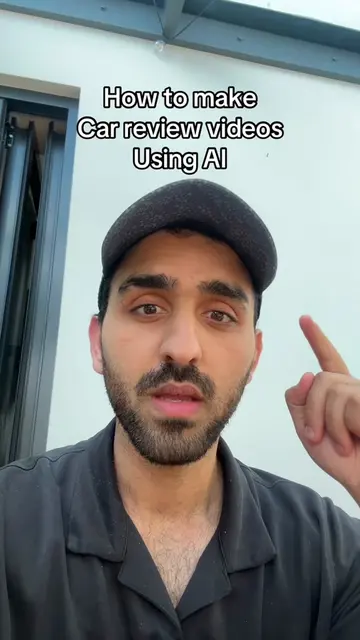
Loading video…
All breakouts
8.6App DemoHow-To hookAI Tools
Hook
How to make Extremely realistic AI Images
@dawoodzahidd
49.0K followers · usually 1.4K views a post
Views
37.6K
Likes
1.8K
Comments
31
Shares
184
Promoted product
Google Flowhttps://flow.google.com/ ↗
Why it worked
The video provides a clear, step-by-step tutorial on a trending topic (AI image generation) using readily available tools, making it highly shareable and valuable for viewers interested in creative AI applications.
Summary
This video demonstrates how to create realistic AI images using a combination of Pinterest, ChatGPT, and Google Flow. The process involves finding a reference image on Pinterest, using ChatGPT to convert it into a JSON prompt, and then inputting that prompt into Google Flow to generate multiple AI images, from which the most realistic one is selected.
Structure
- 1Find a reference image on Pinterest
- 2Use ChatGPT to generate a JSON prompt from the image
- 3Input the JSON prompt into Google Flow to generate AI images
- 4Select the most realistic AI-generated image
Product placement
Pinterest (ACTS - used to find reference images, removing it would change the workflow); ChatGPT (ACTS - used to break down an image into a JSON prompt, removing it would change the workflow); Google Flow (ACTS - used to generate AI images from a JSON prompt, removing it would change the workflow)
Call to action
Learn AI Content Creation
Original caption
How to make extremely realistic AI images #ai #images
More from @dawoodzahidd
More breakout videos from this creator.