Loading video…
Sound

original sound - sambutlerai
Sam · Original audio
0:00–:––
Playing this video’s own audio, so you’ll hear the creator over the sound.
The video provides a clear, step-by-step workflow for a common creative challenge, leveraging popular AI tools and platforms to offer a practical solution.
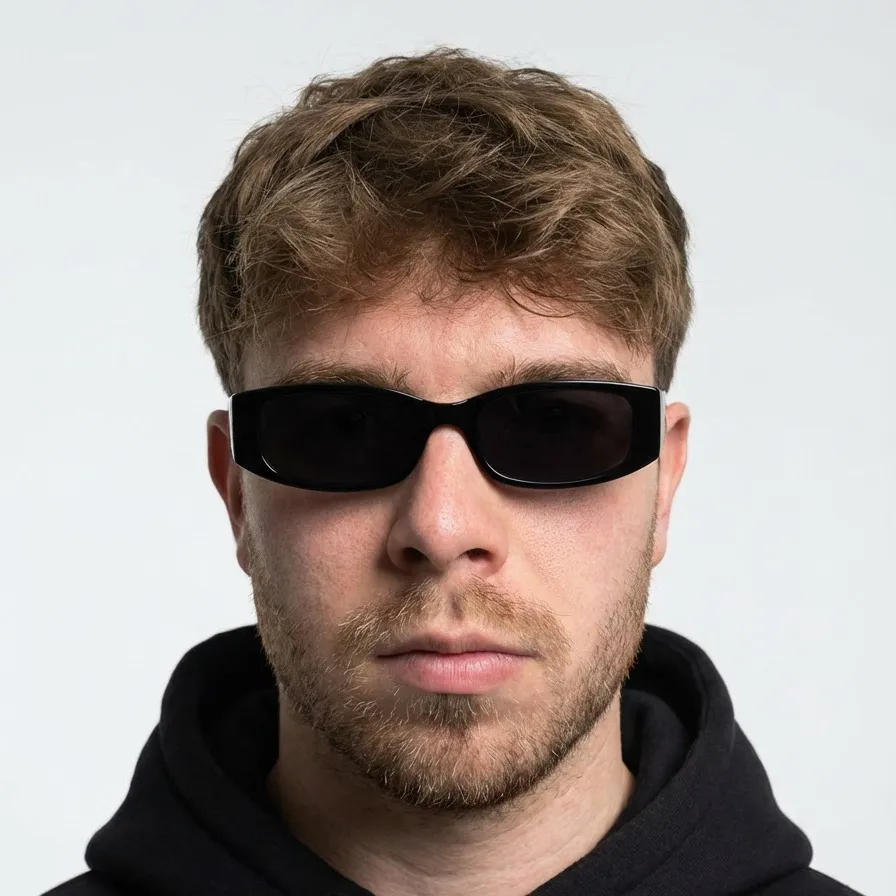
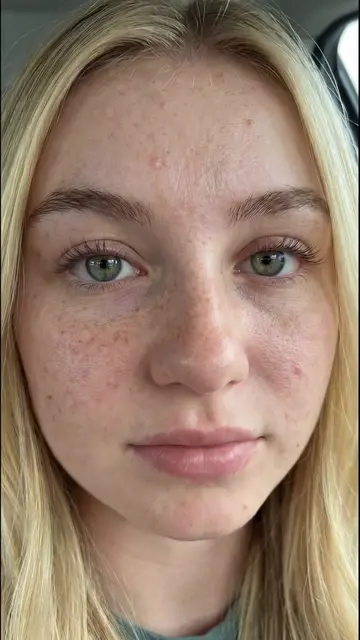
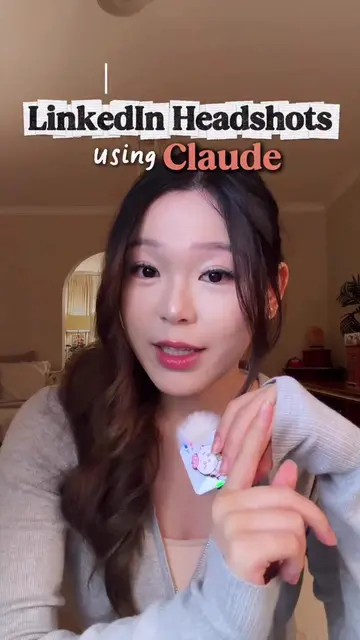
The video demonstrates a method for generating realistic AI characters by using Pinterest for inspiration, Claude AI for prompt generation, and Higgsfield.ai with the Nano Banana Pro model to create the final images.
How to get realistic AI characters (the easy way) #airealism #ai
Realistic AI Characters
Introduce the problem of creating realistic AI characters
Suggest using Pinterest for image inspiration
Use Claude AI to generate a detailed prompt from a reference image
Use Higgsfield.ai with Nano Banana Pro to generate the AI image
Showcase the final realistic AI image
Pinterest: a website used for finding inspiration and images. It ACTS as a reference tool. Removing it would change the workflow shown. Claude: an AI chatbot that generates detailed prompts based on images. It ACTS as a prompt generator. Removing it would change the workflow shown. Higgsfield.ai: a website that generates AI images based on prompts. It ACTS as an AI image generator. Removing it would change the workflow shown. Nano Banana Pro: a specific AI image generation model or setting within Higgsfield.ai. It ACTS as the image generation engine. Removing it would change the workflow shown.
Playing this video’s own audio, so you’ll hear the creator over the sound.
Promotes 7 products. Create free account to see more.
Outliers and viral hits: their videos on Overshot, all time.
AI creative suite for generating and editing images, videos, and voice content
Views and creators: posted in the last 30 days (English videos). Videos: all time.