Loading video…
Sound

The Kite Luisa Marion
Luisa Marion · Original audio
0:00–:––
- Videos using it
- 113
- Creators
- 83
- Views on those videos
- 43.6M
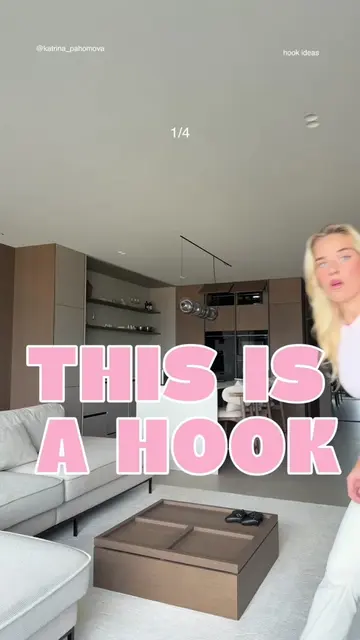
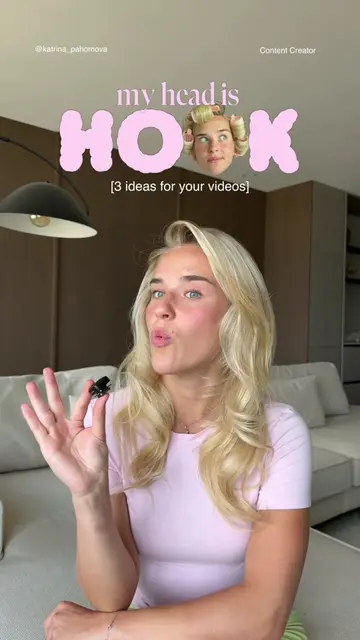
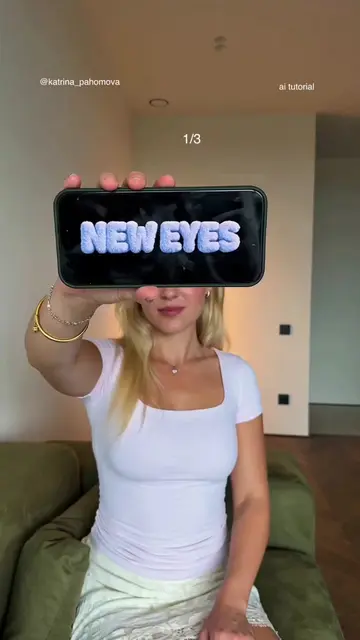
The video provides a simple, achievable visual effect tutorial that is easy to follow and replicate, making it highly shareable and engaging for users looking to enhance their content creation skills.
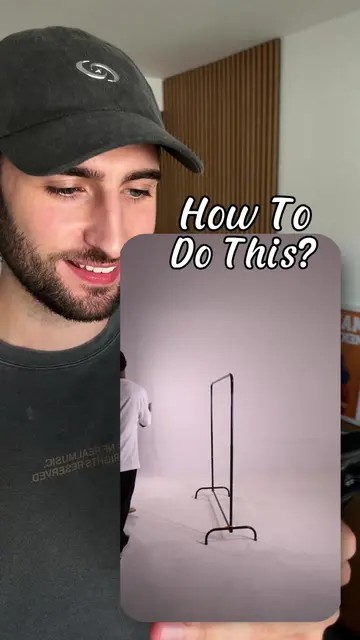
This video demonstrates how to create a clone effect using CapCut. It involves recording yourself talking, then changing outfits and recording again without stopping the camera, and finally masking the second clip in CapCut to create the illusion of a clone.
One of the easiest editing tricks you can learn. 👀 No green screen. No complicated effects. Just one camera, one take, and a simple mask in CapCut. Once you try it, you'll start using this effect everywhere. 🚀 Follow for more easy editing tutorials and content creation tips.
how to make your CLONE
Record first clip
Record second clip with outfit change
Import clips into CapCut
Trim and overlay clips
Apply mask and blur
Finalize clone effect
CapCut: ACTS - video editing software used to create the clone effect. Removing it would change what happens in the video.
FOLLOW for more tips
Video editing app for creators making social media videos
Views and creators: posted in the last 30 days (English videos). Videos: all time.
Promotes 3 products. Create free account to see more.
Outliers and viral hits: their videos on Overshot, all time.