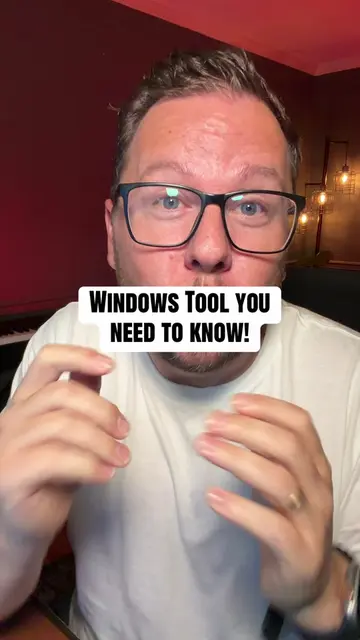
Loading video…
All breakouts
6.7Talking HeadListicle hookEducation
Hook
I've got 7 PowerShell commands
@joecoxtech
123.6K followers · usually 26.3K views a post
Views
128.8K
Likes
9.1K
Comments
124
Shares
1.3K
Promoted product
Microsoft PowerShell
Why it worked
The video provides high-value, actionable tips for IT professionals by showcasing essential, built-in PowerShell commands that solve common problems. The presenter's energetic delivery and the clear on-screen text make complex commands easily digestible, encouraging viewers to save the content for future reference.
Summary
This video showcases seven essential built-in PowerShell commands for IT professionals. It demonstrates how these commands can replace common tools, troubleshoot network issues, search log files, verify downloads, and manage processes, all without requiring additional installations.
Structure
- 1Introduction of 7 essential PowerShell commands
- 2Demonstration of Test-NetConnection for network testing
- 3Explanation of Get-NetTCPConnection for process identification
- 4Showcasing Select-String for file searching
- 5
Original caption
7 PowerShell commands that replace tools you're still installing — all built in. Number 6 turns any of them into a clickable window and almost nobody knows it's there. Save this before your next 2 AM troubleshoot. Which one did you not know? #windows #powershell #TechTips #itpro #techtok
More from @joecoxtech
More breakout videos from this creator.