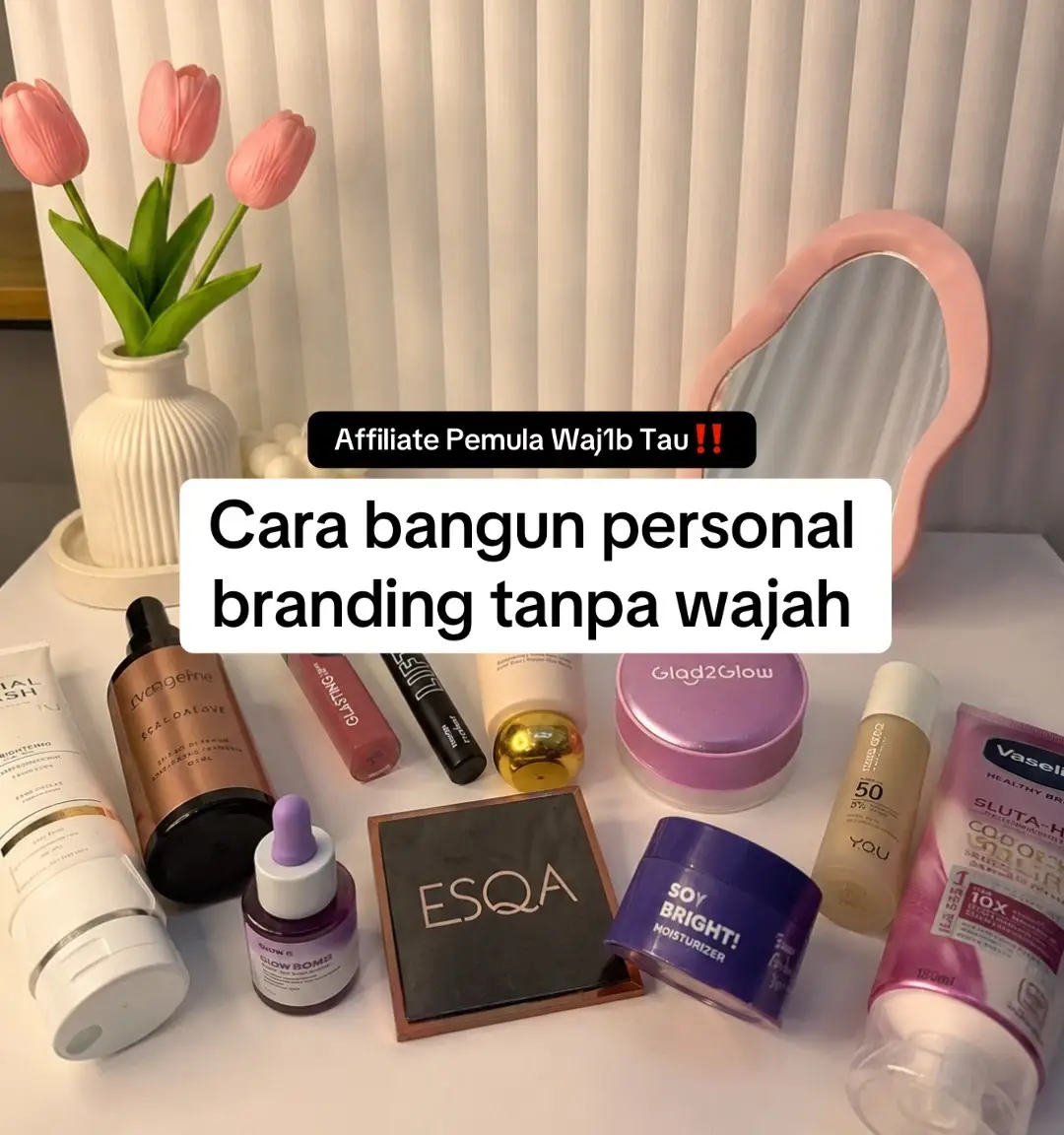
Why it worked
The video effectively uses a popular editing app (CapCut) to showcase a product in a visually appealing way, appealing to users interested in both video editing and product promotion.
Summary
This video demonstrates how to edit a video using CapCut, specifically focusing on adding a product, Alpha Glowhite Body Lotion, as an overlay. The tutorial shows how to resize and adjust the opacity of the product image to create a seamless effect within the video.
Structure
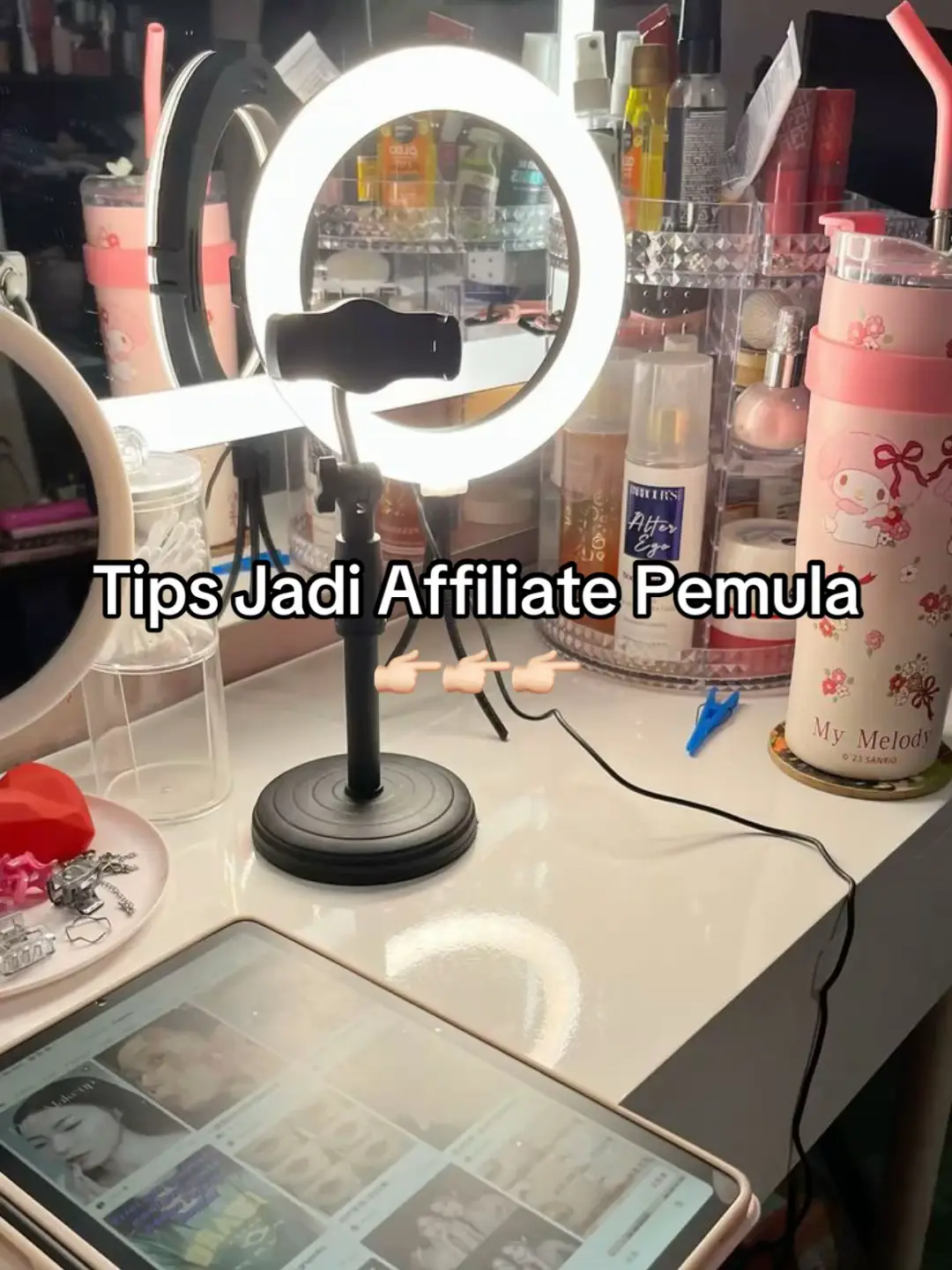
- 1Start with a tutorial title card.
- 2Show the product being added as an overlay.
- 3Demonstrate resizing and adjusting opacity.
- 4Show the final result.
Product placement
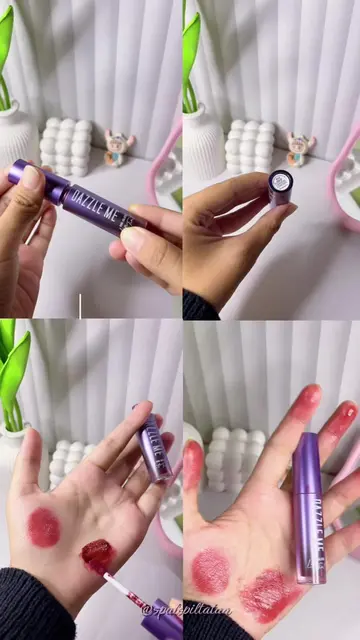
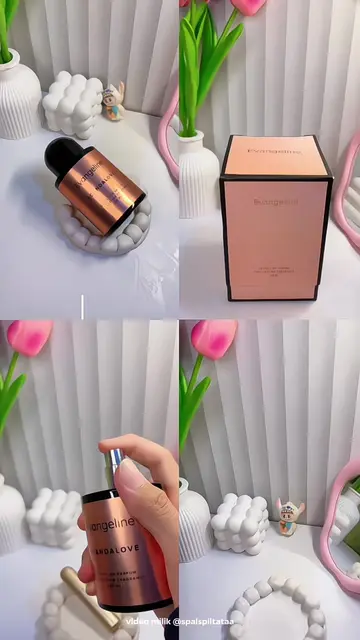
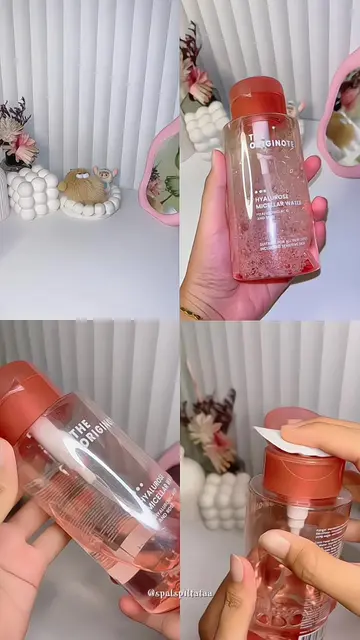
Alpha Glowhite Body Lotion: acts - it is a body lotion that is shown being used in a video editing tutorial. Removing it would change the video's focus. CapCut: acts - it is the video editing app being used to create the tutorial. Removing it would mean the tutorial could not be made. The username @spalspiltataaa appears on screen, but it is attribution and not a product.