Loading video…
Sound

original sound - aniesa21
Aniesa · Original audio
0:00–:––
Playing this video’s own audio, so you’ll hear the creator over the sound.
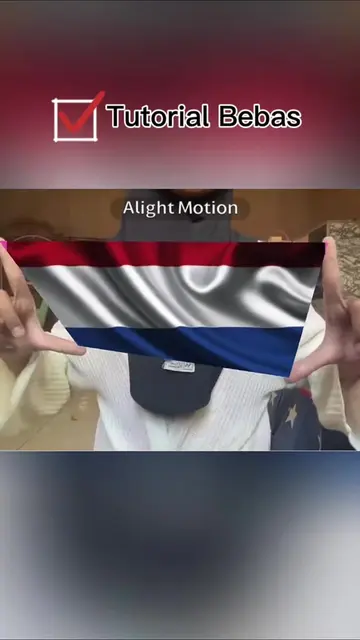
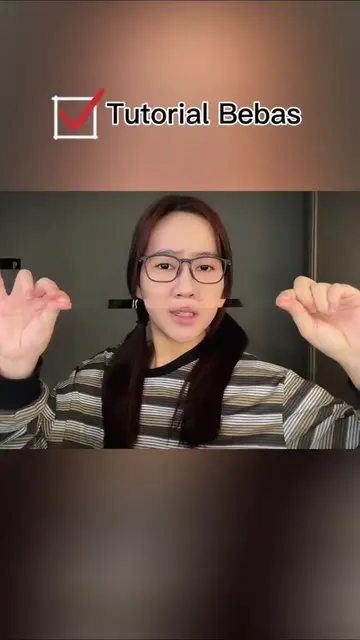
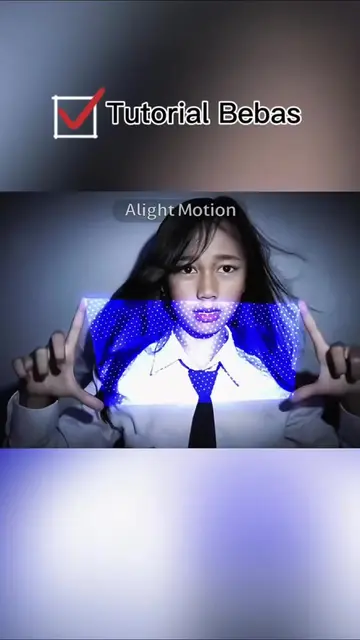
The video taps into a viral trend on TikTok, offering a simple tutorial with clear, step-by-step instructions. It leverages the desire to replicate popular effects and provides a direct call to action to use a specific app (Alight Motion) and a template.
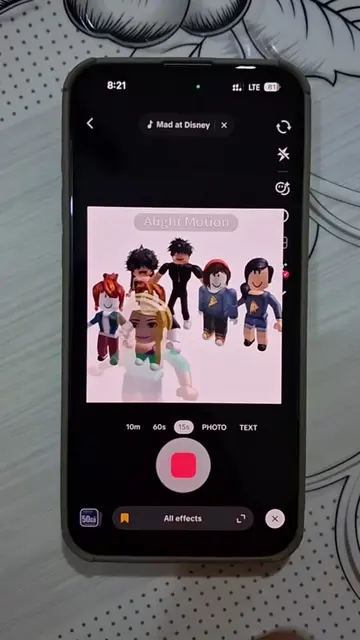
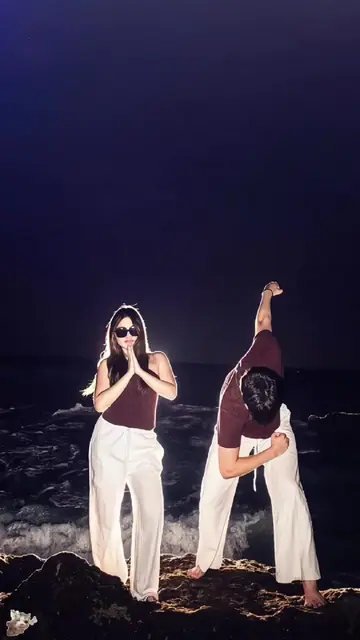
The video demonstrates how to create a viral TikTok effect using Alight Motion. It guides viewers through copying a video link, navigating to their profile, selecting a template, and choosing a photo to apply the effect.
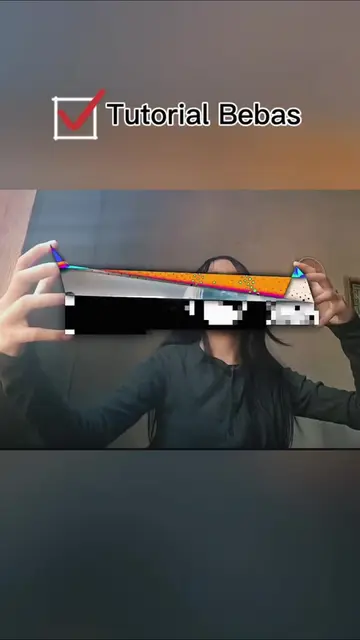
manual tracking filter manual tracking tutorial inverted square trend inverted square tutorial the inverted square trend hand glitch trend hand glitch trend tutorial hand glitch filter hand thing trend tutorial hand thing trend tutorial inverted how to do the hand thing tutorial trend how to do the inverted hand square trend how to do the inverted square trend alight motion How to Do the Viral Manual Tracking Trend manual tracking tutorial manual tracking filter manual tracking tutorial capcut manual tracking tutorial trend manual tracking tutorial alight motion filter manual tracking tutorial manual tracking tutorial after effects manual tracking tutorial inverted manual tracking glass am tutorial manual tracking tutorial no ai manual tracking tutorial am #manualtracking #handthingtrend #capcut #capcutpioneer ✨ Belajar edit video ala kreator TikTok! Tutorial kali ini membahas cara membuat Manual Tracking Trend + Glass Effect + Inverted Motion yang sedang populer. Dengan beberapa langkah mudah, video biasa bisa terlihat lebih profesional dan penuh efek keren. 🔥
Efek ini lagi viral banget di TikTok.
Introduce viral effect
Explain ease of creation
Instruct to copy video link
Navigate to profile and re-open video
Select free template
Choose photo and apply effect
Alight Motion: It is used to create video effects and edits. It ACTS in the video, and removing it would change what happens. It is promotional. CapCut: It is used to edit videos. It ACTS in the video, and removing it would change what happens. It is promotional.
Klik di sini untuk salin link video. Lalu buka profil aku dan buka lagi video ini. Klik template gratis di pojok kiri bawah. Klik tombol merah lalu klik tombol biru. Pilih satu foto yang mau kamu pakai. Terus klik di sini dan selesai deh.
Playing this video’s own audio, so you’ll hear the creator over the sound.
Mobile video editing app for creators making animations and video edits
All time.
Promotes 5 products. Create free account to see more.
Outliers and viral hits: their videos on Overshot, all time.