Loading video…
Sound

original sound - baba.mohri
Baba · Original audio
0:00–:––
Playing this video’s own audio, so you’ll hear the creator over the sound.
Hook
Posted Aug 3, 2026Video · 0:16by @ghomesmart
The video effectively showcases the convenience and multiple unlocking methods of a smart lock, addressing a common pain point (losing keys) in a visually engaging way.
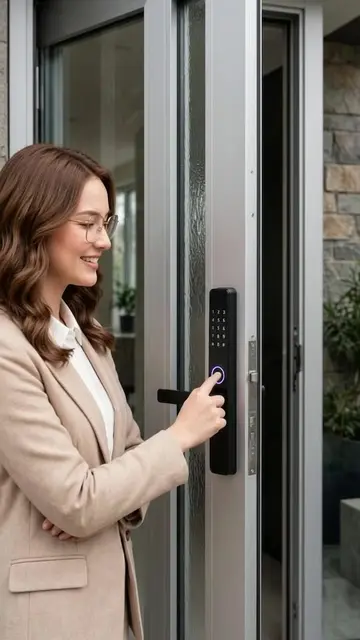
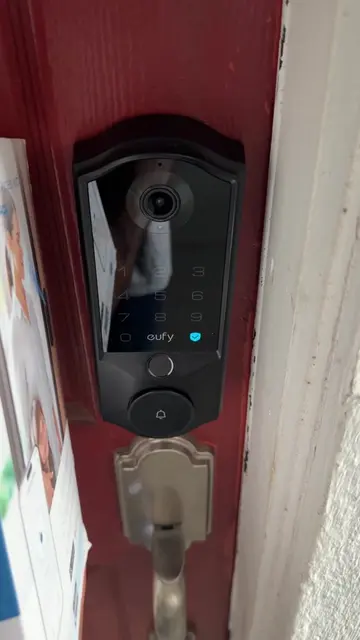
The video demonstrates three ways to unlock a door using a GHome smart lock: fingerprint, passcode, and app remote unlock. It highlights the convenience of not needing physical keys anymore.
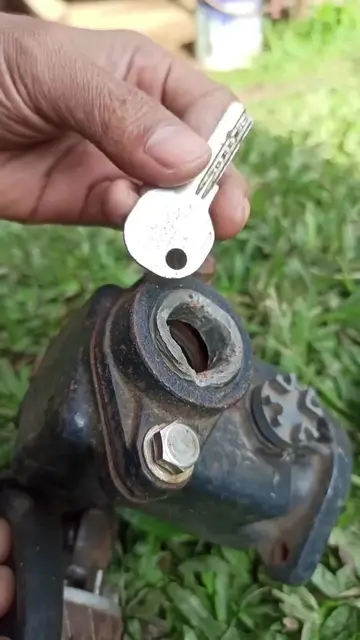
I used to lose my keys.😫 Then I realized…. I didn’t actually need them anymore.🤔 Multiple ways to unlock + a removable rechargeable battery = everyday convenience done right.😻 #TikTokShop #smartlock #ghome #fyp #smarthome
What if I accidentally lock my keys inside the room?
Questioning the need for keys
Demonstrating fingerprint unlock
Demonstrating passcode unlock
Demonstrating app remote unlock
GHome Smart Lock: ACTS - it is a smart door lock that can be unlocked via fingerprint, passcode, or app. Removing it would change what happens in the video. GHome: APPEARS - it is a logo on the smart lock. Removing it would not change what happens in the video.
Playing this video’s own audio, so you’ll hear the creator over the sound.
Outliers and viral hits: their videos on Overshot, all time.
Smart door lock with fingerprint, passcode, app, and key access for homeowners
All time.