Loading video…
Sound

original sound - lamishowtube
Lamishow Tips · Original audio
0:00–:––
Playing this video’s own audio, so you’ll hear the creator over the sound.
The video addresses a specific, practical problem for a targeted audience (Ethiopian users of Ethio Telecom) by providing a clear, actionable solution (checking eSIM compatibility). The use of a common USSD code makes the information easily verifiable and shareable.
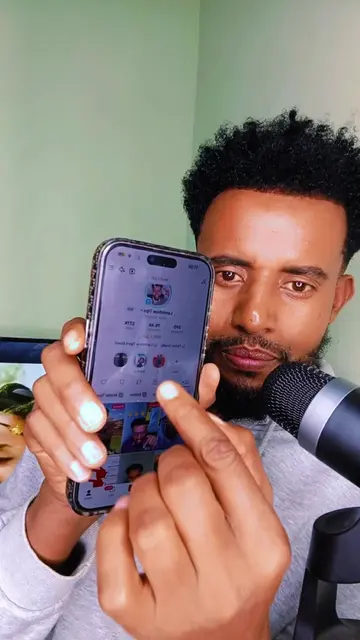
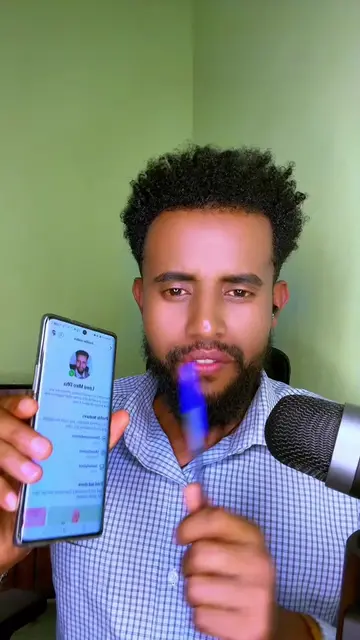
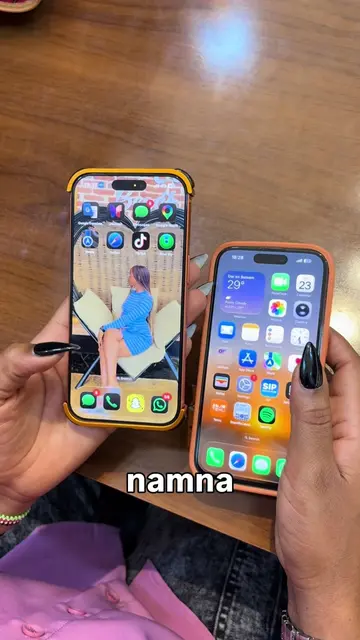
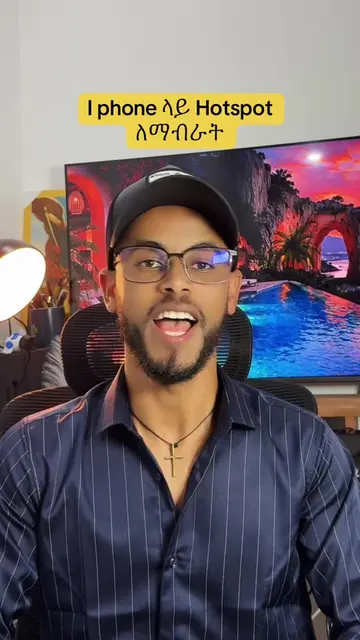
The creator demonstrates how to check if an Android phone or iPhone supports eSIM by dialing a specific code on the phone. This is presented as a helpful guide for users in Ethiopia looking to activate eSIM services with Ethio Telecom.
Want to use an eSIM with Ethio Telecom? In this video, I show you how to check whether your Android phone or iPhone supports eSIM before activating the service. This guide is especially useful for users in Ethiopia who want to use an eSIM with Ethio Telecom. If this video helps you, please like, share, and subscribe for more technology tips. eSIM Ethiopia, Ethio Telecom eSIM, eSIM support, how to check eSIM, Android eSIM, iPhone eSIM, Ethiopia tech, Ethio Telecom, Lamishow Tips #eSIM #EthioTelecom #Ethiopia #AndroidTips #iPhoneTips
Want to use an eSIM with Ethio Telecom?
Introduction to eSIM with Ethio Telecom
Demonstration of checking phone compatibility
Dialing the USSD code *#06#
Displaying device information including EID and IMEI
Explanation of the process and its usefulness
Call to action to like, share, and subscribe
Ethio Telecom (ACTS - mobile carrier, provides service; removing it would change the video's context) Android (APPEARS - operating system, shown on phone screen; removing it would not change what happens in the video) iPhone (APPEARS - operating system, shown on phone screen; removing it would not change what happens in the video)
like, share, and subscribe for more technology tips
Playing this video’s own audio, so you’ll hear the creator over the sound.
All time.
Outliers and viral hits: their videos on Overshot, all time.