Loading video…
All breakouts
34.2Talking HeadWarning hookConsumer Apps
Hook
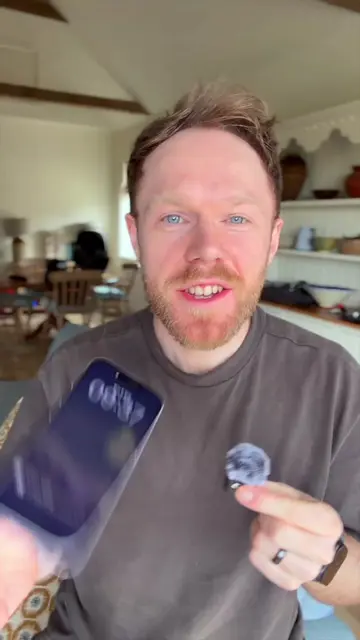
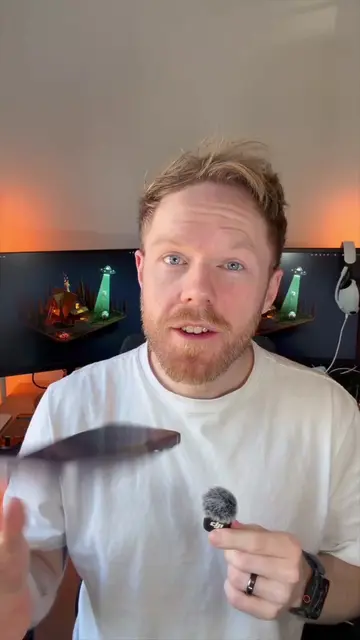
YOU'RE TEXTING AND
@seanontech
75.5K followers · usually 26.3K views a post
Views
898.7K
Likes
54.6K
Comments
839
Shares
6.4K
Promoted product
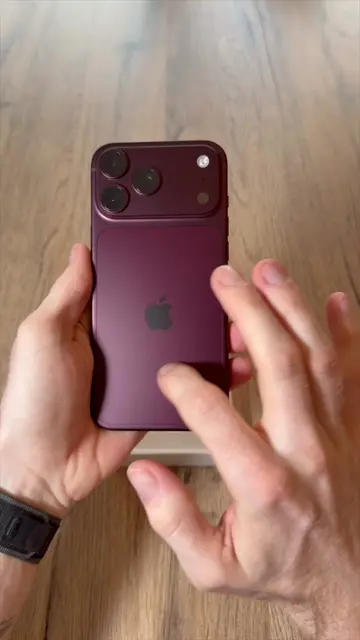
iPhone
Why it worked
The video addresses a common and frustrating user experience with iPhones, offering a simple, actionable solution. The creator's relatable tone and clear, step-by-step instructions make the tip easy to follow and share, driving engagement.
Summary
This video explains how to fix an annoying iPhone texting issue where the phone autocompletes words you didn't intend. The solution involves disabling the "Show Predictions Inline" setting within the iPhone's keyboard settings, which stops the unwanted autocompletion while still allowing for word suggestions.
Structure
- 1Introduce the texting problem
- 2Explain why it happens (predictive text guessing)
- 3Share a relatable anecdote
- 4Provide the solution: navigate to Settings > General > Keyboard
- 5Instruct to turn off "Show Predictions Inline"
- 6Explain the result and encourage sharing
Product placement
iPhone: ACTS - it is the device on which the video is demonstrated, and its settings are manipulated to solve a problem. Removing it would change what happens in the video. iOS: ACTS - it is the operating system on which the video is demonstrated, and its settings are manipulated to solve a problem. Removing it would change what happens in the video. Apple: APPEARS - it is the brand of the iPhone and iOS, but not directly acted upon. Removing it would not change what happens in the video.
Original caption
I am going to fix your iPhone texting misery 😁 you know when you’re typing and it suggests a word and then autocompletes it when you hit send? INFURIATING! 😂 but there’s an easy fix – all it takes is a quick change of a very easy to miss iOS setting 😅 doing Apple’s work here 📲 and yes you can still keep predictive text ✅ #iphone #iphonehelp #ios #apple #iphonetips
More from @seanontech
More breakout videos from this creator.