Loading video…
All breakouts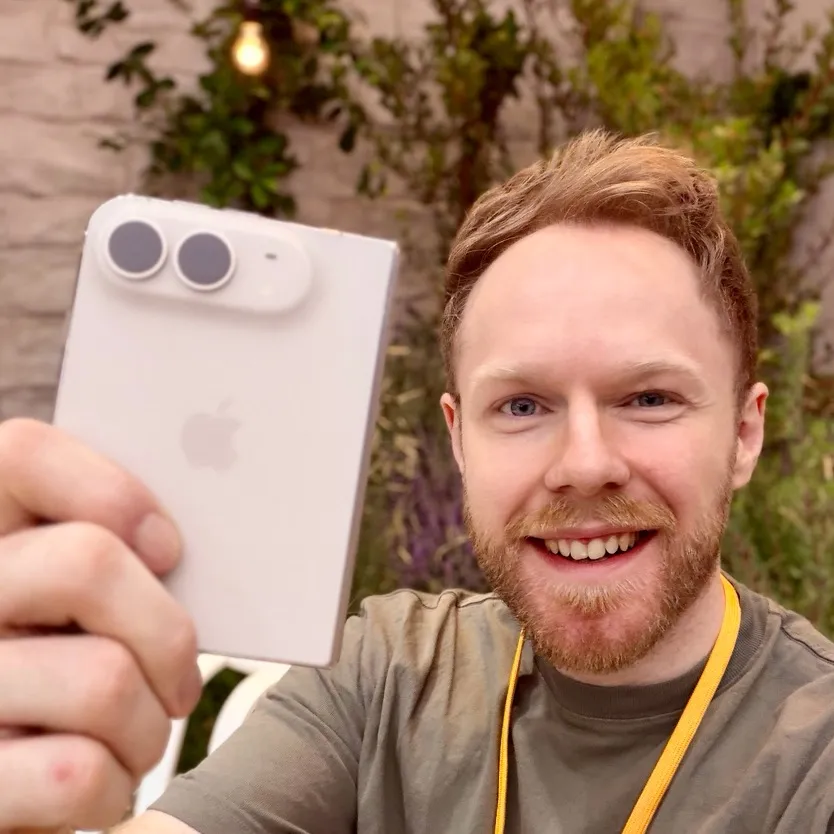
213Talking HeadOther hookConsumer Apps
Hook
YOU CAN SEND
@seanontech
75.5K followers · usually 26.3K views a post
Views
5.6M
Likes
208.3K
Comments
10.3K
Shares
38.7K
Promoted product
iMessage
Why it worked
The video leverages the "hidden feature" or "secret trick" trope, which is highly engaging on social media. By revealing lesser-known functionalities of a widely used app like iMessage, it provides immediate value and encourages sharing and discussion.
Summary
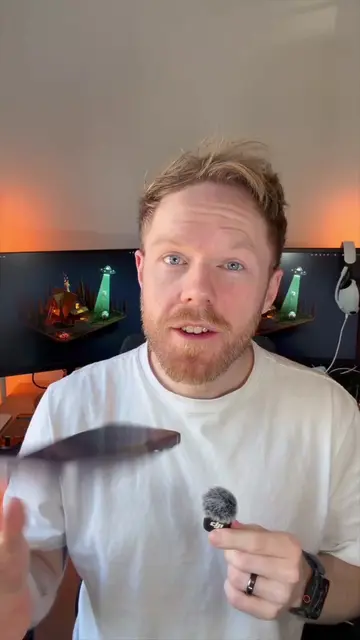
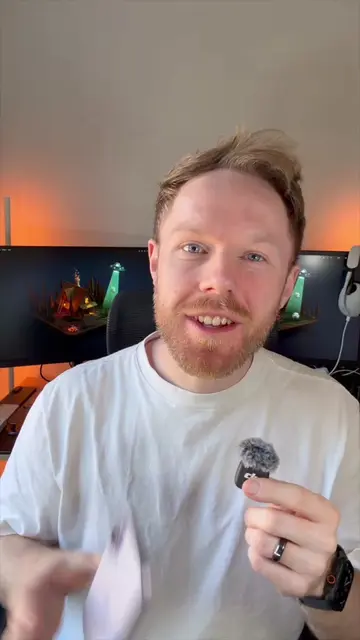
The video demonstrates two lesser-known features of iMessage on iPhones: sending messages and photos with "invisible ink" that requires recipients to scrub to reveal, and a shortcut to access the camera roll by long-pressing the plus icon. It also shows how to reorder the iMessage app list to bring "Send Later" to the top for quicker scheduling.
Structure
- 1Introduce invisible ink text feature
- 2Demonstrate invisible ink photos
- 3Show how to reorder iMessage apps
- 4Explain camera roll shortcut
- 5Ask viewers what they knew
Product placement
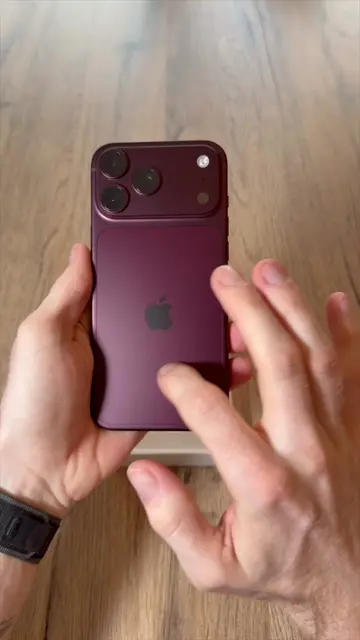
iPhone: it is used to demonstrate iMessage features. Removing it would change what happens in the video. (Acts)
iMessage: it is the app being used to demonstrate features. Removing it would change what happens in the video. (Acts)
Call to action
Let me know in the comments!
Original caption
OK I’m going to take you DEEP on iMessage wisdom here 😂 these are some premium iOS tricks that are so easy to miss ✅ I mean most people don’t even know about Invisible Ink texts, never mind invisible photos, Send Later, list re-ordering and the Photos shortcut 🤯 doing Apple’s work for them here 🍏 how many of these did you know? 📲 #iphone #ios #iphonetips #iphonetricks #apple
More from @seanontech
More breakout videos from this creator.