Loading video…
Sound

Sunflower - Spider-Man: Into the Spider-Verse
Post Malone & Swae Lee
0:00–:––
- Videos using it
- 164
- Creators
- 97
- Views on those videos
- 53.6M
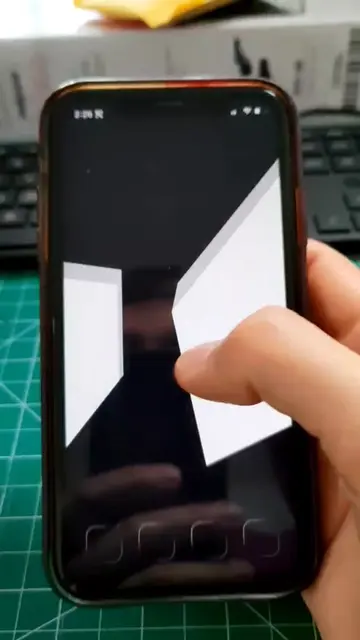
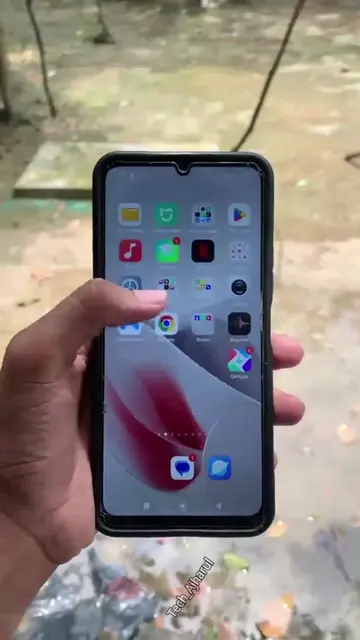
The video provides a practical and visually demonstrated solution to a common user desire (hiding apps) using a creative workaround (transparent widgets). The step-by-step instructions are clear and easy to follow, making the trick accessible to a wide audience.
The video demonstrates how to make apps invisible on an Android phone by using a widget from the Prio Topic website. It guides the viewer through searching for "HAP" on Prio Topic, finding the "Hide Apps on Android" article, and then using the "Photo Actions" widget to create a transparent "Gallery" widget that can be placed on the home screen, effectively hiding the app.
#phone #phonetips #TechTips #phonetricks #apple
How to make your apps invisible
Search for Prio Topic
Search for HAP on Prio Topic
Find and open the article on hiding apps
Add a transparent widget for an app
Adjust transparency and place widget on home screen
App is now invisible
Google: (a) it ACTS - it is used to search for information. Removing it would change what happens in the video. Prio Topic: (a) it ACTS - its website is browsed to find information. Removing it would change what happens in the video. Premier League: (b) it merely APPEARS - a search suggestion. Removing it would not change what happens in the video. Primark: (b) it merely APPEARS - a search suggestion. Removing it would not change what happens in the video. Photo Actions: (a) it ACTS - it is an app or tool that is being customized and added to the home screen. Removing it would change what happens in the video. Gallery: (a) it ACTS - it is an app that is being customized and added to the home screen as a widget. Removing it would change what happens in the video.
Promotes 4 products. Create free account to see more.
Outliers and viral hits: their videos on Overshot, all time.
Technology and app review website for people researching digital tools
All time.