Loading video…
All breakouts
10.2Talking HeadHow-To hookOther
Hook
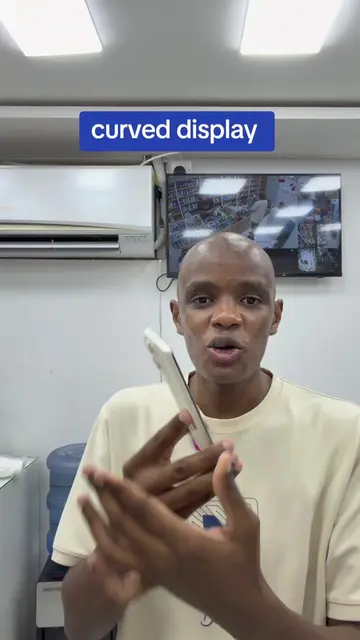
Gen Z waay of taking Screenshots on iPhone do it now ",
@mrbingo.laptop
728.7K followers · usually 5.7K views a post
Views
49.7K
Likes
1.1K
Comments
26
Shares
94
Promoted product
iPhone
Why it worked
The video provides a quick, actionable tech tip that is easily shareable and relevant to a large audience of iPhone users, leveraging a "hidden" feature that many may not be aware of.
Summary
The video demonstrates a "Gen Z" method for taking screenshots on an iPhone by double-tapping the back of the phone. It also shows how this feature can be customized to activate other functions like the flashlight or camera.
Structure
- 1Introduction to the "Gen Z" screenshot method
- 2Demonstration of taking a screenshot by double-tapping the back
- 3Showing how to enable the feature in iPhone settings
- 4Customizing the double-tap for flashlight and camera functions
- 5Concluding with a call to action
Product placement
iPhone: it is used to demonstrate a new screenshot method. Removing it would change what happens in the video.
iPhone Settings: the interface is operated to change a setting. Removing it would change what happens in the video.
Call to action
like, share and follow for more content like this
On-screen text
Original caption
#fyppppppppppppppppppppppp
More from @mrbingo.laptop
More breakout videos from this creator.