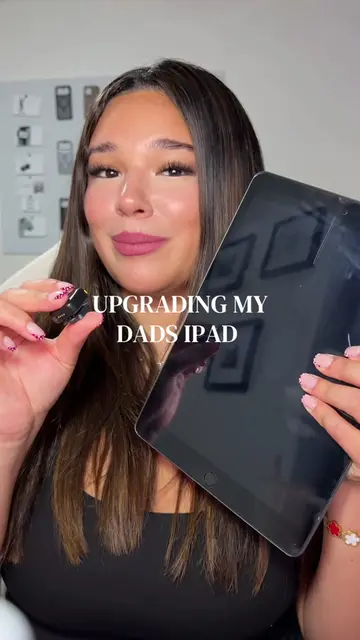
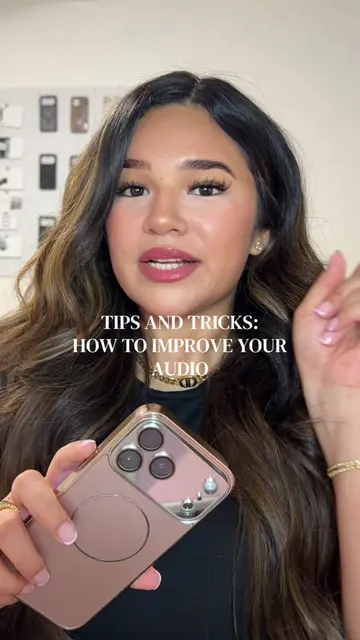
Loading video…
All breakouts 13 videos9 creators
3.1Talking HeadHow-To hookConsumer Apps
Hook
Google Pixel Secret Button
@valstechtalk
450.3K followers · usually 94.0K views a post
Views
280.6K
Likes
14.7K
Comments
223
Shares
548
Promoted product
Google Pixel
Find the right smartphone for you
Why it worked
The video provides a practical and easily replicable phone hack that offers immediate utility to users. By demonstrating a hidden feature, it taps into curiosity and the desire for personalization, making it highly shareable.
Summary
This video demonstrates how to enable and customize the 'Quick Tap' gesture on a Google Pixel phone. The creator shows how to set specific actions, like opening an app, by double-tapping the back of the phone.
Structure
- 1Introduce the 'secret button' on Google Pixel
- 2Navigate to Settings > System > Gestures
- 3Enable 'Quick Tap' and select an action (e.g., open Pinterest)
- 4Demonstrate the 'Quick Tap' functionality
Original caption
what do you use your secret button for? 🤭🤓 #google #googlepixel #pixel10 #phonetips #phonehacks @Google Pixel
More from @valstechtalk
More breakout videos from this creator.