Loading video…
Sound

original sound - LAPTOP SECOND GARANSI 1 TAHUN
LAPTOP SECOND GARANSI 1 TAHUN · Original audio
0:00–:––
Playing this video’s own audio, so you’ll hear the creator over the sound.
This video promotes it, but we haven’t matched it to a product page yet, so there are no product figures.
The video provides practical, actionable tips for new laptop users, addressing common pain points like performance and storage management. The clear, step-by-step demonstration, combined with a friendly and encouraging tone, makes the information easily digestible and valuable.
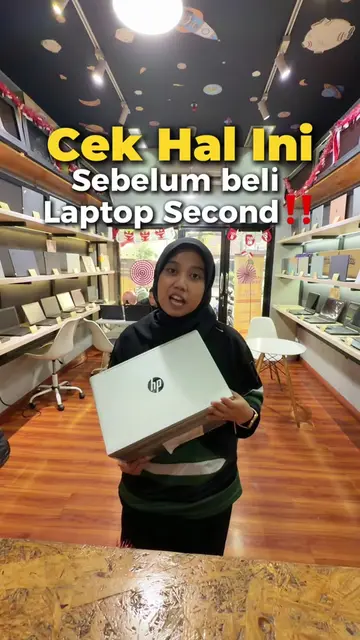
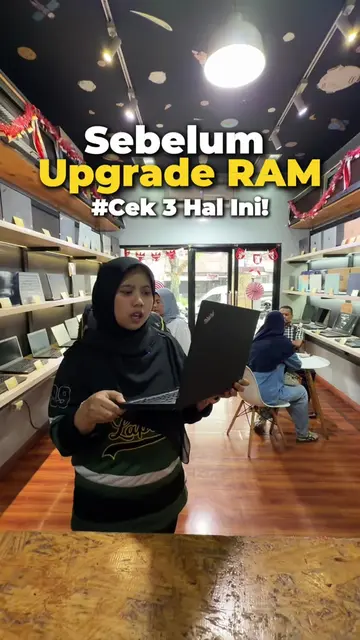
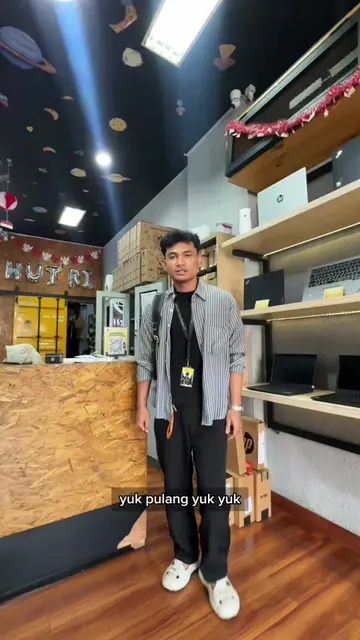
The video demonstrates how to optimize a new or second-hand laptop by adjusting three settings: disabling unnecessary startup applications, enabling "Storage Sense" for automatic cleanup, and setting the "Power Mode" to "Best Performance". The creator encourages viewers to visit "Importir Laptop" for their laptop needs, highlighting their one-year warranty.
3 Hal barusan bisa kamu terapin pas kamu baru pake Laptop baru/second ya guys🤩 #importirlaptopofficial #edukasi #laptop
CARA SETTING Laptop baru!
Introduction and problem statement
Adjusting startup applications
Configuring storage settings
Optimizing power mode
Call to action and store promotion
HP (appears, removing it would not change what happens in the video) Windows 11 (appears, removing it would not change what happens in the video) Microsoft OneDrive (acts - it is an application that runs in the background, removing it would change what happens in the video) Microsoft Teams (acts - it is an application that runs in the background, removing it would change what happens in the video) Chrome (acts - it is an application that runs in the background, removing it would change what happens in the video) PowerPoint (acts - it is an application that runs in the background, removing it would change what happens in the video) Word (acts - it is an application that runs in the background, removing it would change what happens in the video) Excel (acts - it is an application that runs in the background, removing it would change what happens in the video) LinkedIn (acts - it is an application that runs in the background, removing it would change what happens in the video) File Explorer (acts - it is an application that runs in the background, removing it would change what happens in the video) Command Prompt (acts - it is an application that runs in the background, removing it would change what happens in the video) Camera (acts - it is an application that runs in the background, removing it would change what happens in the video) Image Creator (acts - it is an application that runs in the background, removing it would change what happens in the video) Importir Laptop (acts - it is a store where laptops are sold and serviced, removing it would change what happens in the video) Importir Laptop Official (appears - it is the creator's TikTok handle, removing it would not change what happens in the video)
ajakin langsung ke importir laptop
Playing this video’s own audio, so you’ll hear the creator over the sound.
Outliers and viral hits: their videos on Overshot, all time.