Loading video…
Sound

original sound - scenic.snapper
Sam | Photography Coach · Original audio
0:00–:––
Playing this video’s own audio, so you’ll hear the creator over the sound.
The video breaks down a complex photography concept (aperture) into easily digestible scenarios with clear visual examples and actionable f-stop ranges. It also offers a direct solution (a guide) for viewers who want to learn more, leveraging the creator's expertise and a relatable 'dummy' persona.
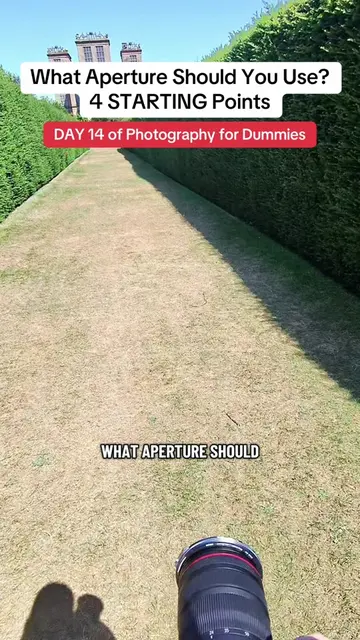
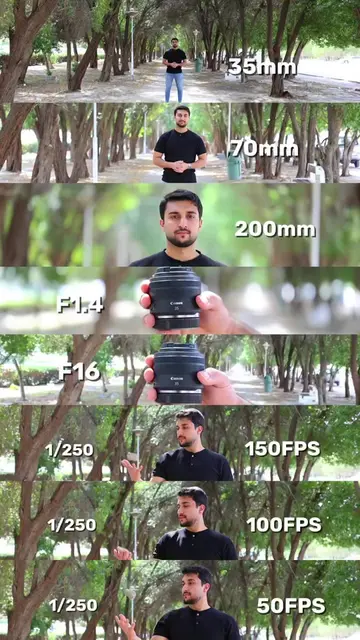
This video explains how to choose the right aperture setting for photography, differentiating between wide and narrow apertures and their effects on depth of field and light. It provides specific f-stop recommendations for portraits, landscapes, and achieving a sun star effect, and introduces a guide for mastering camera settings.
if you’re just starting in photography or you’re a beginner photographer, let’s learn photography in a simple way. this is day 2 of photography for dummies, my series where I explain photography in a simple way and help you actually learn photography. brought to you by a photographer who used to be a dummy. this is about aperture and what aperture you should use
What Aperture Should You Use?
Introduction to aperture and its importance
Explaining wide vs. narrow apertures and f-stops
Aperture settings for portraits (blurry background)
Aperture settings for landscapes (everything in focus)
Aperture for sun star effect
Aperture's role in controlling light and exposure
Introduction to a camera settings guide
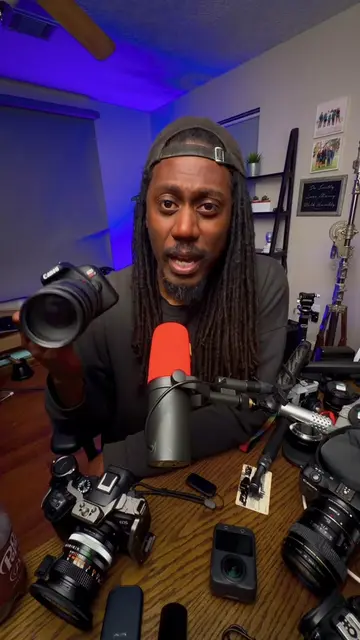
Canon (camera brand) - appears as the camera being used, but its functionality is not demonstrated or discussed, so it merely appears. Removing it would not change what happens in the video. Canon (lens brand) - appears as the lens attached to the camera, but its functionality is not demonstrated or discussed, so it merely appears. Removing it would not change what happens in the video.
DOWNLOAD My Guides: Camera Settings & How To Stop Taking Boring Photos 👇🏻👇🏻👇🏻
Playing this video’s own audio, so you’ll hear the creator over the sound.
Promotes 1 product. Create free account to see more.
Outliers and viral hits: their videos on Overshot, all time.
Photography course teaching beginners how to choose camera settings
All time.