Loading video…
All breakouts
393Text-HeavyWarning hookAI Tools
Hook
DON'T BUY
@cubesetups
26.5K followers · usually 2.1K views a post
Views
822.6K
Likes
45.7K
Comments
270
Shares
10.5K
Why it worked
The video provides concise, actionable advice on crucial laptop specifications that many consumers overlook, presented in a visually engaging format with clear on-screen text and numbered points, making it easily digestible and shareable.
Summary
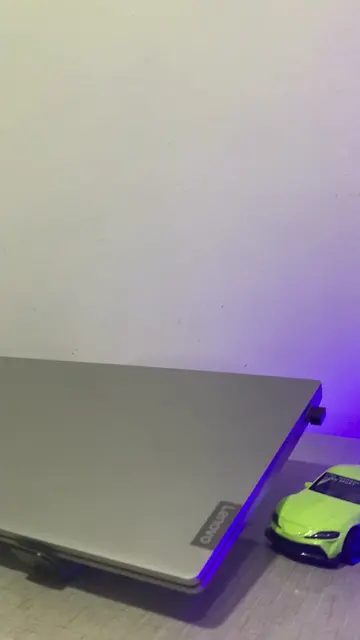
This video provides four key points to consider before buying a laptop, focusing on the processor generation, SSD generation, RAM speed, and graphics card for gaming laptops. It advises viewers to check specific details beyond basic labels to make an informed purchase.
Structure
- 1Introduction: Don't buy a laptop based on just the i5/i7/i9 label.
- 2Check processor generation and suffix (P/U vs H/HX).
- 3Check SSD generation (Gen 3, 4, or 5).
- 4Check RAM speed (aim for 3200 MHz or higher).
- 5For gaming laptops, check the dedicated graphics card and its TGP.
Product placement
Lenovo (appears, removing it would not change what happens in the video), Intel Core i5 (appears, removing it would not change what happens in the video), Intel Core i7 (appears, removing it would not change what happens in the video), Intel Core i9 (appears, removing it would not change what happens in the video), Intel Core i5-12450HX (appears, removing it would not change what happens in the video), Intel Core i3-1220P (appears, removing it would not change what happens in the video), Intel Core i5-1235U (appears, removing it would not change what happens in the video), Intel Core i5-12500H (appears, removing it would not change what happens in the video), AMD Ryzen 7 7535HS (appears, removing it would not change what happens in the video), Intel Core i5-13450HX (appears, removing it would not change what happens in the video), NVIDIA GeForce RTX 2050 (appears, removing it would not change what happens in the video), NVIDIA GeForce RTX 3050 (appears, removing it would not change what happens in the video)
Original caption
4 Things to Check Before Buying a Laptop 💻⚡ #laptoptips #laptopbuying #TechTips #gaminglaptop #techguide
More from @cubesetups
More breakout videos from this creator.