Loading video…
Sound

original sound - cubesetups
cubesetups · Original audio
0:00–:––
Playing this video’s own audio, so you’ll hear the creator over the sound.
The video provides practical, actionable tips in a concise and visually engaging format, directly addressing a common need for PC users to improve their efficiency with keyboard shortcuts. The use of clear on-screen text and demonstrations makes the information easy to follow and remember.
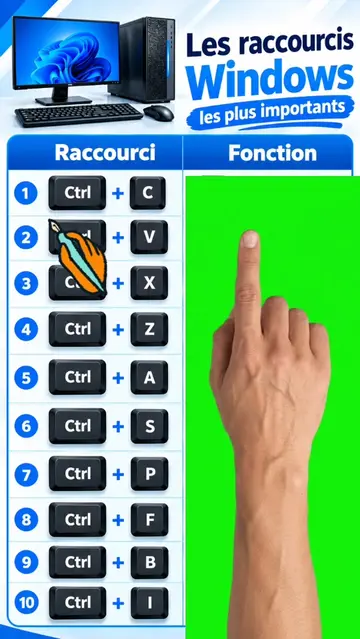
This video showcases 10 essential Windows keyboard shortcuts that can improve user efficiency. It demonstrates shortcuts for voice typing, casting displays, accessing system tools, quick settings, emojis, opening settings, locking the screen, file explorer, clipboard history, and restarting graphics drivers.
Top 10 Windows Shortcuts You Need to Know 🤯 #windows11 #windowstips #pctips #keyboardshortcuts #TechTips
TOP 10 WIN SHORTSCUTS YOU PROBABLY DON'T KNOW
Introduction of topic: Top 10 Windows Shortcuts
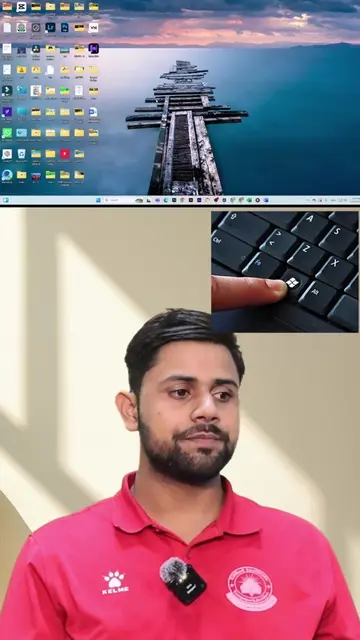
Demonstration of shortcuts 1-5 (Win+H, Win+K, Win+X, Win+A, Win+.)
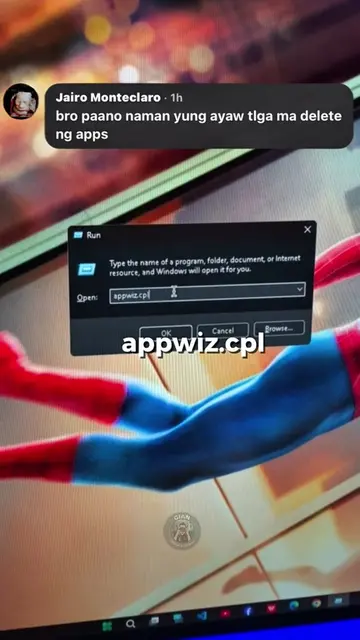
Demonstration of shortcuts 6-10 (Win+I, Win+L, Win+E, Win+V, Win+Ctrl+Shift+B)
Call to action: Follow for more tips
Windows: This is the operating system that the video is demonstrating shortcuts for. It ACTS as the platform on which the shortcuts are used. Removing it would change what happens in the video. Microsoft: This is the company that develops Windows. It merely APPEARS as a logo and is part of the operating system's branding. Removing it would not change what happens in the video.
Follow for more useful tech tips
Playing this video’s own audio, so you’ll hear the creator over the sound.
Promotes 3 products. Create free account to see more.
Outliers and viral hits: their videos on Overshot, all time.
Experience the Windows difference | Microsoft Windows
All time.