Loading video…
Sound

original sound - jornadatop
Jornada Top · Original audio
0:00–:––
Playing this video’s own audio, so you’ll hear the creator over the sound.
This video promotes it, but we haven’t matched it to a product page yet, so there are no product figures.
The video addresses a common pain point for iPhone users accustomed to Android keyboards by offering a simple, built-in solution. The clear step-by-step instructions and demonstration make the trick easy to replicate, driving engagement.
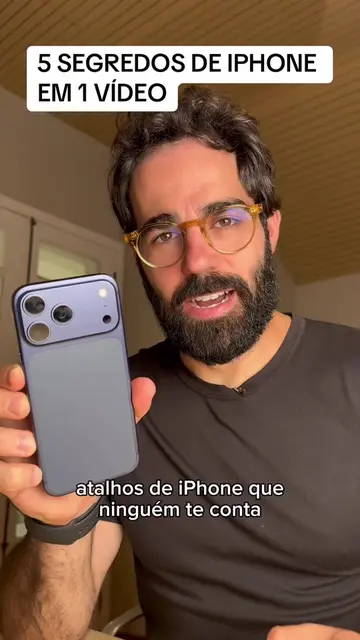
The video demonstrates how to enable a keyboard layout on an iPhone that displays numbers alongside letters, similar to Android keyboards, without installing third-party apps. It guides viewers through the iPhone's settings to add a Vietnamese keyboard, which provides this combined number and letter layout.
#apple #iphone #dica #tecnologia #celular
AGORA VOCÊ PODE TER UM TECLADO ASSIM NO IPHONE
Introduction to the iPhone keyboard limitation
Demonstration of the desired keyboard layout
Instructions to add a Vietnamese keyboard via settings
Showing the combined number and letter layout in action
Concluding remark and call to follow
iPhone: it is the device being used and demonstrated throughout the video. Removing it would change what happens in the video. WhatsApp: it is the application being used to demonstrate the keyboard functionality. Removing it would change what happens in the video.
Playing this video’s own audio, so you’ll hear the creator over the sound.
Promotes 12 products. Create free account to see more.
Outliers and viral hits: their videos on Overshot, all time.