Loading video…
All breakouts
7.3App DemoOther hookEducation
Hook
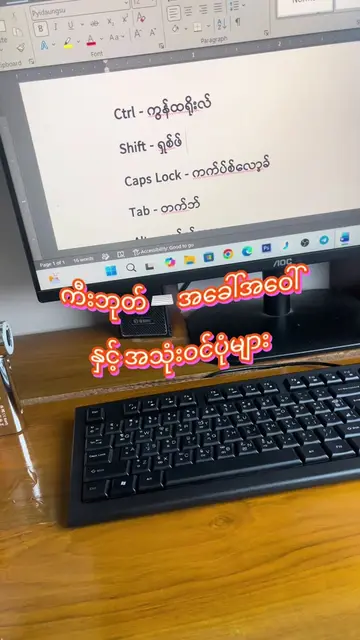
ကီးဘုတ်ကို 💻 Screen ပေါ်မှာဖော်ပြီး သုံးလို့ရပါမယ်။
@myanmarpyi.technology
225.5K followers · usually 4.2K views a post
Views
29.1K
Likes
1.9K
Comments
4
Shares
86
Why it worked
The video provides a quick and useful tip for Windows users, demonstrating a practical shortcut that can be easily replicated. The clear visual demonstration and concise explanation make it highly shareable and informative.
Summary
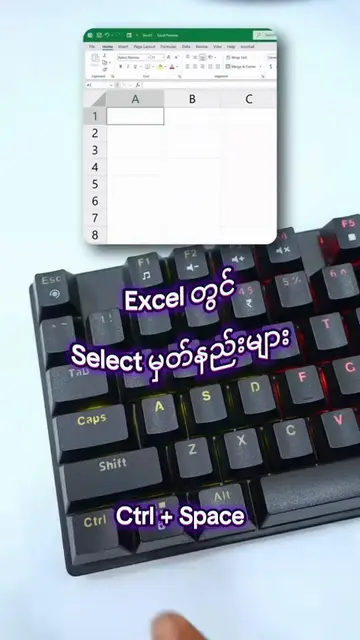
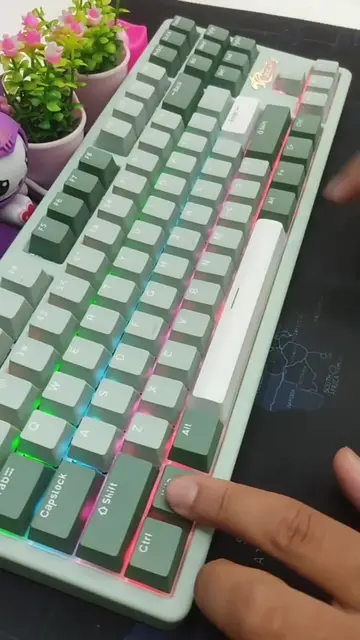
The video demonstrates how to bring up the on-screen keyboard in Windows 11 using a keyboard shortcut. It shows the keyboard shortcut "Ctrl + Windows key + O" being pressed to activate the on-screen keyboard.
Structure
- 1Introduce the on-screen keyboard concept
- 2Show the keyboard shortcut (Ctrl + Win + O)
- 3Demonstrate the shortcut activating the on-screen keyboard
On-screen text
ကီးဘုတ်ကို 💻 Screen ပေါ်မှာဖော်ပြီး သုံးလို့ရပါမယ်။
Transcript
ကီးဘုတ်ကို Screen ပေါ်မှာဖော်ပြီး သုံးလို့ရပါမယ်။
Original caption
ကီးဘုတ်ကို 💻 Screen ပေါ်မှာဖော်ပြီး သုံးလို့ရပါမယ်။ #computer #shortcuts #keyboard
More from @myanmarpyi.technology
More breakout videos from this creator.