Loading video…
All breakouts
8.4Talking HeadDirect Question hookEducation
Hook
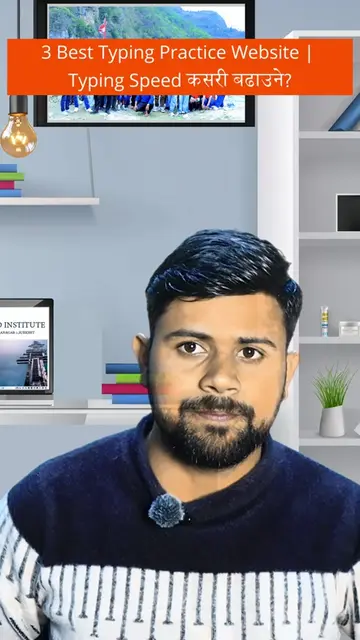
तपाईंले कम्प्युटर चलाइ राख्नु भएको छ भने
@giftedcomputerinstitute
21.5K followers · usually 7.7K views a post
Views
62.5K
Likes
3.6K
Comments
19
Shares
462
Why it worked
The video provides practical and immediately useful information about Windows keyboard shortcuts, which are highly sought after by users looking to improve their productivity and efficiency on their computers. The clear, step-by-step demonstration and the use of on-screen text make the content easy to follow and retain.
Summary
This video demonstrates five useful Windows keyboard shortcuts for computer users. The presenter explains how to use each shortcut to access emojis, take screenshots, view open applications, access clipboard history, and lock the computer.
Structure
- 1Introduction to Windows shortcuts
- 2Windows + . for emojis
- 3Windows + Shift + S for screenshots
- 4Windows + Tab for Task View
- 5Windows + V for Clipboard History
- 6Windows + L to lock the computer
Product placement
Windows (operating system) - operates the computer and allows users to run applications. It appears on screen and is operated by the presenter. Removing it would change what happens in the video.
Facebook (social media platform) - The creator's bio link leads to a Facebook page. It merely appears as a destination. Removing it would not change what happens in the video.
On-screen text
5 useful Windows keyboard shortcuts
1. Windows + .
2. Windows + Shift + S
• स्क्रिनसट लिन प्रयोग हुन्छ।
3. Windows + Tab
• Task View खोलिन्छ ।
• सबै खुल्ला एप्लिकेसन र डेस्कटपहरू देख्न सकिन्छ
4. Windows + V
• Clipboard History देखिन्छ ।
5. Windows + L
• कम्प्युटर लक हुन्छ ।
Original caption
Windows का Top 5 Shortcut Keys | समय बचाउने Tricks #Windows #ShortcutKeys #Windows11 #ComputerTips #ComputerLearning #BasicComputer #TechTips #Productivity #KeyboardShortcuts #LearnComputer #DigitalSkills #NepaliTech #GiftedComputerInstitute #Birendranagar #Surkhet #FacebookReels #ReelsNepal #ComputerEducation #LearnCreateSucceed #WindowsTips
More from @giftedcomputerinstitute
More breakout videos from this creator.